Diagnostics
On the Set-
tings Menu, touch
the Diagnostics
touch command to access the Diagnostics
screen.
M A S T E R C R A F T P R O S T A R
Page 9-24 2014 MasterCraft Owners Manual • ProStar Supplement
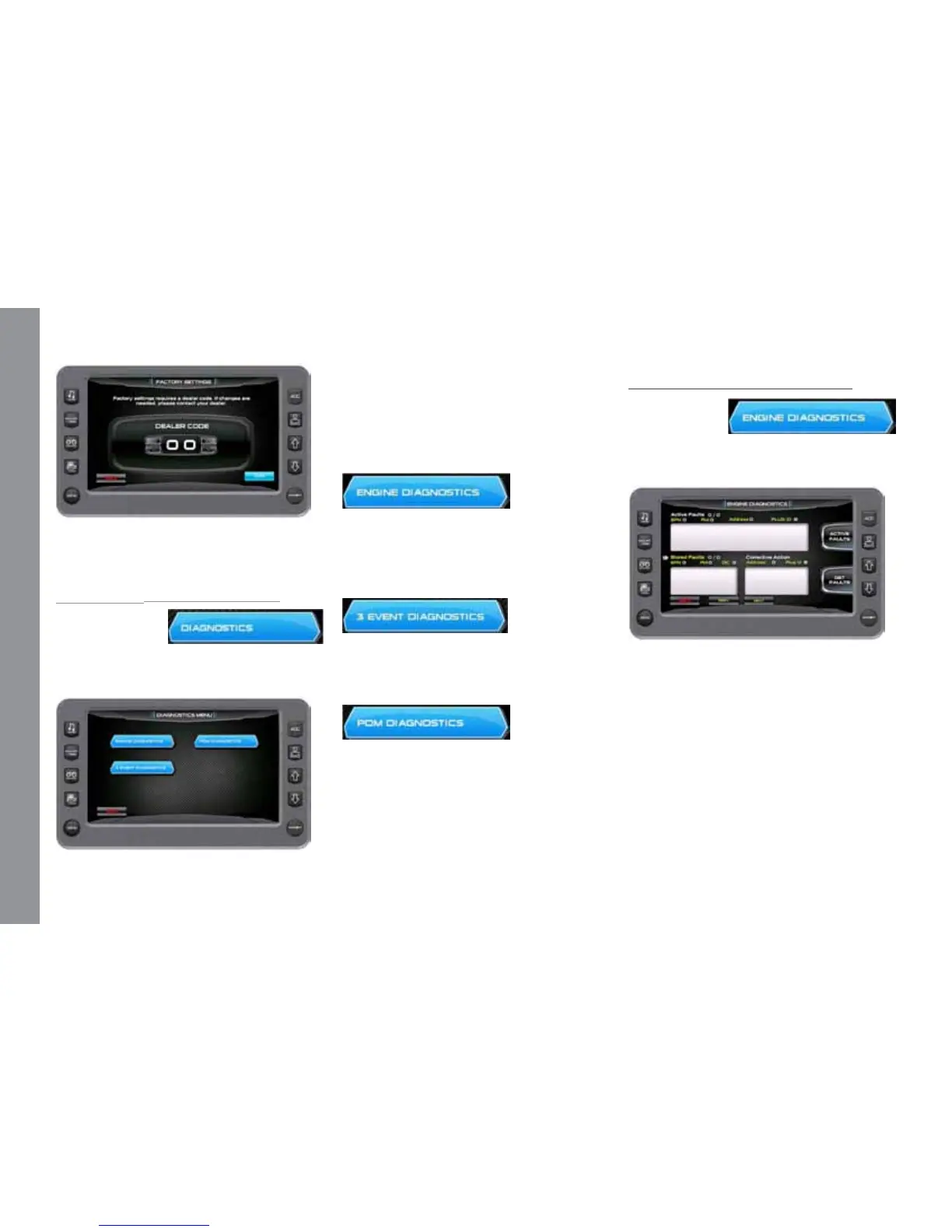
When choosing this selection, the dis-
play will query the engine(s) ECU, as illus-
trated below, and provide feedback.
Touch Commands
Description
Engine Diagnostics - Displays feedback
on any diagnostic codes that have been ac-
tivated and stored in the ECU for service
needs.
3 Event Diagnostics - Displays any 3
Event fault codes that have been activated
and allows you to clear faults.
PDM Diagnostics – Displays short cir-
cuits, open circuit, over current, in/out of
range, and faults within the system outputs,
switch inputs, analog inputs, and CAN
communication.
Engine Diagnostics
On the Diag-
nostics Menu,
touch the En-
gine Diagnostics touch command to access
the Engine Diagnostics screen.
e following is a list of eld denitions
contained on the ENGINE DIAGNOSTICS
screen:
Active Faults/Stored Faults
Shows the number of active faults and
which fault number is currently being dis-
played. To advance to the next fault, touch
[NEXT] and [PREV] to go back to the pre-
vious fault. Touching [BACK] returns to
the Settings Menu.


 To Next Page