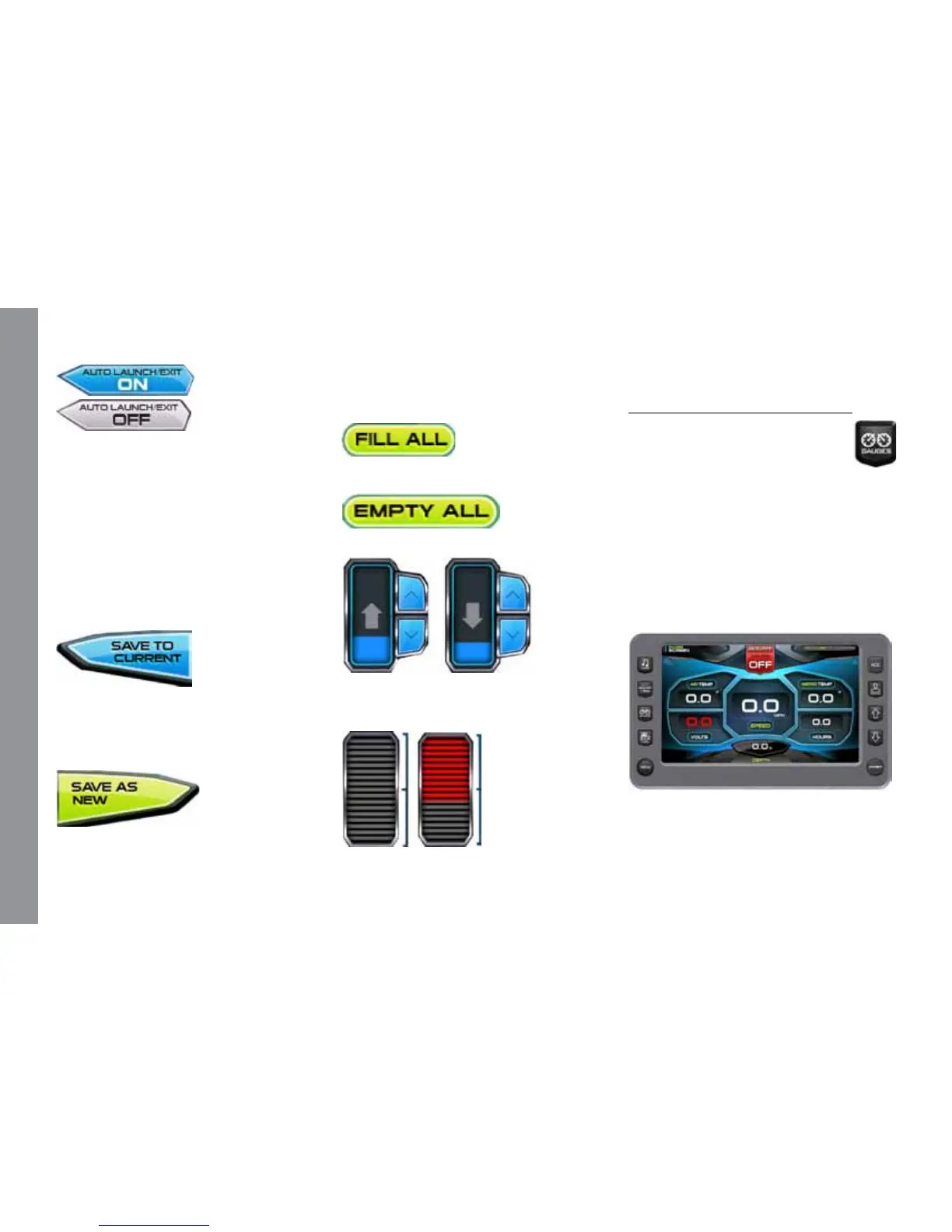
name the new prole and the new prole
process is launched. (SeeProlesformore
information.)
Touch to ll all ballasts.
Touch to empty all ballasts.
Touch and slide your nger to the de-
sired Ballast Tank level, or touch the UP
DOWN Arrows to obtain the level.
Touch and slide your nger to the desired
Touch to turn AUTO LAUNCH/EXIT
ON or OFF. When Auto Launch is on, it
automatically controls the center tab. When
speed is above the Auto Launch speed the
center tab will be retracted to 0% or if a
prole is selected, it deploys the center tab
to the prole setting. If the speed is above
the Auto Launch speed and then deceler-
ated below the Auto Launch speed, the tab
deploys to 100.
Touch to save the settings to the current
rider prole.
NOTE: If no rider prole is selected,
does nothing.
Touch to save these settings to a new
rider prole. A keyboard is displayed to
Trim Tab position.
Gauges
The Gauges screen can be ac-
cessed by pressing the Quick Ac-
cess Key. Press any Quick Access
Key to exit this screen.
Gauge Screen Gage Display
• Speedometer (MPH)
• Water Depth (FT)
• Air Temperature (F°)
• Water Temperature (F°)
• Battery Voltage (Volts)
• Engine Run Time (Hours)
M A S T E R C R A F T P R O S T A R
Page 9-6 2014 MasterCraft Owners Manual • ProStar Supplement


 To Next Page