Touch Commands
Description
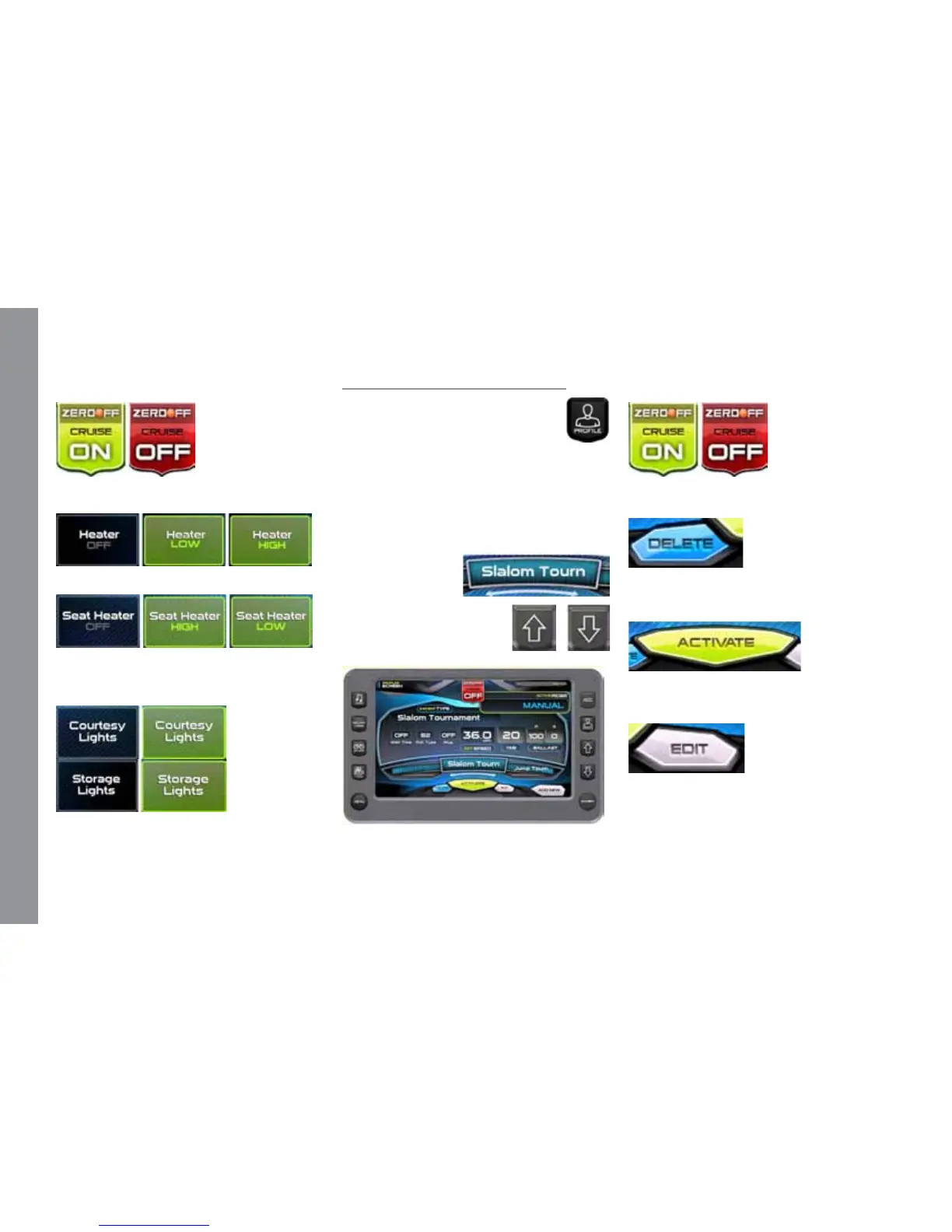
Touch to turn cruise control ON or OFF.
Touch to turn ON or OFF.
Touch again to choose a High or Low
temperature setting.
Touch to turn ON or OFF.
Profiles
e Proles screen can be ac-
cessed by pressing the Quick Access
Key.
is feature displays rider/user
proles for cruise controls based on user
preferences for Set Speed, Ballast, and Tab
settings. Up to 16 rider/user proles can be
created and stored.
To scroll through the available Proles,
slide nger across
the information
slide bar or press
the Quick Access
Keys and to view the list.
Touch Commands
Description
Touch to turn cruise control ON or OFF.
Touch to delete the selected rider aer
conrmation warning.
Touch to activate the user displayed in
that event with all settings activated.
Touch to edit existing user or event
name.
M A S T E R C R A F T P R O S T A R
Page 9-8 2014 MasterCraft Owners Manual • ProStar Supplement


 To Next Page