1
2
Working Principle
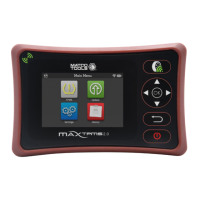
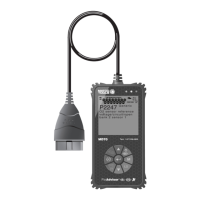
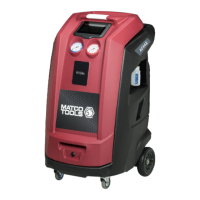
MATCO-specific
Scanners
MAXBATTERY
Vehicle Battery
The scanner needs to be equipped with
the MAXBATTERY module.
1). First clamp the BLACK and clips of the battery tester on the
Negative (-) and Positive ( ) terminals of the vehicle battery
respectively.
2). Open App.
3). In the pop-up Bluetooth list, select the Bluetooth name (starting
with MAXBATTERYxxx) of the battery tester to be paired.
4). After pairing, it can be used normally.
RED
+
MAXBATTERY
Bluetooth Battery Tester
If you have any questions on the operation of the unit, please contact Matco
customer service number: 877-853-3738.

 Need help?
 General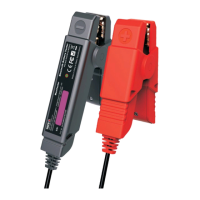

 To Next Page