10
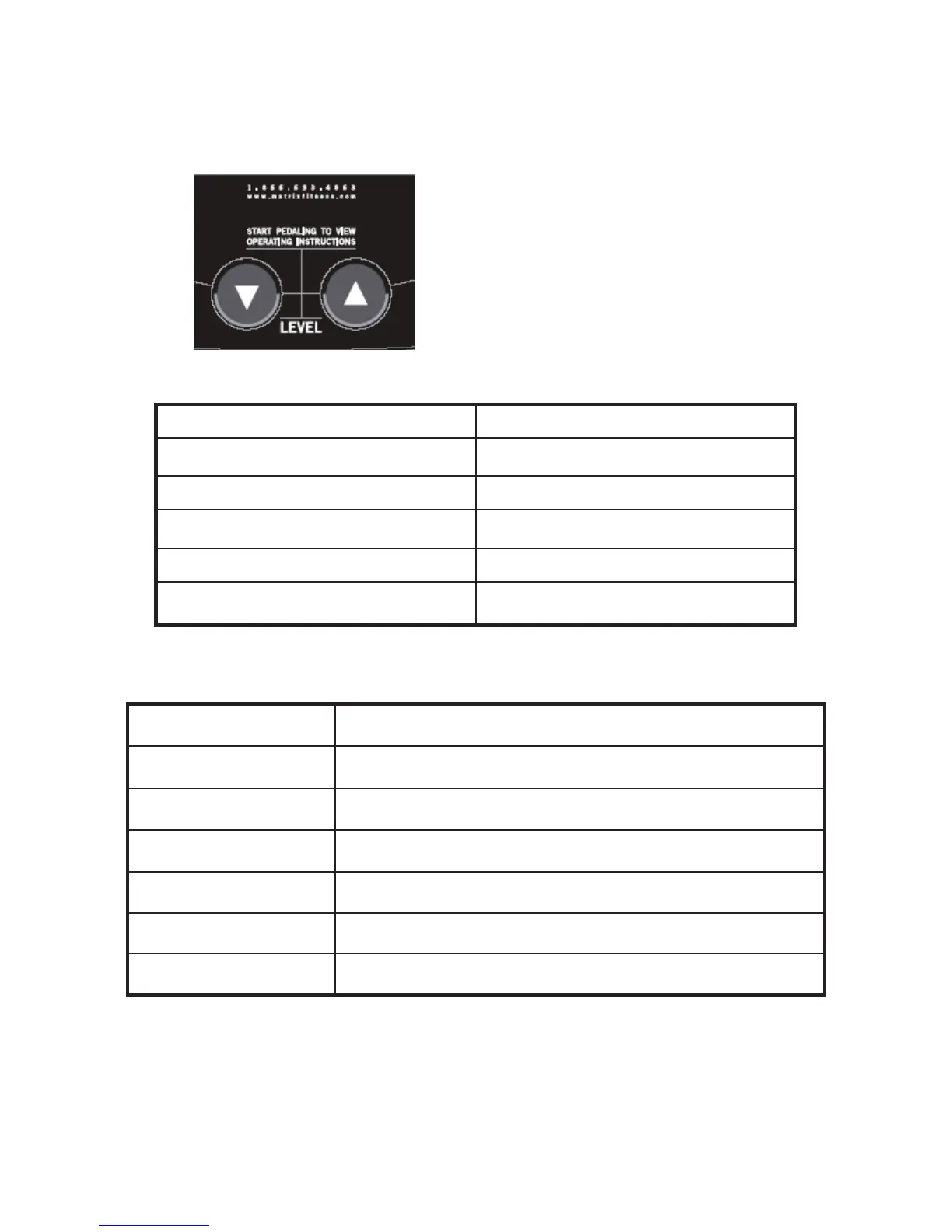
How to enter into the engineering mode?
1. Press & Hold both “DOWN” and “UP”
at the same time for 3-5 sec. Then, the
dot vision display will show
“MANAGER”
2. Press the " UP or DOWN" to select you
want and press the “SELECT" key enter.
To Store up the parameterSTART
Clean accumulate time and distanceHold MANUAL & RANDOM for 3’S
Enter addressSELECT
Select address or decrease parameterDOWN
Select address or add parameterUP
functionkey name
Engineer mode interpret
Test for factoryENG 1
HR testSERVICE 4
Show accumulate distance & timeSERVICE 3
HW test mode show RPMSERVICE 2
Display testSERVICE 1
Select address or add parameterMANAGER
Function interpretDisplay show



 To Next Page