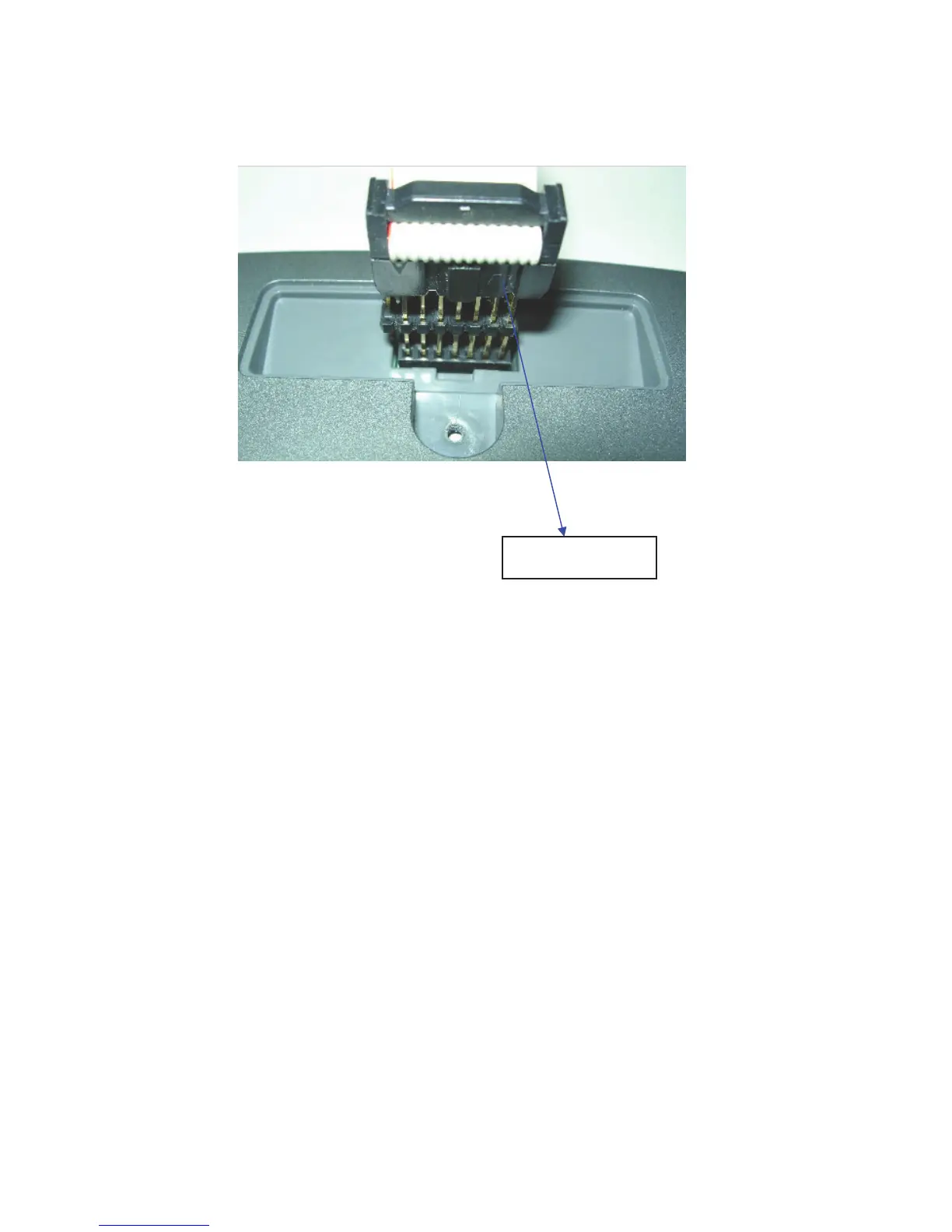
22
B. Steps:
1.
8. Turn ON the power switch and then enter into the engineering mode to
confirm if the software had been installed/upgraded.
7. Disconnect the cables.
6. Turn OFF the power switch.
5. After competed installation, the computer will show passing on the
computer screen.
4. The computer will be turned into DOS mode, and run the installation
work. Automatically. (It takes around 2 minutes for installation.)
3. Find out the software version file in the computer and then actuate/open
the file by “click” the mouse twice.
2. Turn ON the power switch.
MQMXCV002



 To Previous Page