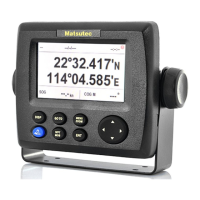
route line in the list, and
press ENT key, a menu is
opened for further
operation, such as set the
route as a Goto
destination Forward or
Reverse, Edit, Delete, or
Cancel Route.
A destination route could
not be deleted until Cancel
Route.
When Edit is selected,
Route Info. Screen is
opened for route
management.


 To Next Page