Page 2 of 24
1. Quick Start
1.1 Power on/Power off
Press the key to power on the unit. The unit beeps and starts up.
Press and hold the key for three seconds to power off the unit. The
time remaining is counted down until power off.
1.2 Adjust LCD or key panel brilliance
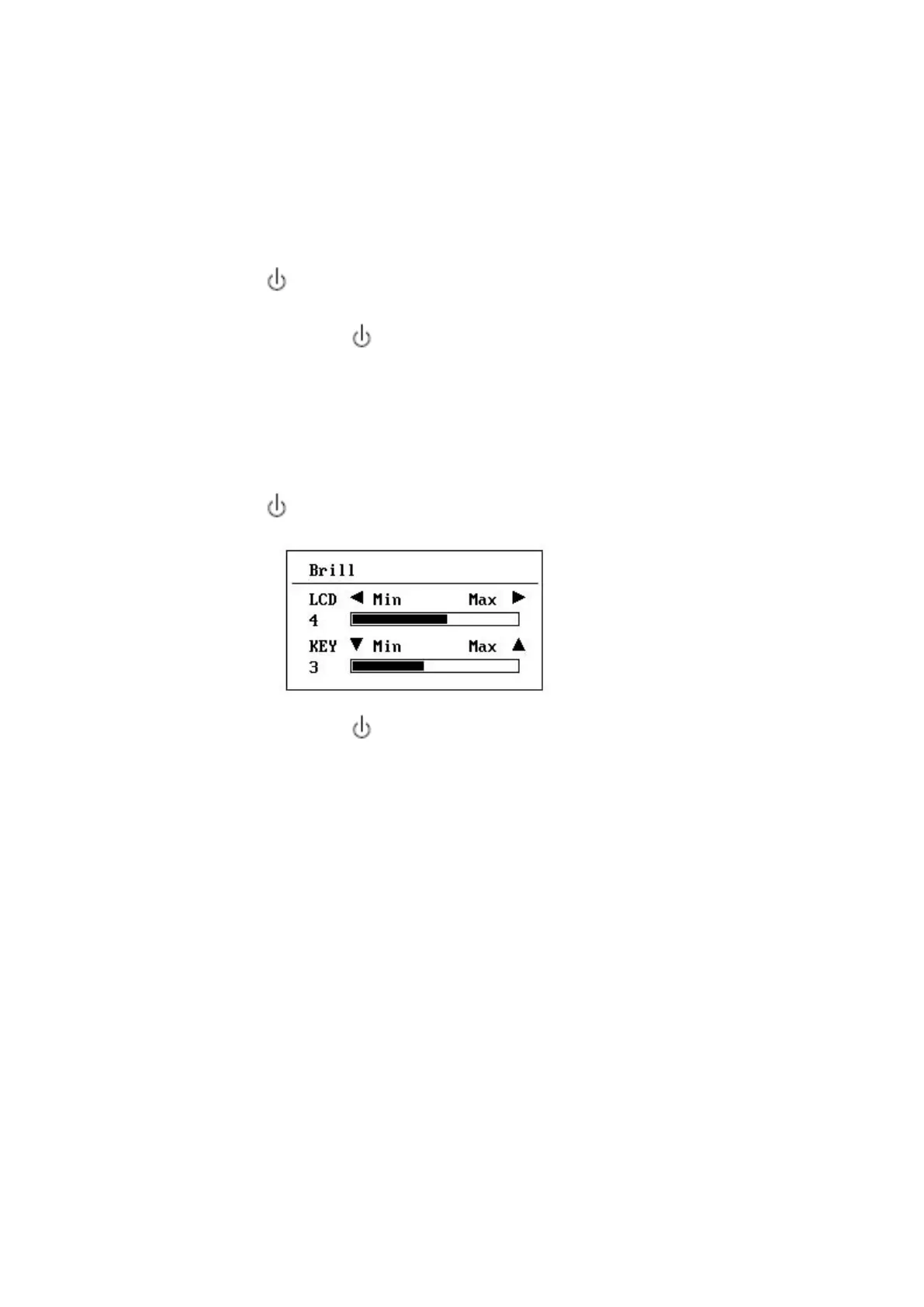
Press the key to show the brilliance window.
For LCD, press the key to loop over the brilliance or press ◀ or ▶
key to increase or decrease the brilliance.
For key panel, press the ▲ or ▼ key.
Press ENT key or MENU key to exit.



 To Next Page