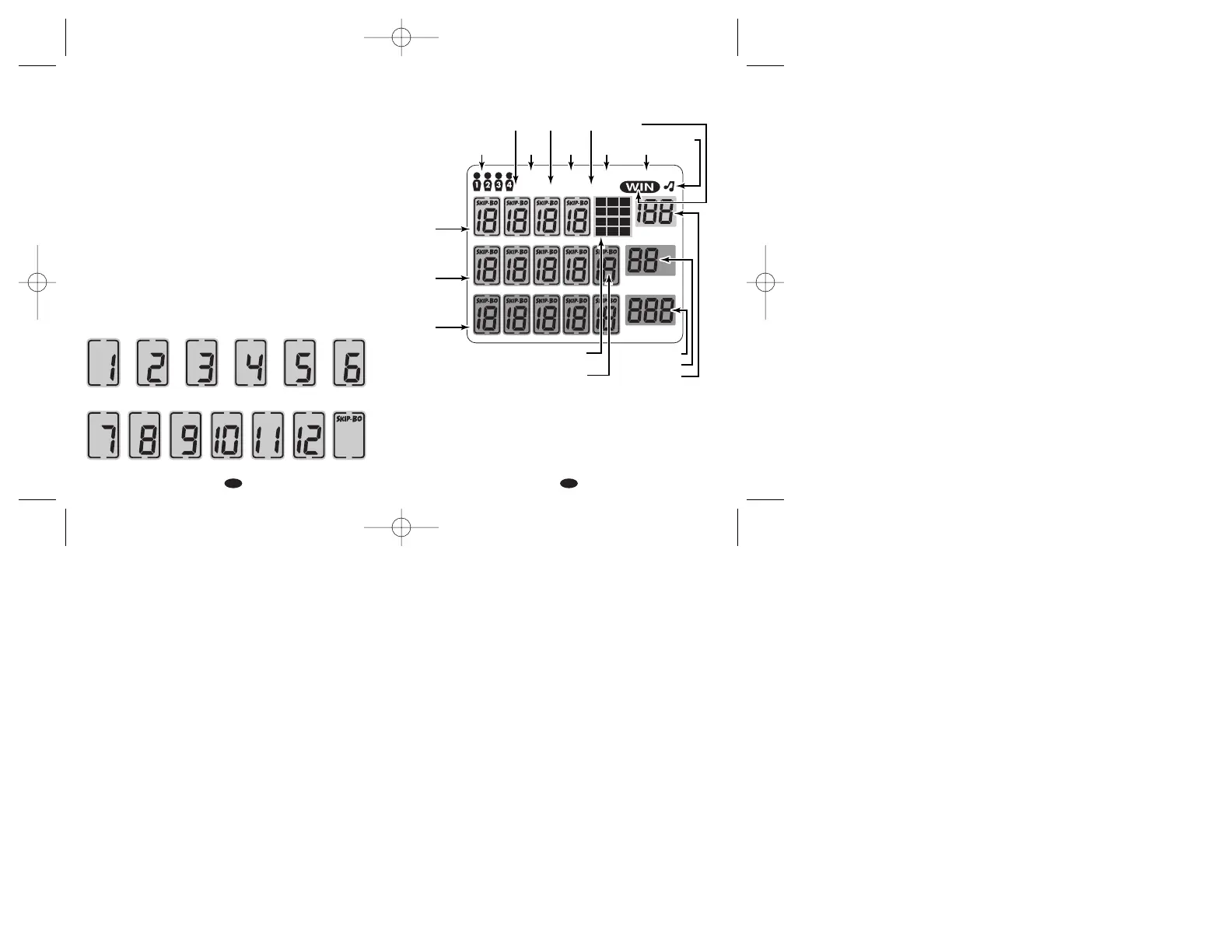
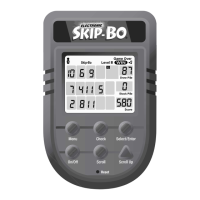
GAME SCREEN ICONS
HOW TO WIN
Be the first player to get rid of all the cards in your Stock Pile,by
moving them into the Building Piles.
SKIP-BO CARDS
Skip-Bo is played with a deck of 162 cards.144 cards numbered
1-12,and 18 Skip-Bo cards.The 18 Skip-Bo cards are wild and
4. Scroll - Press to move from icon to icon.Movement is left to
right within one row.When scrolling left to right within a row,
empty spaces will automatically be skipped over (if no card
has been selected).
5. Scroll Up - Press to move from one row of icons to the next
higher row.You may only move a card into the Building Pile on
the top row if you can actually play that card.After you play a
card into the Building Pile you will automatically be taken back to
your hand on the bottom row.
6. Check - Press to check the Discard Pile and Stock Pile of the
other players.It scrolls from player two through four. Press
Select/Enter to return to your Hand.The check symbol will
appear in the upper left corner of the screen.
7. Reset - Press to reset the game.
CARD ICONS
No. of Cards


 To Next Page