TABLE OF CONTENTS
Package Contents . . . . . . . . . . . . . . . . . . . . . . . . . . . 1
Getting Started . . . . . . . . . . . . . . . . . . . . . . . . . . . . . . 2
Battery Installation
Installing the Hand grip or (optional) Tripod
Installing SD Memory Card (Optional)
Installing Microphone (Optional)
Using the Camera . . . . . . . . . . . . . . . . . . . . . . . . . . . 7
Camera Controls
Taking a Picture
Video Recording
Zoom In/Zoom Out
Adjust Volume
Playback Mode
Connecting to your TV
Downloading From Your Vidster™
Features & Specifications . . . . . . . . . . . . . . . . . . . . 14
Tips & Troubleshooting . . . . . . . . . . . . . . . . . . . . . . . 15
PACKAGE CONTENTS
The following is included with every Mattel Vidster™:
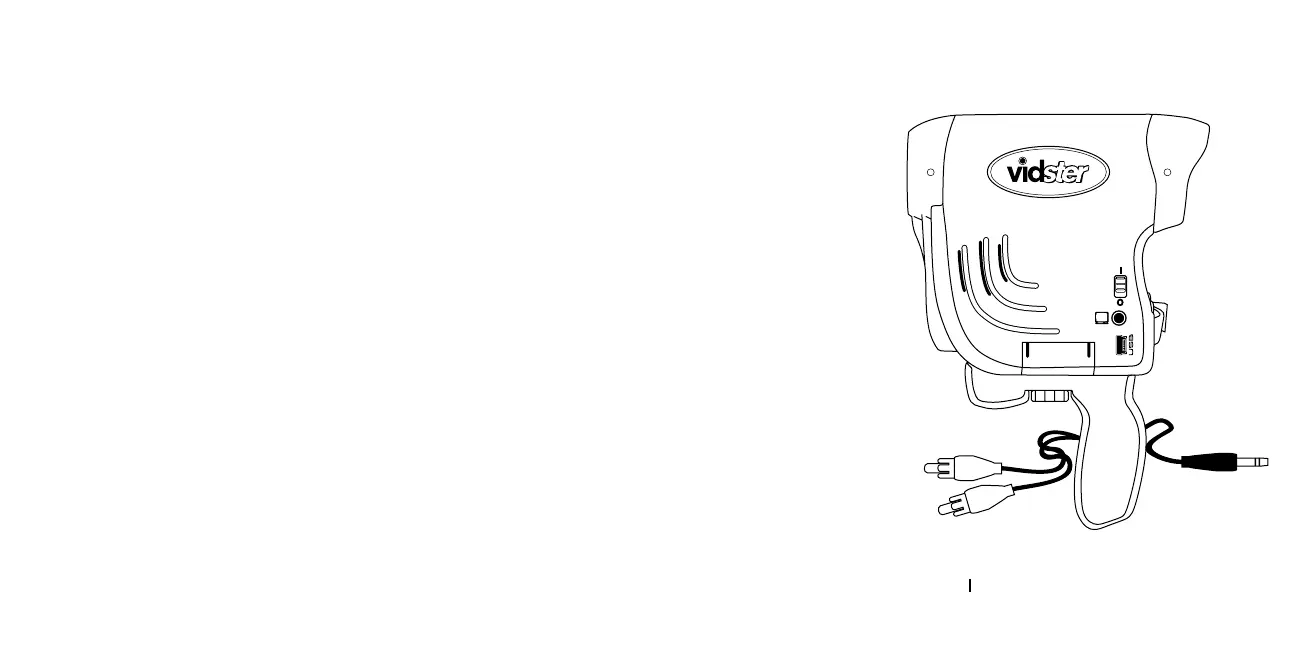
1 Handheld Vidster™
unit with Hand Strap
1 A/V cable
1 Hand Grip
1 Instructions
QUICK START
Ready to start taking pictures
or making videos? In just a few steps,
you’ll be ready to go.
1. Install 4 AA Alkaline
batteries & remove
the clear protective
film from the viewing screen.
2. Switch the camera to “On”.
1



 To Next Page