Safety
Before using the camera, please ensure that you read and understand the safety precautions
described below. Always ensure that the camera is operated correctly.
Keep these safety instructions where all those who use the product will read them.
WARNINGS
Do not open or disassemble the camera. The camera contains no user-serviceable parts inside.
This product contains a Li-ion battery. Do not attempt to open or service the battery. Batteries
are only intended to be removed by a professional.
Use only the included power supply. Do not use with a power converter/transformer.
1
Notices
This symbol indicates that electrical and electronic equipment
is to be collected separately. The following apply only to users in
European countries:
• This product is designated for separate collection at an appropriate
collection point. Do not dispose of as household waste.
• Separate collection and recycling helps conserve natural resources
and prevent negative consequences for human health and the
environment that might result from incorrect disposal.
• For more information, contact the retailer or the local authorities
in charge of waste management.
• Matterport will not be held liable for any damages resulting from
the use of this product.
• While every effort has been made to ensure that the information
in these manuals is accurate and complete, we would
appreciate it were you to bring any errors or omissions to the
attention of Matterport Customer Support at
support.matterport.com.
This symbol on the battery indicates that the battery is to be
collected separately. The following apply only to users in European
countries:
• All batteries, whether marked with this symbol or not, are designated
for separate collection at an appropriate collection point. Do not
dispose of as household waste.
• For more information, contact your Matterport Local Reseller or the
local authorities in charge of waste management.
2
Introduction
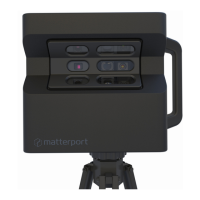
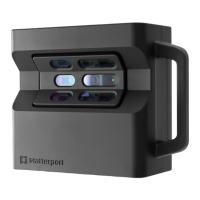
MATTERPORT PRO2 3D CAMERA
The Matterport Pro2 3D Camera reliably captures all the data needed to create immersive 3D
Spaces from the real world.
Though it is a complex instrument for capturing visual (RGB) and depth data, the camera is
easy to use, as most of the operation has been automated to ensure consistent scan results
with every use.
The Matterport Pro2 3D Camera consists of an array of three sensors mounted on a motor
which rotates the camera 360˚ to capture the RGB and depth data needed to create a 3D
replica of a real-world location.
Other required items (not included):
• Tripod with 3/8- 16 mount rated for minimum load capacity of 4.5 kg (10 lbs)
- Recommended tripods can be found on matterport.com/tripods
• Matterport Capture for iOS may be downloaded free from the iTunes store
• Compatible with Apple iPad™
- A current list of compatible iPads can be found on matterport.com/ipads
• Quick-release base such as the Sunwayfoto MAC - 14 Arca Clamp
• For use outside the U.S., a plug adapter may be needed for the power supply
Optional recommended items (not included):
• Other current Matterport User Guides can be found at matterport.com/user-guides
• Padded carry case or bag
3
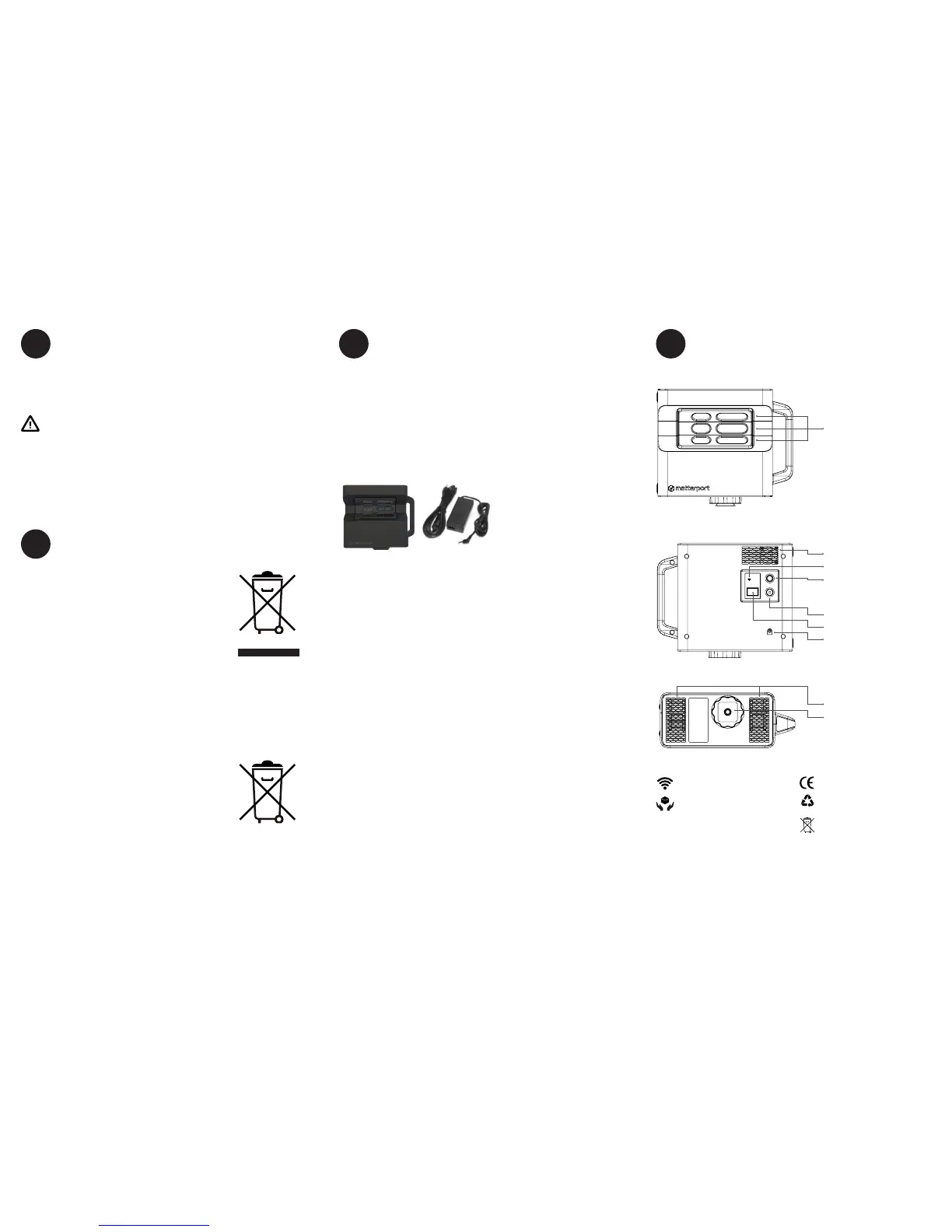
Camera Diagram
4
Items included:
1 – Matterport Pro2 3D Camera,
MC250 Series
1 – Power Supply for MC250
FRONT VIEW
Sensors with RGB
Cameras
REAR VIEW
Cooling Vents
WiFi Indicator
Power Button
Check Battery Button
LCD Display Screen
Power Supply Jack
BOTTOM VIEW
Cooling Vents
Tripod Mount and
Quick Release Adapter Plate
CE Marking
Wi-Fi Indicator
CE Marking
Handle with Care
WEEE Directives
(See Notices.)
Li-ion
LCD Display messages
If the LCD Display reports “Boot Timed Out” or any type of “Fault”, please contact
support.matterport.com. This occurs rarely, but once it occurs, it can indicate a potentially
serious problem. Rebooting may or may not x the error. The camera may no longer
function until repaired.
Symbols used on the camera


 To Previous Page
 Loading...