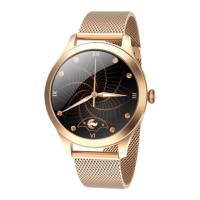
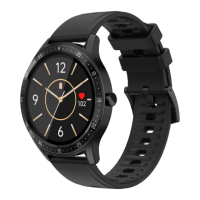
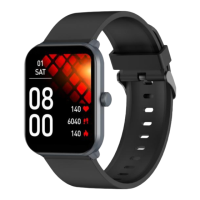
35ITENG 35
At the bottom of the screen you
can check the date the watch
was last located, how it was located
(LBS, GPS, WiFi) and the current
battery status.
In the upper right corner you can
check the route traveled by the
owner of the watch. Determine
your location on the map, or
select the type of map to be
displayed.


 To Next Page
 Loading...