Spangenberg International B.V. – Rendementsweg 24P – 3641 SL Mijdrecht – Holland – T. +31 (0) 297 253 969 – F. +31 (0) 297 256 445
info@spangenberg.nl – www.spangenberg.nl
Operating Instructions
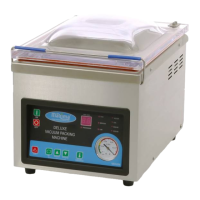
1. Open the cover, turn on the machine and select a suitable vacuum packing bag for the product.
2. Set the processing parameters and select the sealing temperature.
3. Place the vacuum bag in the chamber with the opening on top of the sealing bar. Hold the bag by
using the clamp.
4. Close the acrylic cover (for electric or pneumatic driven series, just press the start button) and the
machine will complete the process automatically. Hold the cover down by placing the cover holder.
5. During processing, the vacuum chamber will form a vacuum self-lock state, the whole heating and
sealing procedure are completed in a vacuum environment, and the LED display on panel shows
the flow of the process. The PROCESSING indicator on the panel is lighted during the process.
6. When the VACUUM indicator on the panel lights, the equipment is under vacuum state, the LED
display shows the vacuum timer, and it will enter into the next work state automatically after the
process is finished.
7. When the GAS indicator on panel lights, the equipment is under filling state, the LED display shows
the reverse timing of filling time, and it will enter into the next work state automatically after the
reverse timing is finished. For some models, this function is disabled, and this indication is skipped
when in operation. After this, the process moves to sealing state.
8. When the SEALING indicator lights, the sealing bar will heat up and the bag will be sealed, the
panel shows the reverse timing of heating. It will enter into cooling state automatically after the
reverse timing is finished.
9. During the cooling state the COOLING indicator lamp lights. According to the time setting, the
machine does not act when cooling, after the reverse timing is finished and the air is returned, the
cover opens automatically, and the whole process is finished. Then prepare for the next cycle.
10. Press the red emergency-stop button when an emergency occurs during the packaging process,
and the machine will stop processing.
11. The fan wil turn constantly when the machine is on, and can only be shut off by switching the main
switch off, which can be found on the back of the machine.
12. ATTENTION! DO NOT OPEN THE COVER UNTILL THE WHOLE PROCESS IS FINISHED!
OTHERWISE WEAR AND TEAR IS INCREASED AND MACHINE LIFE DECREASED!
Notes:
1. The silicone rubber strip comes with one side nerving and the other for letter and number inserting.
It will have an embossed effect on the sealed surface.
2. Please do not run the machine without any vacuum bag attached. Otherwise, the heating element
will endure higher wear and tear.
3. Cut off the power supply and pull out external plug when the machine is not in use.
4. The vacuum gauge / meter reading may be different in different locations.
5. Please take sufficient cooling time into account when processing is done in high temperatures.
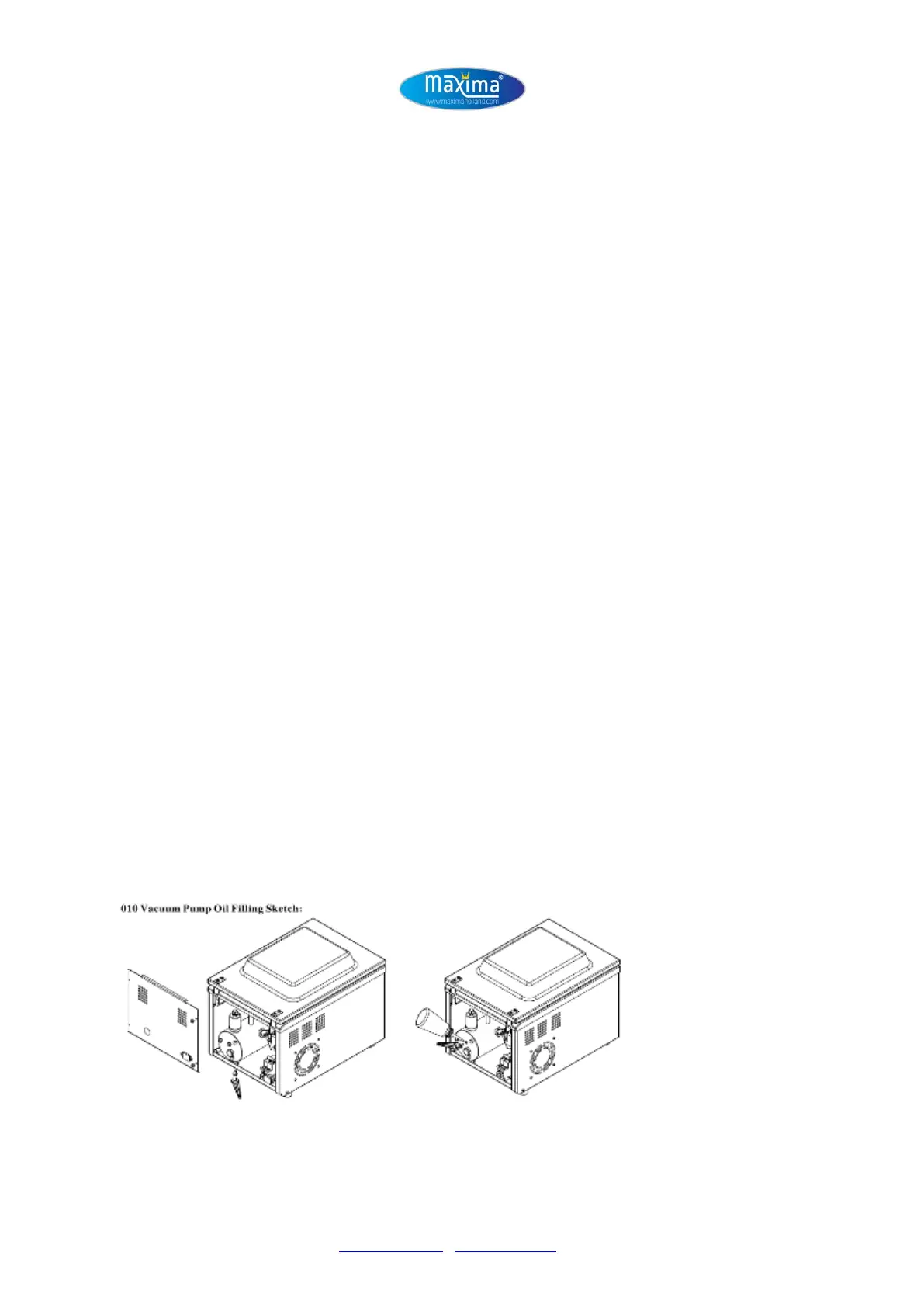
6. ATTENTION! Make sure that the machine has sufficient vacuum oil inside. Refill the oil in time!
Refilling Pump 10


 To Next Page
 Loading...