7
After Sales Support
UK/N.IRELAND HELPLINE N
O
:
REP.IRELAND HELPLINE N
O
:
WEBSITE:
EMAIL:
01270 508538
1800 995 036
www.quesh.co.uk
enquiries@quesh.co.uk
Specification
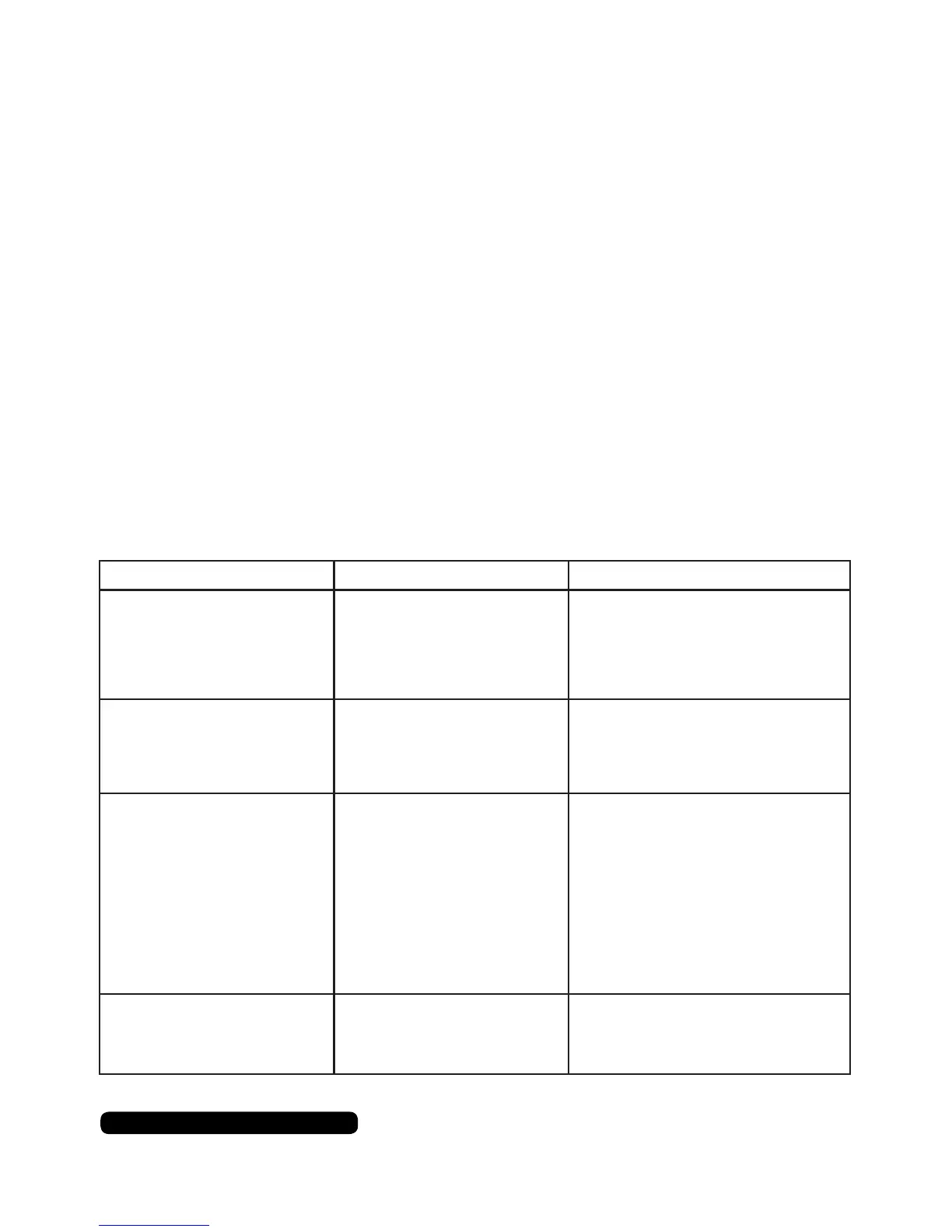
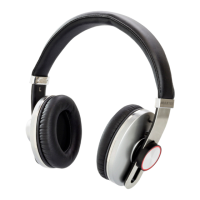
Bluetooth Headphones
• Bluetooth V3.0+EDR
• Bluetooth proles: A2DP, AVRCP, HSP, HFP
• 10m operating range
• Omni directional headphones
• Frequency responce: 20Hz-20KHz
• 320mAH rechargeable polymer Li-ion battery
• Power input: 5V DC
• Charge time: Approximately 4 hours
• Battery duration: Approximately 12 hours
FAQ
Problem Cause Solution
Bluetooth dropping out after
a few minutes.
Full device cache.
Low Power.
Manually clear the device’s cache &
restart the device.
Turn the headphones off and
recharge them.
Stuttering/delay music. Too many processes running
on device.
Corrupt bluetooth prole.
Close unused apps.
Unpair & delete bluetooth prole,
then re-pair device.
No music No compatible music app.
A2DP is not available on your
device.
Headphones not paired.
No power.
Volume low.
Use a compatible music app.
None.
Check bluetooth is on & the device
is connected.
Turn on or recharge headphones.
Turn the volume up.
“Please turn on your
bluetooth device” message
showing on device and the
headphones are on.
Bluetooth module frozen. Drain the battery at, leave 24hrs &
recharge. Delete bluetooth prole
off device & restart it. Re-pair the
device.


 To Next Page