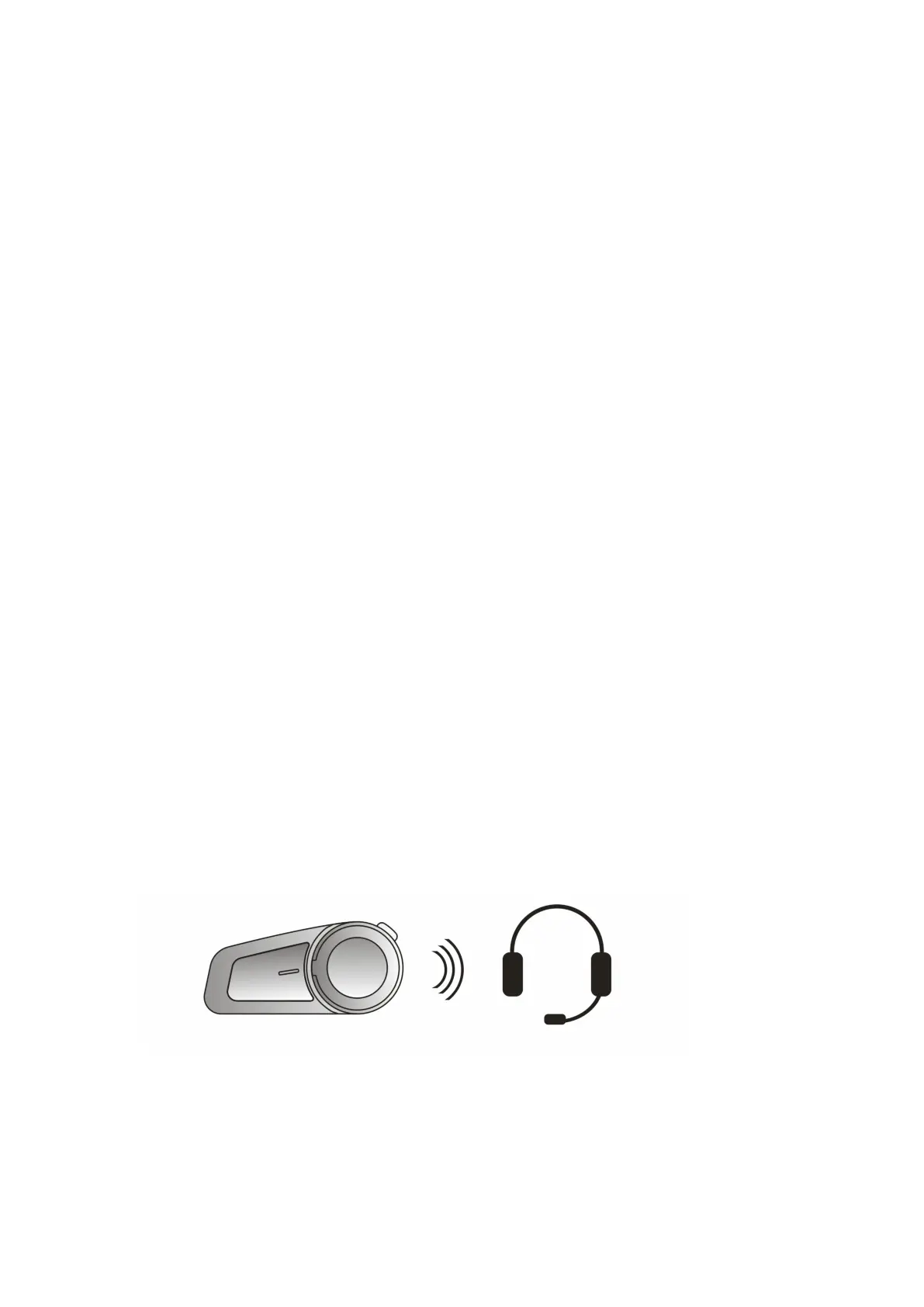
8 Pairing Methods
8.1 Two ways for M2 to enter paired state
Mode 1: When the headset is off, press and hold On/Off
Button for 6 seconds.
Mode 2: When the headset is on, press and hold
Multi-function Button for 6
seconds.
There is a “Pairing” sound prompt, and blue and red lights
flash alternately.
8.2 Pairing with the Non-Maxto intercom function
Bluetooth device
Step 1 : Place the M2 and the device within a visible range
of 1 meter.



 To Next Page