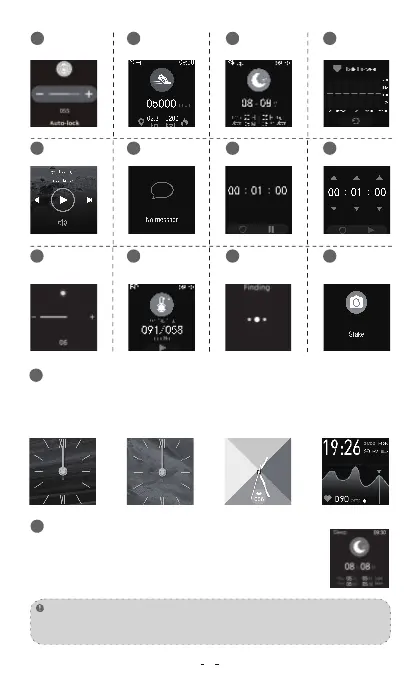
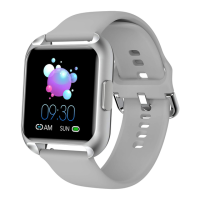
Make sure the watch and APP are connected well, Long press the watch screen
for 4 seconds and slide left or right to select the corresponding style and click
the screen you prefer then watch screen shows that the replacement was
successful.
Lock screen
duration
7
Step counting 8Sleep
9
Heart rate
10
Music
11
Information
Reminder
12
Setup Interface
19
Countdown
13
Stop watch
14
Brightness
Adjustment
15
Test time period:6:00 p.m-10:00 a.m ensure that the sleep time
period is from 6:00 p.m to 8:00 a.m. of the next day,the app
synchronizes the data. and it is necessary to wear a bracelet to
sleep to detect the data.
Only get up before 8 oclock in the morning and walk for 50-100 steps until it
detects that you have gotten up. The watch will display sleep data.
Note:
Sleep tracker
Blood
pressure
16
Remote control
photographing
18
17
Search
phone
6
20


 To Next Page