6
Set Up the Central Axis Storage Server
and Set an Administrator Password:
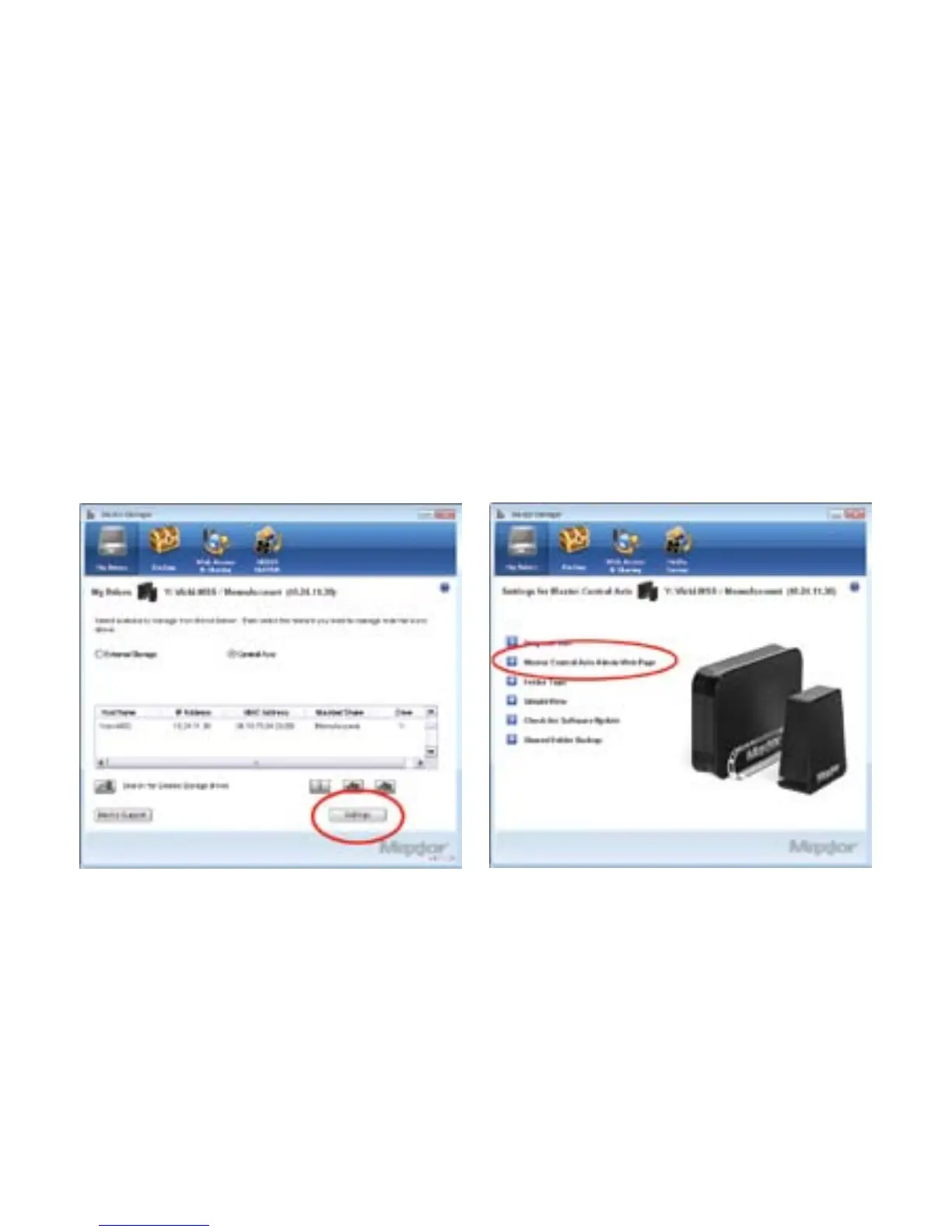
Step 1: In the Maxtor Manager application,
click Settings in the My Drives window:
Step 2: In the Settings window, click
Maxtor Central Axis Storage Server
Admin Page:
Note: In order to set up Web Access and Sharing for the
data in an account, the account has to be private.


 To Next Page
 Loading...

