22
battery connector in the PCB.
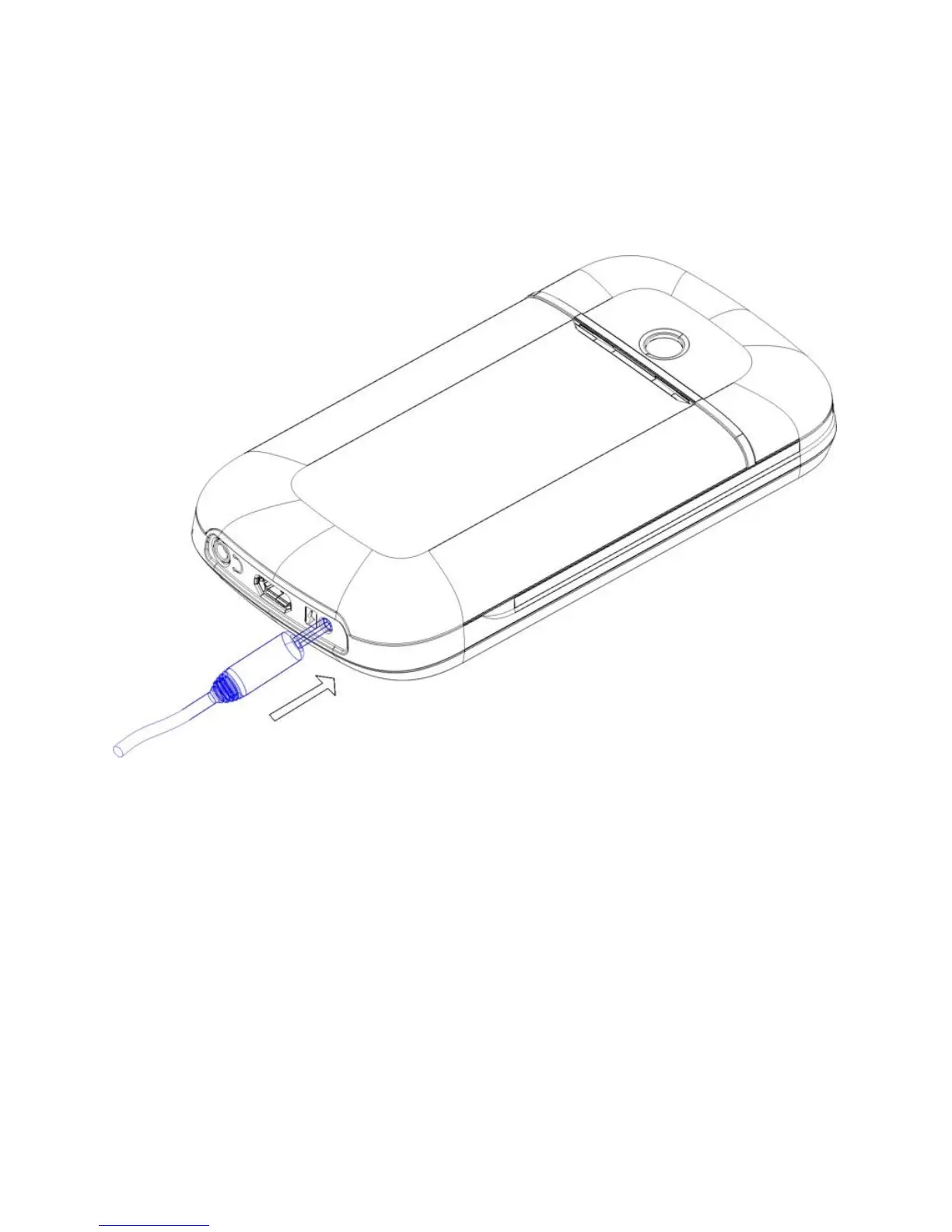
2.4.2. Battery charging
Plug the charger connector into the side of the phone
Plug the charger into the electrical outlet. At this time the
charge level icon will repeatedly flash at the top right corner
of the mobile phone’s screen; When the battery level icon
indicates that the battery is full and does not flash anymore,
this means that the battery is fully charged. When charging is
complete, unplug the charge connector from the electrical
outlet and the mobile phone.



 To Next Page