Command
Item
Key Combination
Description
Illustration
Setting
Favourite
Position 1
Setting
Favourite
Position 2
Delete all
Remote
Controls
1
2
Use UP, STOP and
DOWN buttons
The motor will move
up, down or stop accordingly
to go to desired favourite
Position 1
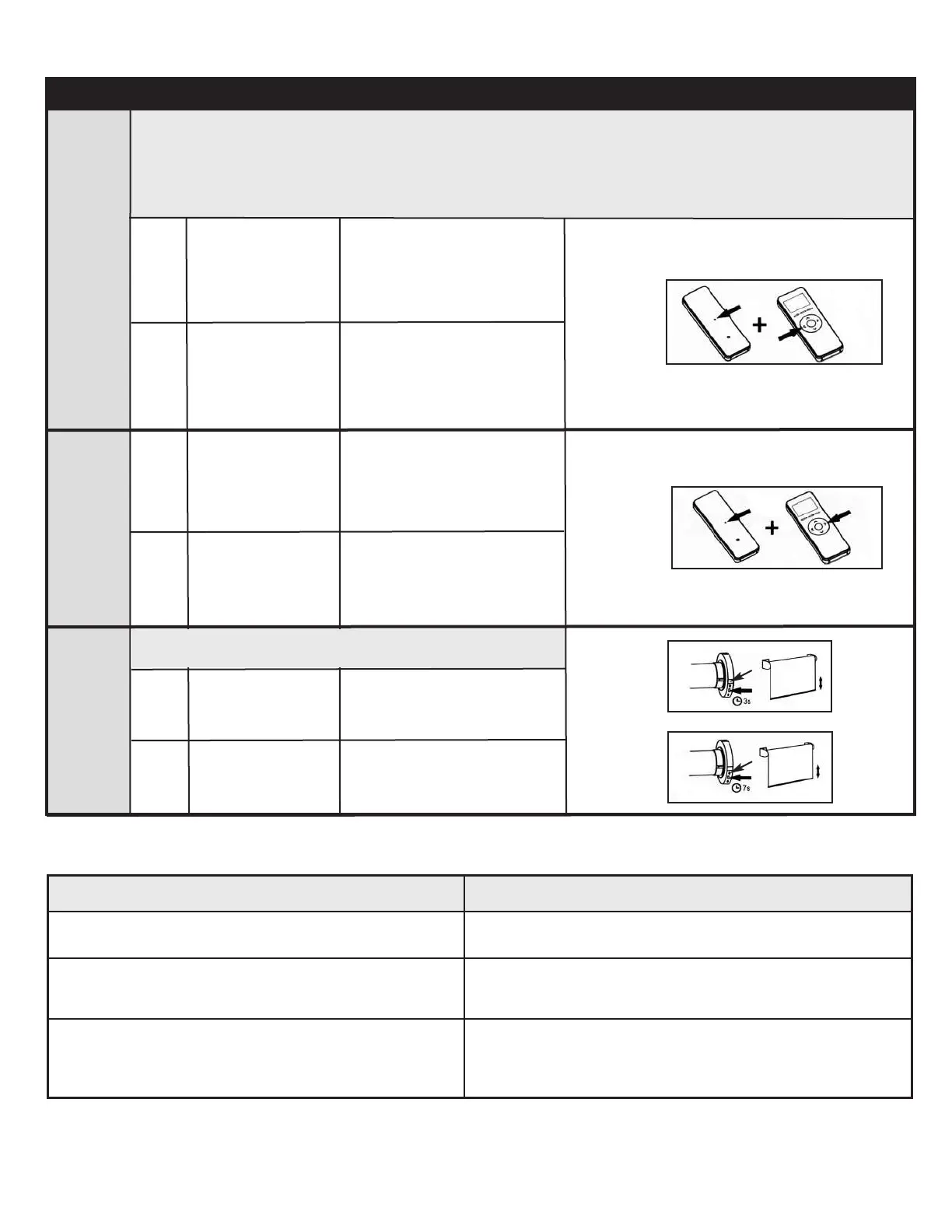
Press the SET +
LEFT buttons at the
same time
2
The motor will move up and
down to confirm the favourite
Position 1 was saved
Basic Operation - 15 and 30 Channel Remote Controls Continued
Note:
Once the upper and lower limits are set, the motor can store two favourite positions. After setting the
favourite positions, hold the LEFT or RIGHT button to send the motor to favourite position 1 or 2.
If you also use the Neo Smart Blinds app or the Neo Smart Blinds Blue app to control your blinds,
please read the related topic in the bottom of this page first.
2
1
1
2
Use UP, STOP and
DOWN buttons
Hold the HEAD
button for
3 seconds
Hold the HEAD
button for
7 seconds
The motor will move
up, down or stop accordingly
to go to desired favourite
Position 2
The motor will move up and
down
The motor will move up and
down
Press the SET +
RIGHT buttons at
the same time
2
The motor will move up and
down to confirm the favourite
Position 2 was saved
1
2
Attention: this procedure does not delete upper and lower
limits or the favourite Positions 1 and 2.
Problem
1. The motor does not work or runs slow.
2. The motor continues to run in one direction.
3. The indicator light on the remote does not
shine or the remote controlling range
becomes shorter.
Troubleshooting
Solution
Recharge motor.
The limit setting was unsuccessful and needs to
be reset.
Replace the battery in the remote.
Favourite Position in the MaxxLink and Bluetooth
Only the favorite position 1(left button) is accessible to the Smart Controller app. None of the favorite positions set via
remote control are accessible to the Blue Link app, however, you can easily set up a favorite position in the app.



 To Next Page