10
Make your hologram
viewer
A
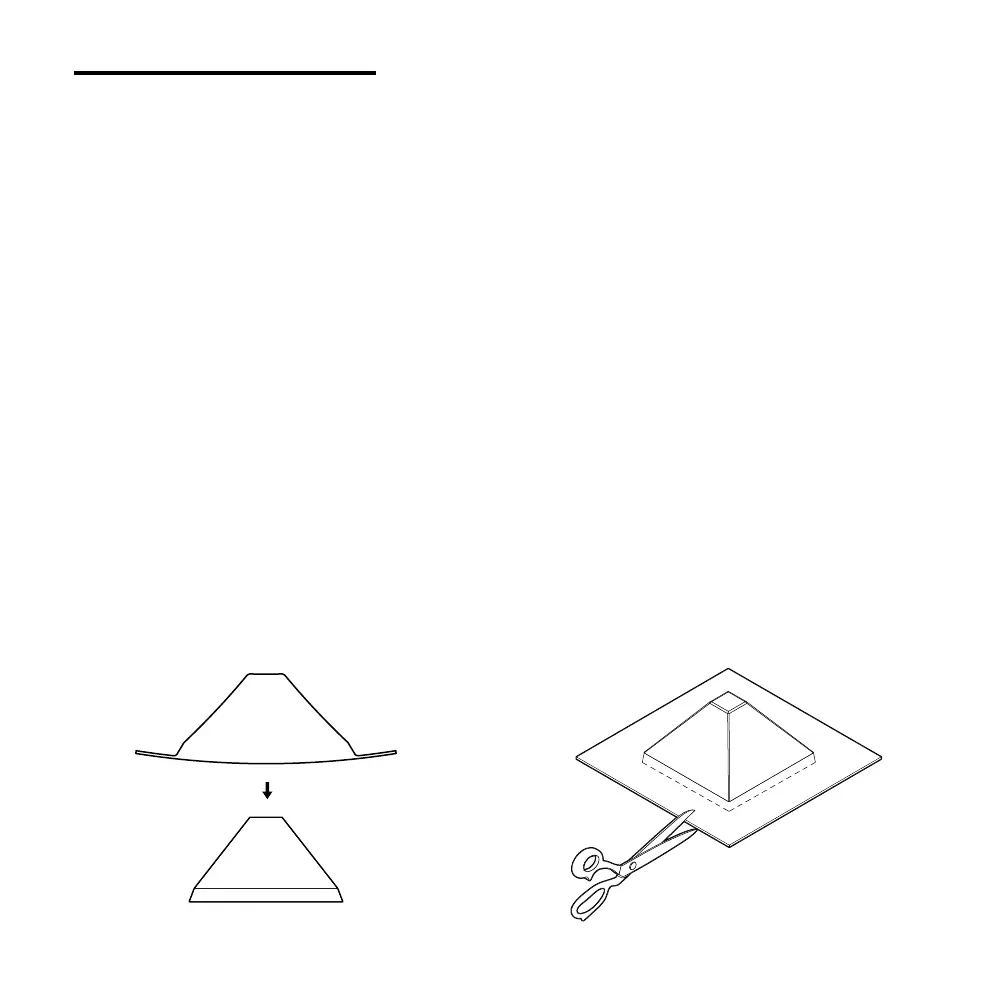
Flex the form in and out with your hands
andpush from above to release the
template from the mold. Notice how the
template didn’t get stuck? Looks like
eliminating undercuts earlier did the job.
B
You can now cut out the hologram viewer.
Use a large pair of scissors or a sharp craft
knife to neatly cut around the base of the
form and remove the excess sheet. Be
careful and take it slow.
29


 To Next Page