11
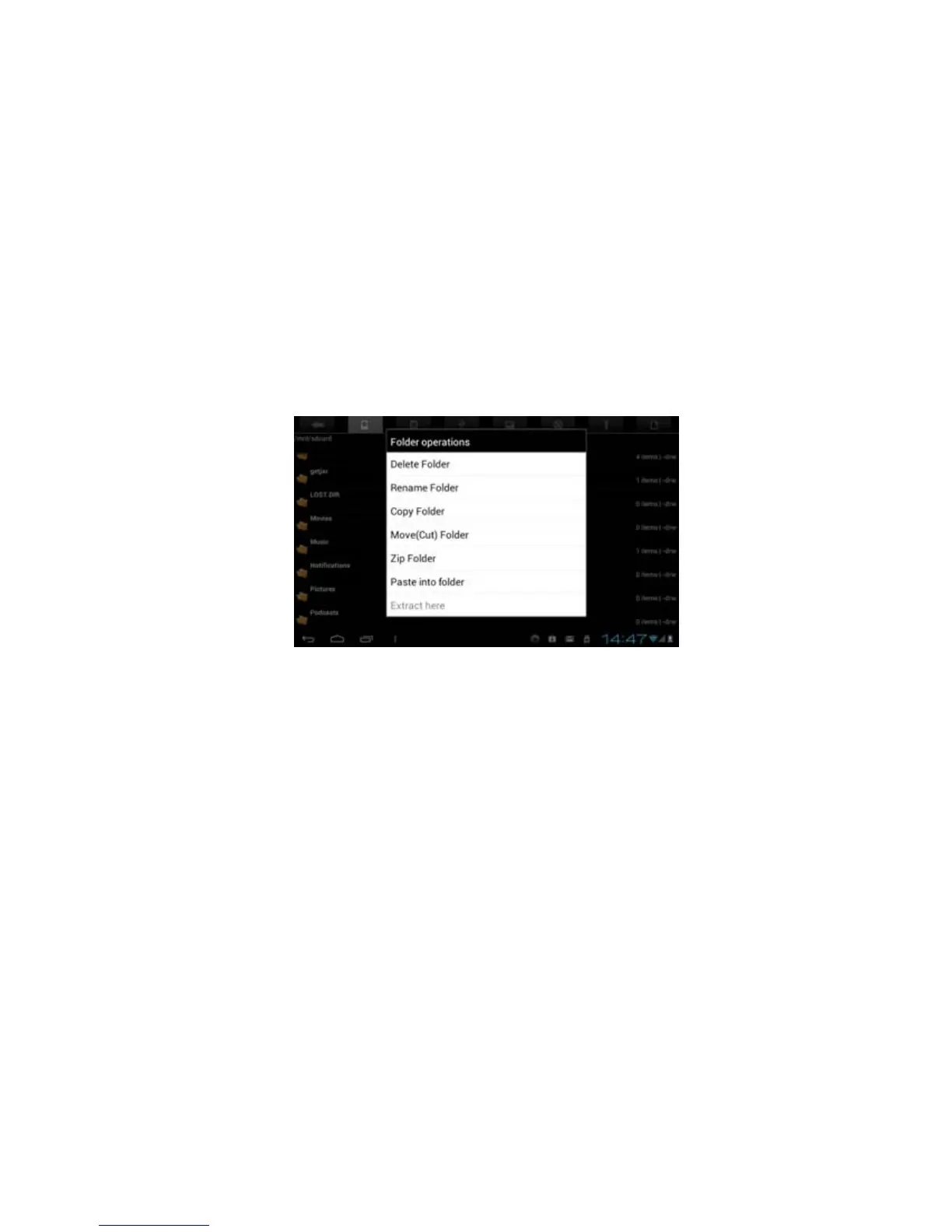
6. Touch & hold a folder in the internal memory screen to display a file operation command window.
7. Touch “Paste into folder” command to copy the file from SD card into the tablet internal memory.
Delete files from internal memory:
Procedures of deleting a file from SD card or internal memory are given below.
1. Touch & hold the file to display a file operation command window.
3. Touch “Delete File” command to delete the selected file.



 To Next Page