5
Battery status icon : this icon indicates tablet battery status.
1.4 Wi-Fi Interface
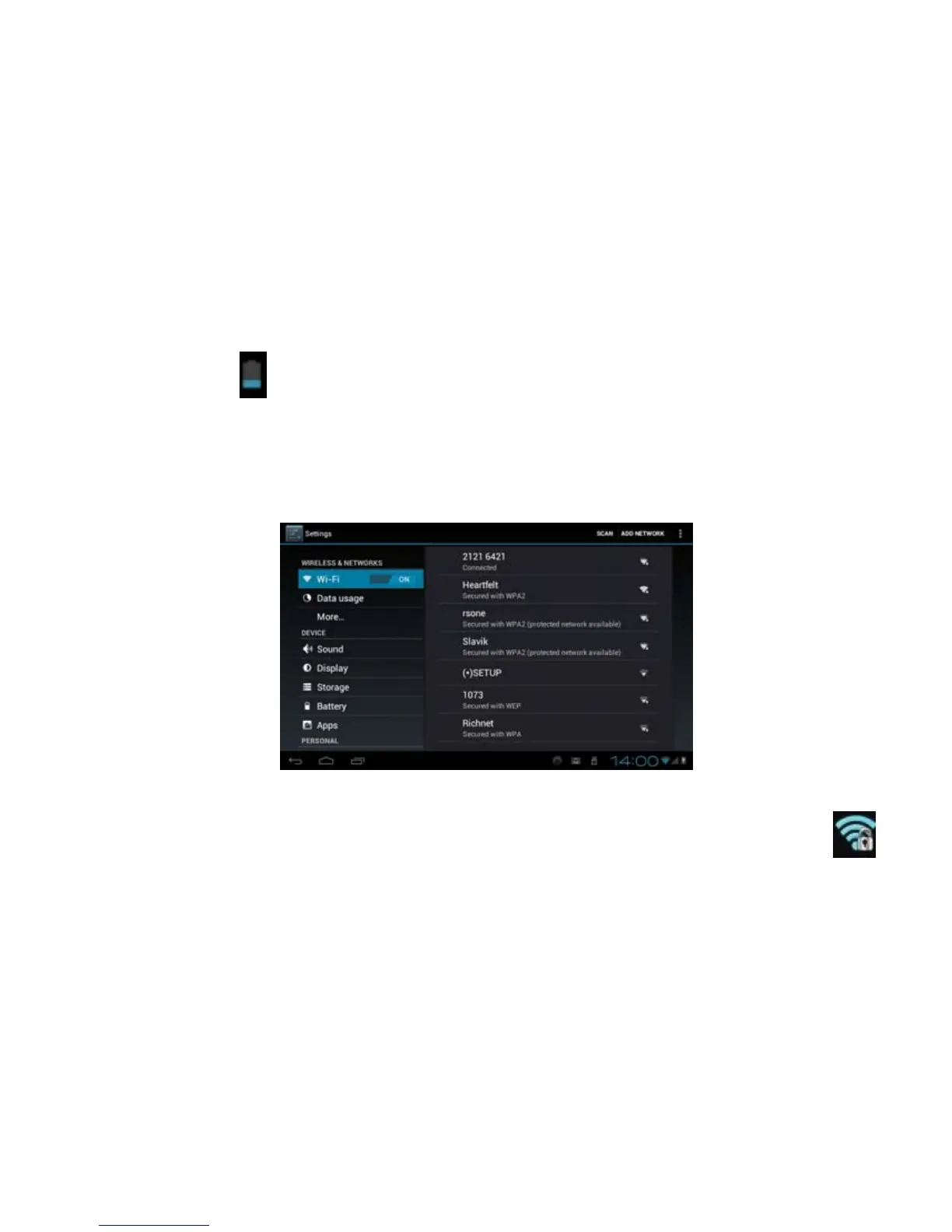
Tablet has a built-in Wi-Fi interface for internet access. To enable the Wi-Fi interface, touch Settings icon
from the Home Screen to display the Wireless & Networks settings.
Touch “OFF” or “ON” to turn ON or OFF the Wi-Fi interface. After the Wi-Fi interface is turned on,
touch “Wi-Fi” will automatically scan and list local Wi-Fi networks that are available. A lock icon



 To Next Page