6
indicates a secure network that requires a password for connection.
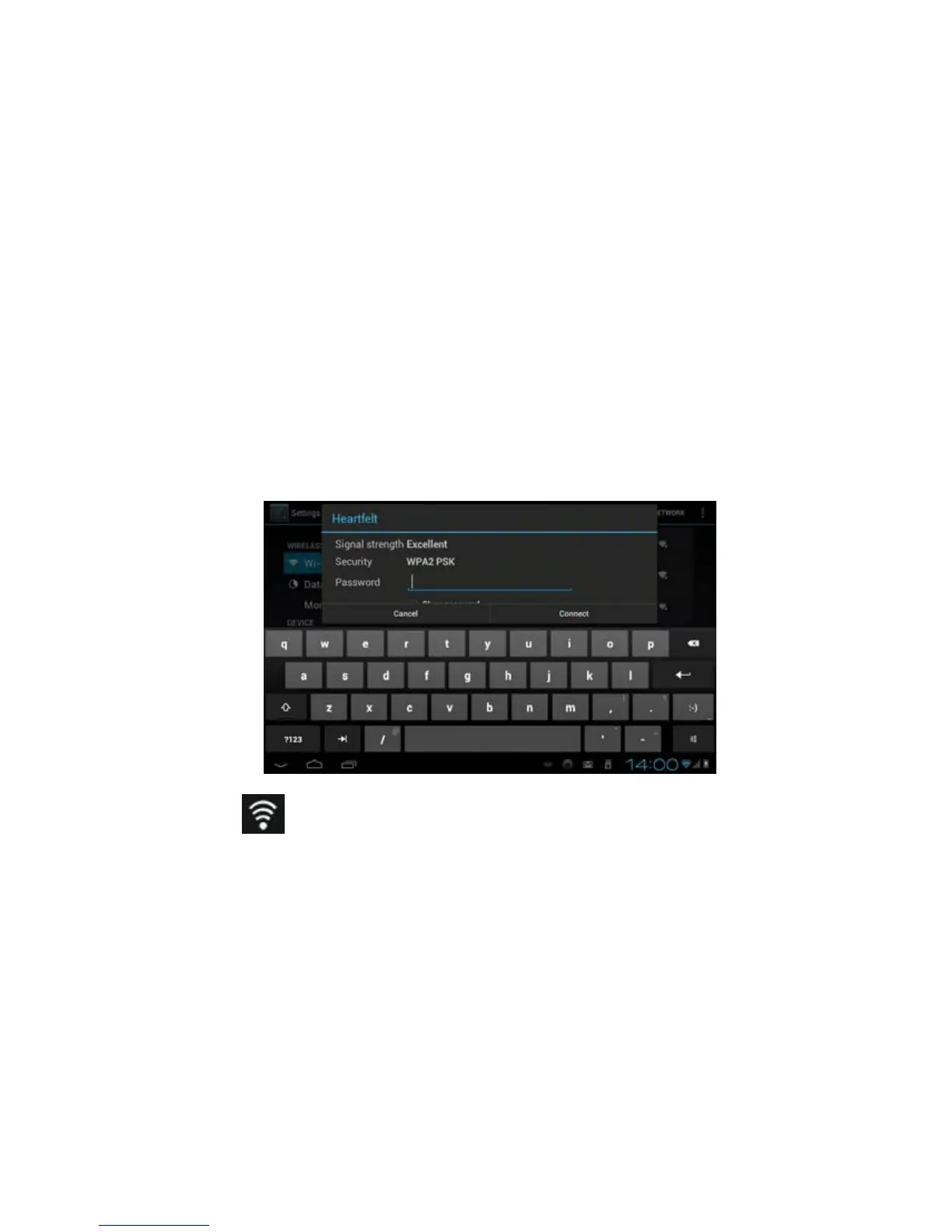
Touch a local Wi-Fi network that you would like your tablet to connect to. If a password is needed, you
will be asked to enter the password. After entering the password, touch “Connect” to connect the tablet
with the local Wi-Fi network.
A Wi-Fi signal icon
will be appeared on lower-right corner of the display to indicate that you are
connected to the wireless network.



 To Next Page