4
On the Home Screen, you will find command icons shown on lower-left corner and status icons displayed
on lower-right corner. The main icons on the Home Screen are described below.
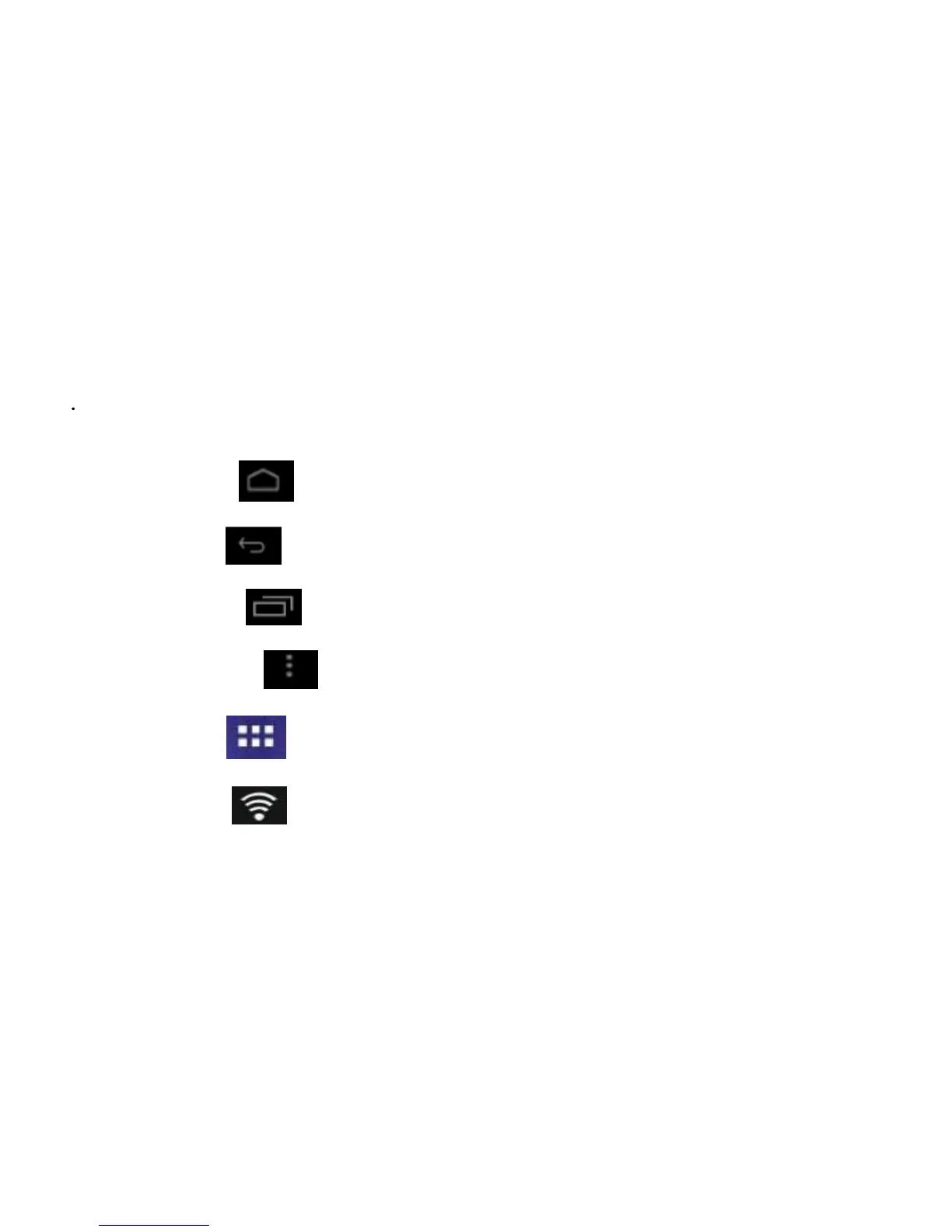
Home Screen icon
: touch this icon to display the Home Screen.
Last Screen icon
: touch this icon to display last screen.
Running Apps icon
: touch this icon to list applications running.
Command Menu icon
: touch this icon to list commands available for current application.
Application icon
: touch this icon to display Application Screen.
Wi-Fi signal icon
: this icon indicates Wi-Fi signal strength.



 To Next Page