14
To install applications, touch File Browser icon from Home Screen and then find the APK file
from micro SD card or internal memory. Quickly touch the APK file twice to start the installation process.
Uninstall Application:
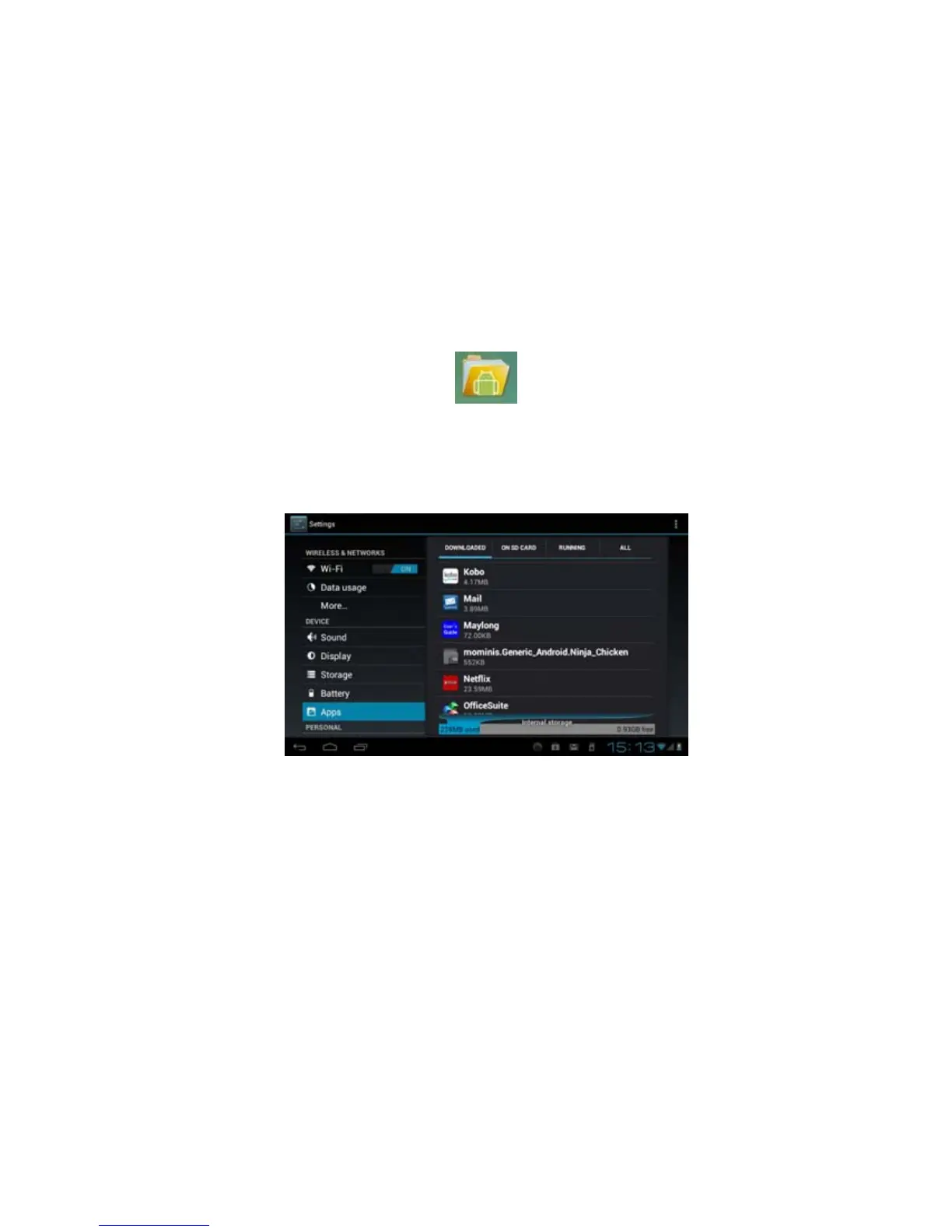
To uninstall an application from your tablet, touch Settings icon from Home Screen to display the Settings
screen.
From Settings screen, touch “Apps” to display application installed. Locate & touch the application and
then touch “Uninstall” to start the un-installation process.



 To Next Page