Dry Options: To Start Dishwasher:
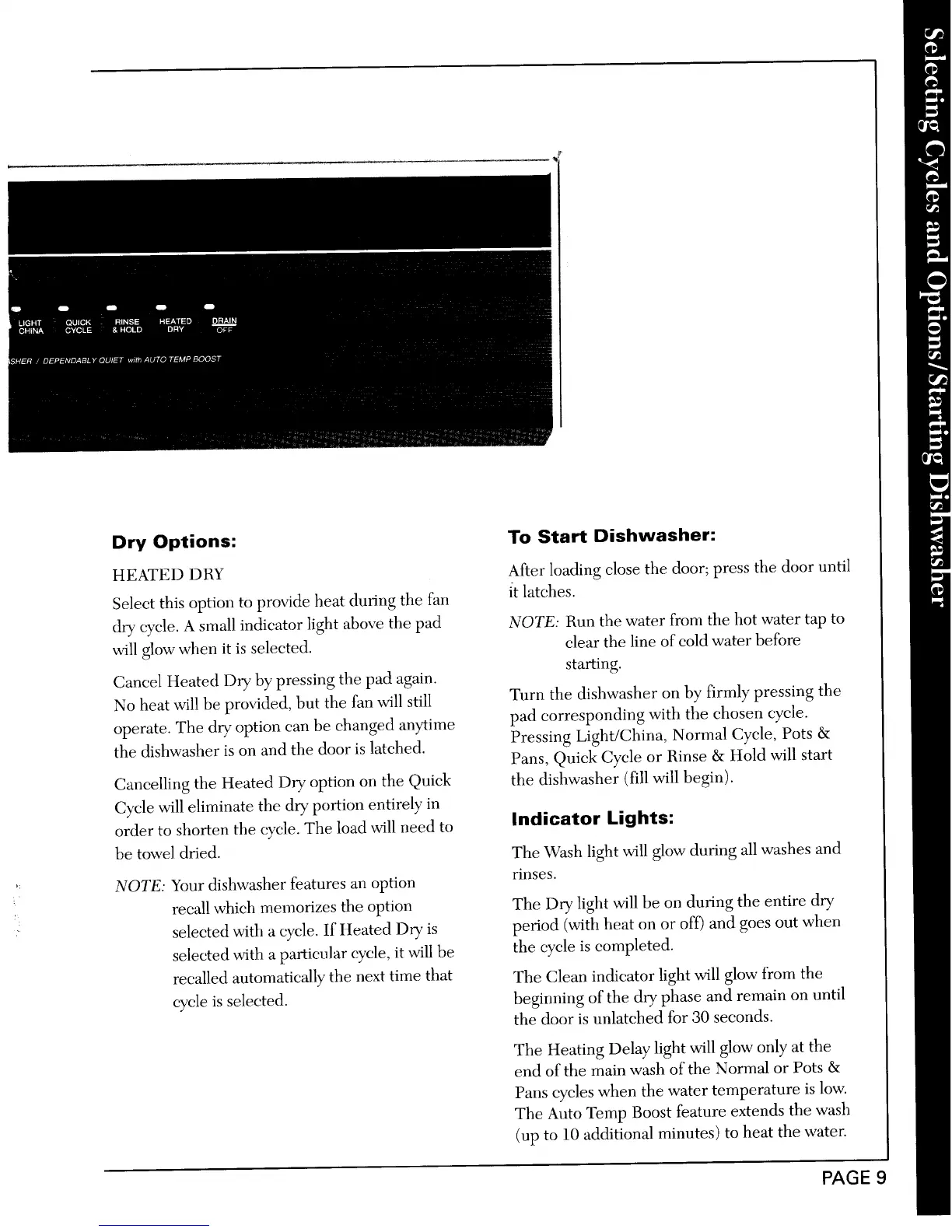
HEATED DRY After loading dose the door; press the door until
Select this option to provide heat during the fan it latches.
dry cycle. A small indicator light above the pad NOTE: Run the water from the hot water tap to
will glow when it is selected, clear the line of cold water before
starting.
Caned Heated Dry by pressing the pad again.
No heat will be provided, but the fan will still Turn the dishwasher on by firmly pressing the
operate. The dry option can be changed anytime pad corresponding with the chosen cycle.
the dishwasher is on and the door is latched. Pressing Light/China, Normal Cycle, Pots &
Pans, Quick Cycle or Rinse & Hold will start
Cancelling the Heated Dry option on the Quick the dishwasher (fill will begin).
Cycle will eliminate the dry portion entirely in
order to shorten the cycle. The load will need to Indicator Lights:
be towel dried. Tile Wash light will glow during all washes and
NOTE: Your dishwasher features an option rinses.
recall which memorizes the option The Dry light will be on during the entire dry
: selected with a cycle. If Heated Dry is period (with heat on or off) and goes out when
selected with a particular cycle, it will be the cycle is completed.
recalled automatically the next time that The Clean indicator light will glow from the
cycle is selected, beginning of the dry phase and remain on until
the door is unlatched for 30 seconds.
The Heating Delay light will glow only at the
end of the main wash of the Normal or Pots &
Pans cycles when the water temperature is low.
The Auto Temp Boost feature extends the wash
(up to 10 additional minutes) to heat the water.
PAGE 9



 To Next Page