2
PD MODELS (COMPUTER MODELS)
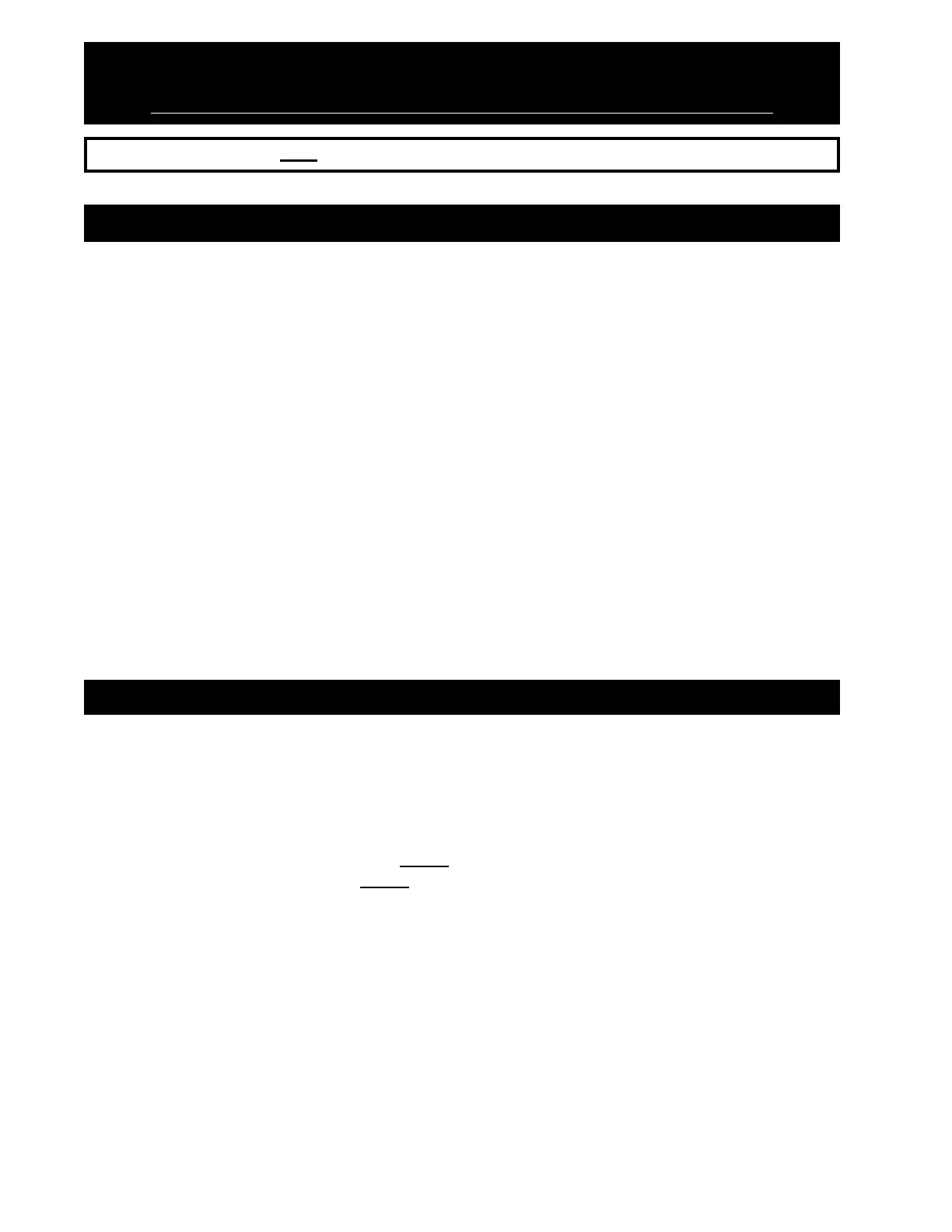
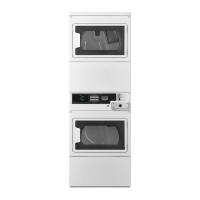
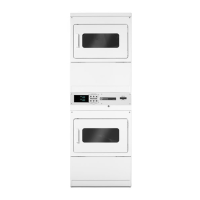
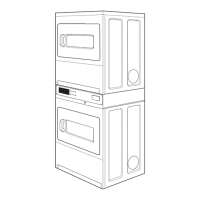
STACKED DRYER MODELS USER INSTRUCTIONS
IMPORTANT: READ ALL INSTRUCTIONS BEFORE OPERATING!
SECTION I
TO OPERATE DRYER
1. Insert coins until SELECT CYCLE flashes in display. PD MODELS: Minutes purchased are also
shown on the display when cycle is selected.
2. Door must be closed before cycle selection is made.
3. Press fabric setting key pad for dryer cycle desired. After cycle is started, drying time will count down
whether door is open or closed.
COOL DOWN will appear in display near end of cycle.
WHITES & COLORS 1 MINUTE COOL DOWN TIME
PERMANENT PRESS 3 MINUTE COOL DOWN TIME
DELICATES 3 MINUTE COOL DOWN TIME
When a cycle is interrupted by opening the door, the selected cycle will flash in the display. To restart the
dryer, close door and press desired fabric setting key pad. The time will continue to count down.
Free cycles will terminate when the door is opened. Fabric selection can be changed at any time by
touching the desired fabric setting key pad.
SECTION II
GENERAL USER INFORMATION
BLANK DISPLAY
This condition indicates that the appliance is inoperative. Enter setup mode to view diagnostic code.
0 MINUTES SHOWING IN DISPLAY (Each Pocket)
This condition indicates that the appliance cannot be operated. Coins dropped or debit inputs during this
condition will be stored in escrow but cannot be used until normal operation is restored by opening and then
closing the door. If the door switch fails, it must be replaced before normal operation can be restored.
COLD START (Initial/First Use)
Appliance is programmed at the factory as follows:
Dryer
10 Min. dry time/quarter (coin 1)
$.25 dry price (fixed cycle with top off - PD Model)
WARM START (After Power Failure)
A few seconds after power is restored, if a cycle was in progress at the time of the power failure, the selected
cycle will flash in the display. This is to indicate the need for a fabric setting keypad to be
pressed to restart dryer.


 To Next Page