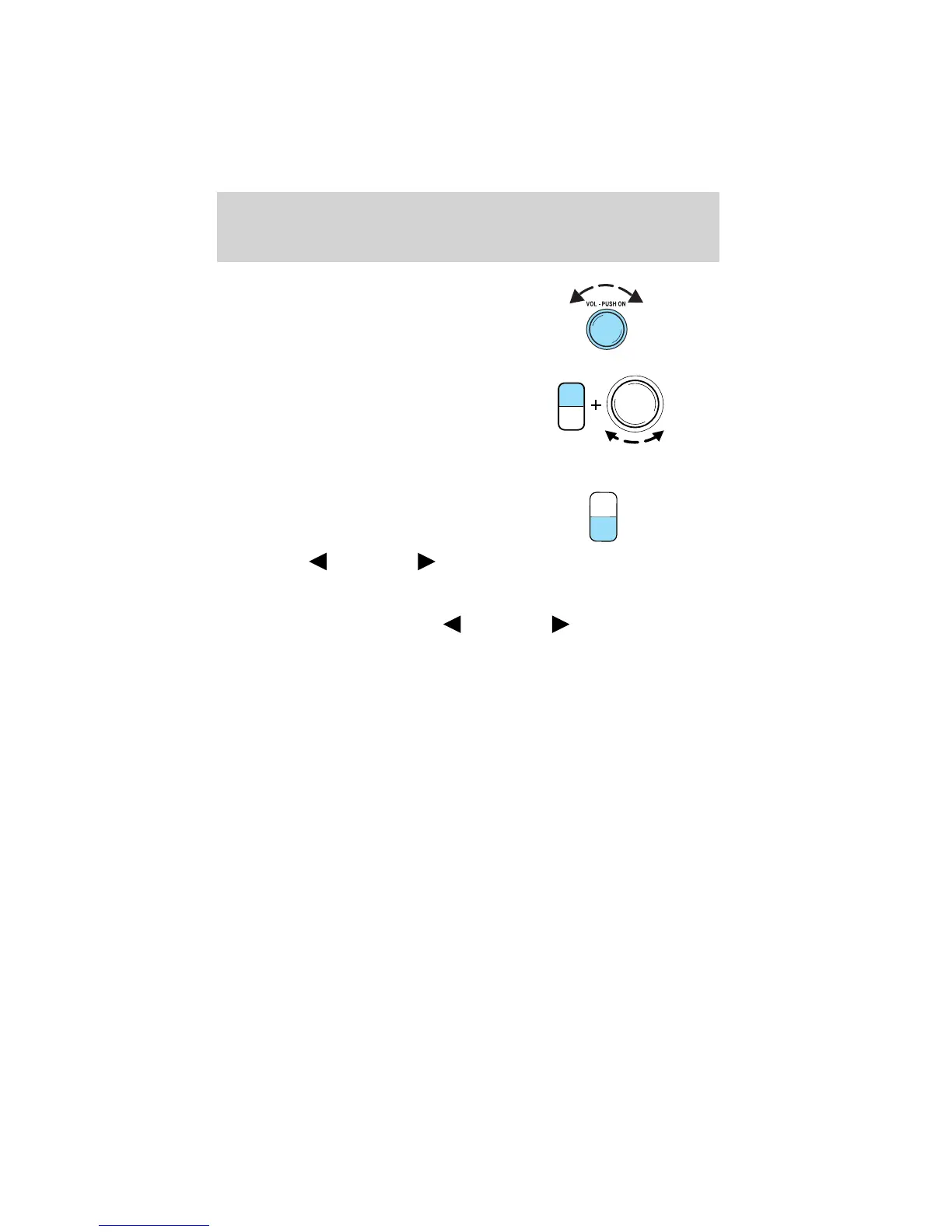
5. Power/volume: Press to turn
ON/OFF; turn to increase or
decrease volume levels.
6. Tone: Press TONE until the
desired level — Bass, Treble,
Fade appears on the display.
Turn the volume control to
raise/lower the levels, or to
move the audio sound from the
right to left or the front to back (if equipped).
7. CLK (Clock): To set the hour,
press and hold CLK until
CLOCK SET appears in the
display. Press SEEK to
decrease
or increase
the hours.
To set the minute, press and hold CLK until CLOCK set appears in the
display. Press TUNE to decrease
or increase the minutes.
TONE
CLK
VOL
PUSH
ON
TONE
CLK
Entertainment Systems
20














 To Next Page