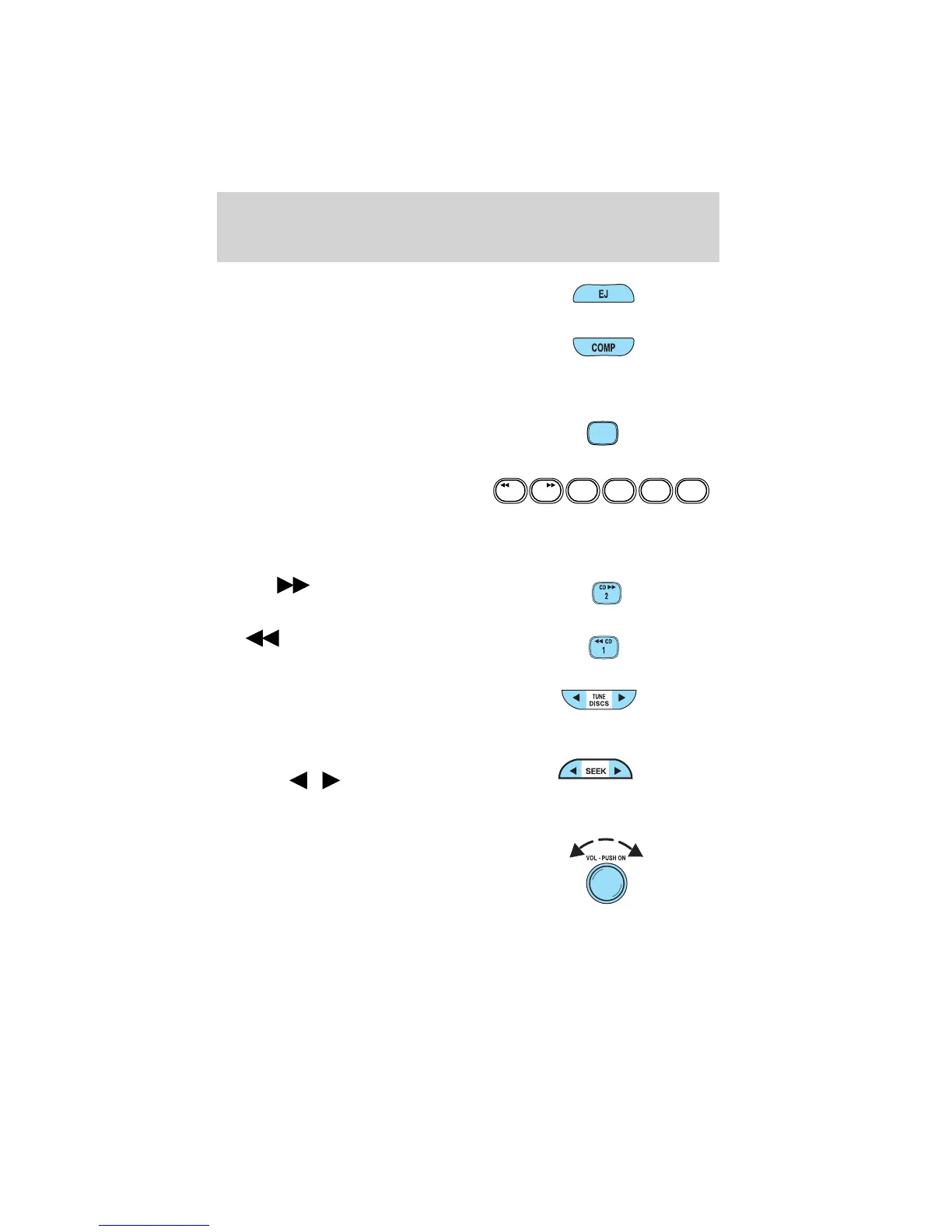
5. EJ (eject): Press to eject a CD.
6. COMP (Compression): In CD
mode, press to bring louder and
softer levels into more
comfortable listening level. The compression icon (c) will appear in
the display.
7. Shuffle: Press to listen to the
tracks on the CD in random
order. Press again to turn off.
8. Memory presets: To set a
station: Select frequency band
AM/FM; tune to a station. Press
and hold a preset button until sound returns. This radio is equipped
with six station memory preset controls which allow you to set up to
six AM stations and 12 FM stations (six in FM1 and six in FM2).
9. CD:
Press and hold until
desired selection is reached.
10.
CD:Press and hold until
desired selection is reached.
11. Tune / Discs: In radio mode,
press to move up or down the
frequency band in individual
increments.
12. Seek: Press and release
SEEK
/ for previous/next
strong station, selection or
track.
13. Power/volume: Press to turn
ON/OFF; turn to increase or
decrease volume levels.
SHUFFLE
6
123456
SHUFFLE
CDCD
Entertainment Systems
22














 To Next Page