AUTOSTORE will flash on the display. When the six strongest stations
are filled, the station stored in preset 1 will begin playing. If there are
less than six strong stations, the system will store the last one in the
remaining presets. Press again to disengage.
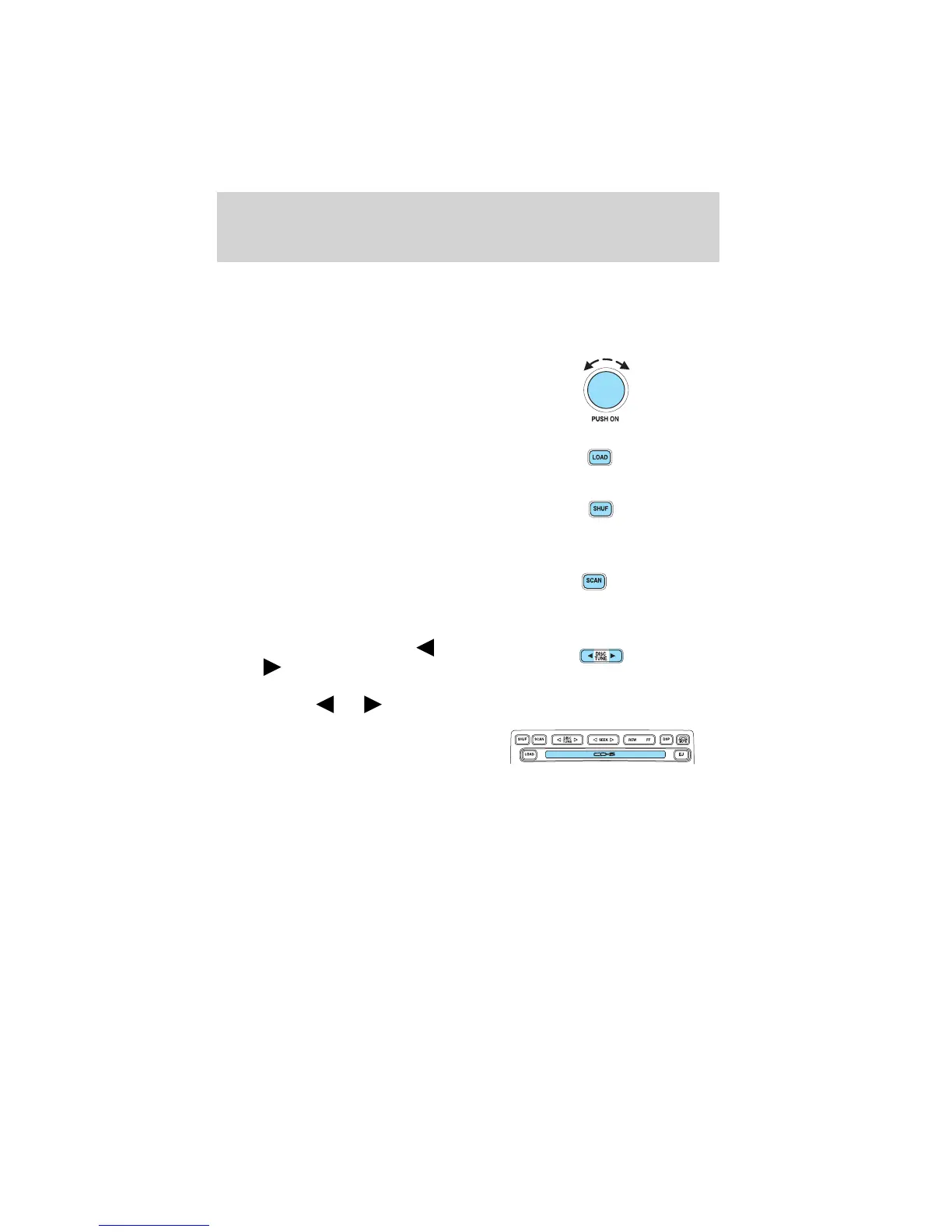
13. Power/volume: Press to turn
ON/OFF; turn to increase or
decrease volume levels.
14. Load: Press to load a CD. Press
and hold to load up to six discs.
15. Shuffle: Press to play tracks in
random order. Press SHUF to
cycle through SHUF DISC,
SHUF TRAC or SHUF OFF.
16. Scan: Press to hear a brief
sampling of all listenable
stations or CD tracks. Press
again to stop.
17. Disc/Tune: Radio: Press
or to manually tune down
or up the frequency band.
CD: Press
or to select the previous or next track on the CD.
18. CD door: Insert a CD label side
up.
Entertainment Systems
26










 To Next Page