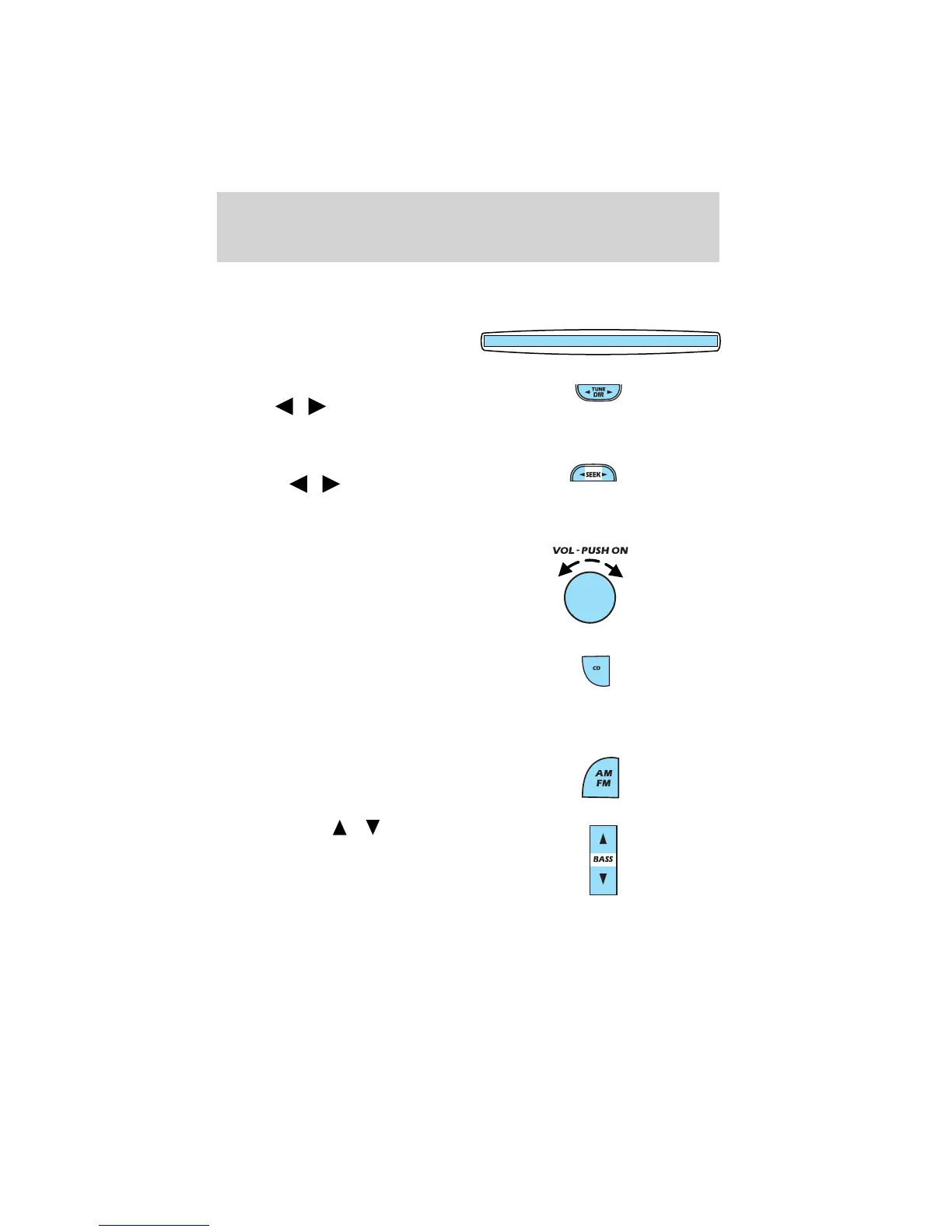
13. Memory presets: To set a station: Select frequency band AM/FM;
tune to a station, press and hold a preset button until sound returns.
14. CD door: Insert a CD with the
label side up.
15. Tune/Directory: Press TUNE
DIR
/ to change the
radio frequency down/up or
change the MP3 directories.
16. Seek: Press and release
SEEK / for previous/next
strong station selection or CD
and MP3 tracks.
17. Power/volume: Press to turn
ON/OFF; turn to increase or
decrease volume levels.
18. CD: Press CD to play a CD or
MP3 disc. When the MP3 disc is
loaded, CD and LOAD will
appear on the display. The
display will briefly show the total number of tracks on the disc as
TXXX (XXX=number of tracks).
19. AM/FM: Press to select a
frequency band in radio mode.
20. Bass: Press
/ to
decrease/increase the bass
output.
Entertainment Systems
29














 To Next Page