Black plate (216,1)
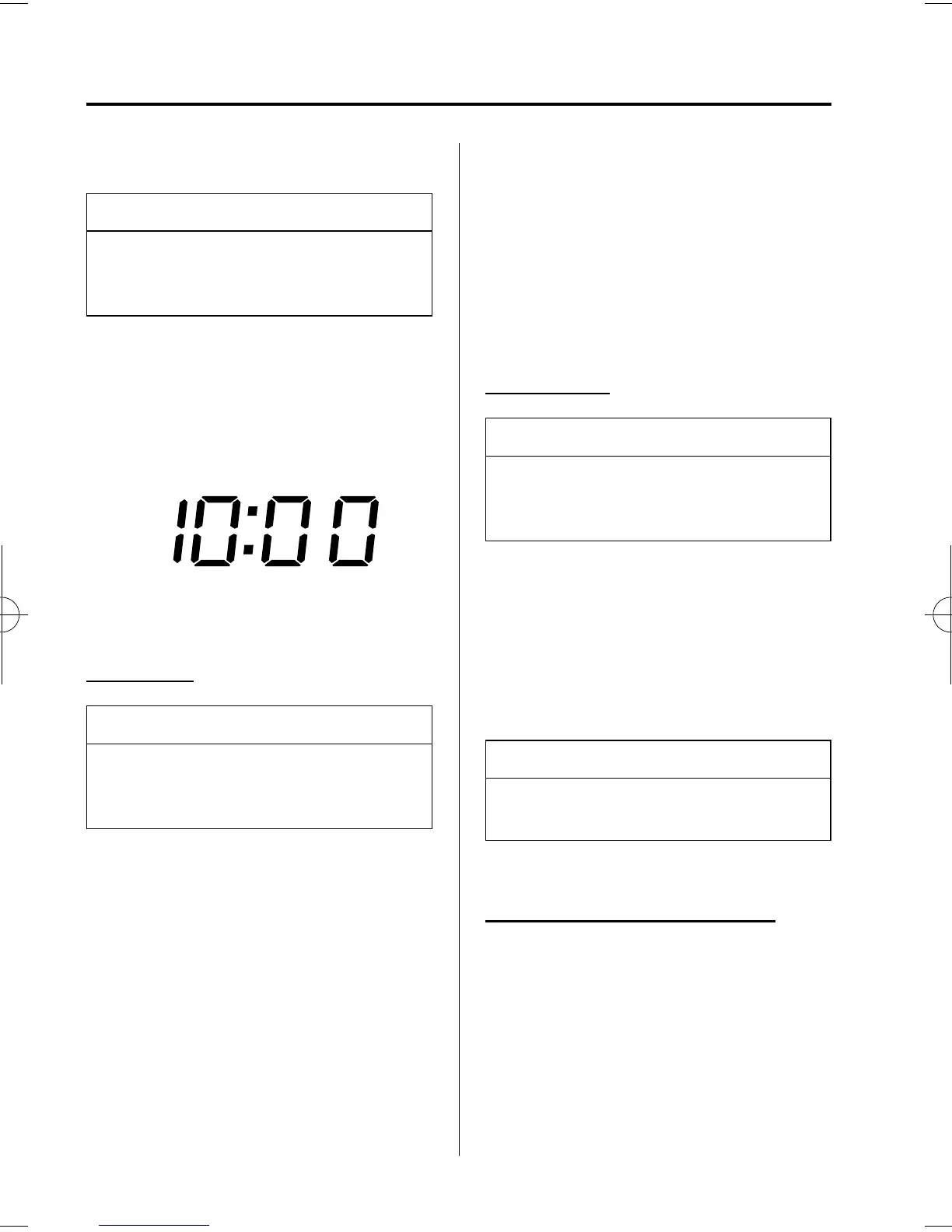
qClock
NOTE
When the trip computer is being
displayed, press the CLOCK button to
change the display to the time.
When the ignition switch is in the ACC or
ON position, the time is displayed.
Time setting
NOTE
For trip computer-equipped vehicles,
press the INFO button instead of the
SET button when setting the time.
1. Press the CLOCK button until a beep
sounds, and “12Hr” and “24Hr” will be
displayed.
2. Press the SET button to switch between
“12Hr” and “24Hr” displays. The
selected display will flash.
To select the desired clock setting,
press the CLOCK button again while
the preferred setting is flashing.
3. “Hr. ADJUST” will be displayed next,
and the hour portion of the displ ay will
flash. Press the SET button to set the
hour, then press the CLOCK button.
4. “Min. ADJUST” will be displayed
next, and the minutes portion of the
display will flash. Press the SET button
to set the minutes, then press the
CLOCK button.
Time resetting
NOTE
For trip computer-equipped vehicles,
press the INFO button instead of the
SET button when resetting the time.
While the clock is displayed, press the
SET button 1.5 seconds or more. When
the button is released, a beep will sound
and the clock will be reset as follows:
(Example)
12:01―12:29→12:00
12:30―12:59→1:00
NOTE
When the SET button is released, the
seconds are reset to “00”.
qAmbient Temperature Display
í
With manual type air conditioner
When the ignition switch is in the ON
position, the ambient temperature is
displayed.
6-46
Interior Comfort
í
Some models.
Interior Equipment
Mazda3_8U55-EA-05G_Edition2 Page216
Thursday, June 23 2005 2:55 PM
Form No.8U55-EA-05G














 To Next Page