Black plate (217,1)
With fully automatic type air
conditioner
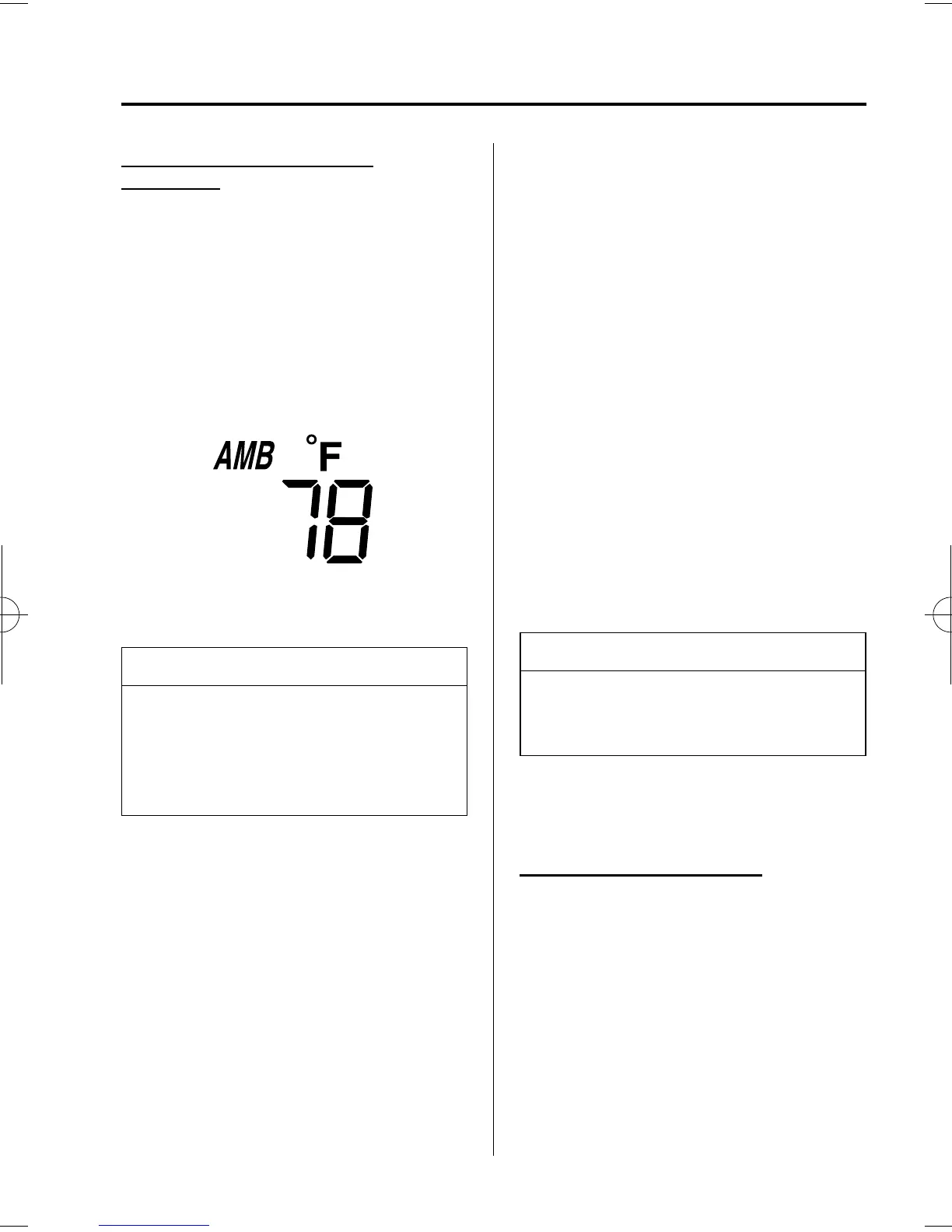
When the ignition switch is in the ON
position, press the AMB button (page
6-11) on the air conditioner control panel
to display the ambient temperature.
Press the AMB button again to switch the
display from ambient temperature to the
temperature set for the air conditioner.
NOTE
The displ ayed ambient temperature may
vary from the actual ambient
temperature depending on the
surrounding area and vehicle
conditions.
qClimate Control Display (Fully
Automatic Type)
The climate control system status is
displayed. To operate the climate control
system, refer to “Climate Control System”
(page 6-2).
qAudio Display
The audio system status is displayed. To
operate the audio system, refer to
“Audio System” (page 6-16).
qTrip Computer
í
The trip computer can display the
following:
l
The current fuel economy.
l
The average fuel economy.
l
The approxi mate distance you can
travel on the available fuel.
l
The average vehicle speed.
The ignition switch must be in the ON
position.
Press the INFO button to change the
display mode.
NOTE
When the time is being displayed, press
the INFO button to change the display
to the trip computer.
If you have any problems with your trip
computer, consult an Authorized Mazda
Dealer.
Current fuel economy mode
This mode displays the current fuel
economy by calculati ng the amount of
fuel consumption and the distance
traveled.
Current fuel economy will be calculated
and displayed every 2 seconds.
When this mode is selected, CONSUM
CUR will be displayed.
Interior Comfort
Interior Equipment
6-47
í
Some models.
Mazda3_8U55-EA-05G_Edition2 Page217
Thursday, June 23 2005 2:55 PM
Form No.8U55-EA-05G










 To Next Page