EasyManua.ls Logo

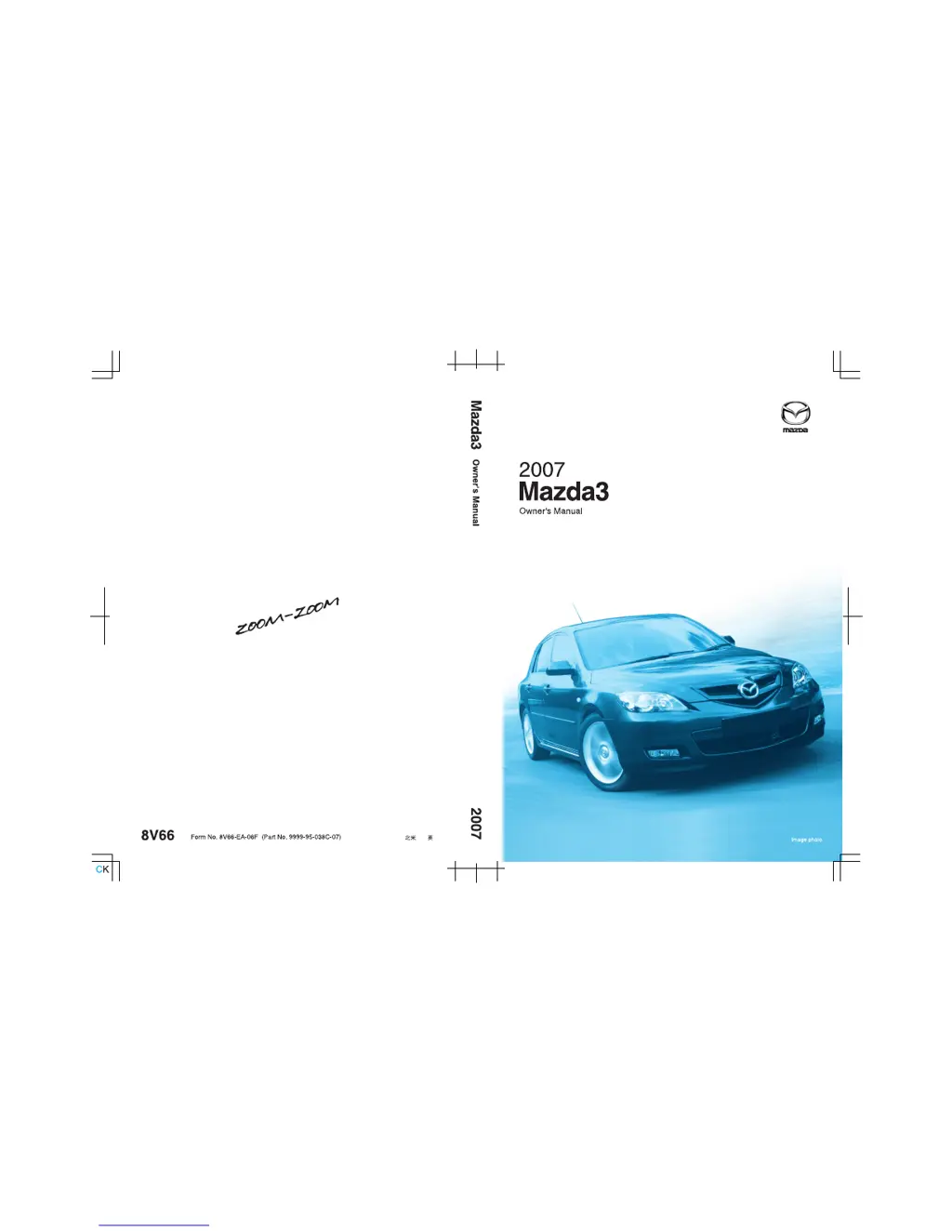
Mazda 2007 Mazda3 4-Door - User Manual

Mazda 2007 Mazda3 4-Door
459 pages
Print Icon
To Next Page IconTo Next Page
Loading...

Table of Contents

Questions and Answers

  • T
    Trevor PorterJul 26, 2025
    Why is my Mazda 2007 Mazda3 4-Door vehicle position not correct?
    • V
      Victoria HartJul 26, 2025
      If the vehicle position is not correct in your Mazda Automobile, it might be because the vehicle position changed when ACC was set to OFF. Also, drive the vehicle for a while in an area where you can receive GPS signals.
  • J
    Janet BaileyJul 29, 2025
    What to do if Mazda Automobile vehicle position is not displayed?
    • N
      Nicole SmithJul 29, 2025
      If the vehicle position is not displayed on your Mazda Automobile, make sure the mode is set to the current position screen. You can also try pressing the POS button.
  • M
    marygonzalezAug 3, 2025
    Why is there no picture on my Mazda 2007 Mazda3 4-Door display?
    • S
      Sarah LevineAug 3, 2025
      If there's no picture on your Mazda Automobile display, a possible cause is a blown fuse. Check the fuse first. Also, verify that the vehicle battery voltage level is not low. If it is, recharge or replace the battery.
  • T
    Thomas JohnsonAug 7, 2025
    What to do if Mazda 2007 Mazda3 4-Door has no voice guidance?
    • T
      tammyleonardAug 7, 2025
      If you're not getting voice guidance in your Mazda Automobile, first check if the volume control for voice guidance has been turned off. Also, verify that the vehicle is on the correct route. If problems persist, repeat the route search, checking the route guide screen and the direction of your destination. Ensure you are driving in the correct direction on the route.
  • J
    Julie McconnellAug 12, 2025
    How to fix Mazda Automobile when it says 'Please insert a MAP DVD'?
    • J
      joy86Aug 12, 2025
      If your Mazda Automobile displays 'Please insert a MAP DVD', first check if the disc is properly installed. If it is, ensure that the installed disc is the correct one for your system.
  • C
    Christopher GarciaAug 16, 2025
    Why are no GPS symbols displayed on my Mazda 2007 Mazda3 4-Door?
    • K
      Kevin BrooksAug 16, 2025
      If no GPS symbols are displayed on your Mazda Automobile, it could be due to obstructions blocking GPS signals. Try moving the vehicle away from obstructions to allow the GPS signals to be received.
  • J
    James KingAug 20, 2025
    Why don't the buttons on my Mazda 2007 Mazda3 4-Door remote control beep?
    • T
      Trevor RamirezAug 20, 2025
      If the buttons on your Mazda Automobile remote control don't beep, check if the [Beep] setting is set to [Off]. If it is, change the setting to [On].

Summary

A Word to Mazda Owners

Event Data Recorder

Records crash data for analysis and vehicle design.

Air Conditioning and the Environment

Uses HFC134a refrigerant, which does not damage ozone layer.

How to Use This Manual

Warning Symbol

Indicates a situation with serious injury or death risk if warning is ignored.

Caution Symbol

Indicates a situation with bodily injury or vehicle damage risk if caution is ignored.

Your Vehicle at a Glance

Dashboard and Interior Overview

Illustrates and identifies interior parts of the Mazda.

Exterior Overview

Illustrates and identifies exterior parts of the Mazda.

Essential Safety Equipment

Seats

Information on front and rear seats, adjustments, and safety.

Seat Belt Systems

Precautions, types, fastening, and unfastening of seat belts.

Child Restraint

Precautions and installation of child restraint systems.

Knowing Your Mazda

Doors and Locks

Explains operation of doors, locks, and keys.

Security System

Details the immobilizer and theft-deterrent systems.

Steering Wheel and Mirrors

Covers adjustment and operation of steering wheel and mirrors.

Before Driving Your Mazda

Fuel and Engine Exhaust Precautions

Information on fuel requirements and exhaust system precautions.

Before Starting the Engine

Steps to check before starting the engine and after getting in.

Driving Tips

Advice on break-in period, money-saving, and hazardous driving.

Driving Your Mazda

Starting and Driving

Explains ignition switch, starting engine, and brake system.

Instrument Cluster and Indicators

Details meters, gauges, and warning lights.

Switches and Controls

Explains operation of lighting, wipers, fog lights, and horn.

In Case of an Emergency

Flat Tire

Information on spare tire storage, changing a flat tire, and lug nuts.

Emergency Starting

Procedures for starting a flooded engine and jump-starting.

Emergency Towing

Guidelines for towing and using tiedown hooks.

Maintenance and Care

Scheduled Maintenance

Maintenance schedules for USA, Canada, Puerto Rico, and Mexico.

Owner Maintenance

User-performable maintenance tasks and precautions.

Appearance Care

Tips for washing, waxing, and protecting the vehicle's finish.

Specifications

Identification Numbers

Details on VIN, chassis number, and emission labels.

Specifications

Technical data on engine, electrical system, dimensions, and weights.

Customer Information and Reporting Safety Defects

Customer Assistance

Information on contacting Mazda for assistance in USA, Canada, Puerto Rico, Mexico.

Warranty

Details on new vehicle, component, emission, and tire warranties.

Reporting Safety Defects

How to report safety defects to NHTSA and Transport Canada.

Tire Information (U.S.A.)

Tire Labeling

Explains information found on tire sidewalls, including size and load index.

Tire Maintenance

Proper maintenance for tire inflation pressure and rotation.

Vehicle Loading

Guidance on proper vehicle loading and weight limits.

Service Publications

WORKSHOP MANUAL

Covers maintenance and repair procedures for drivetrain, body, and chassis.

NAVIGATION SYSTEM

Preparation

Information on getting started, accessories, safety, and names/functions.

Immediate use

Covers activation, screen names, and basic operations.

Advanced use

Details address book, navigation setup, and volume adjustments.

If necessary

Covers system performance, troubleshooting, and maintenance.

Mazda 2007 Mazda3 4-Door Specifications

General IconGeneral
BrandMazda
Model2007 Mazda3 4-Door
CategoryAutomobile
LanguageEnglish

Related product manuals