Black plate (215,1)
l
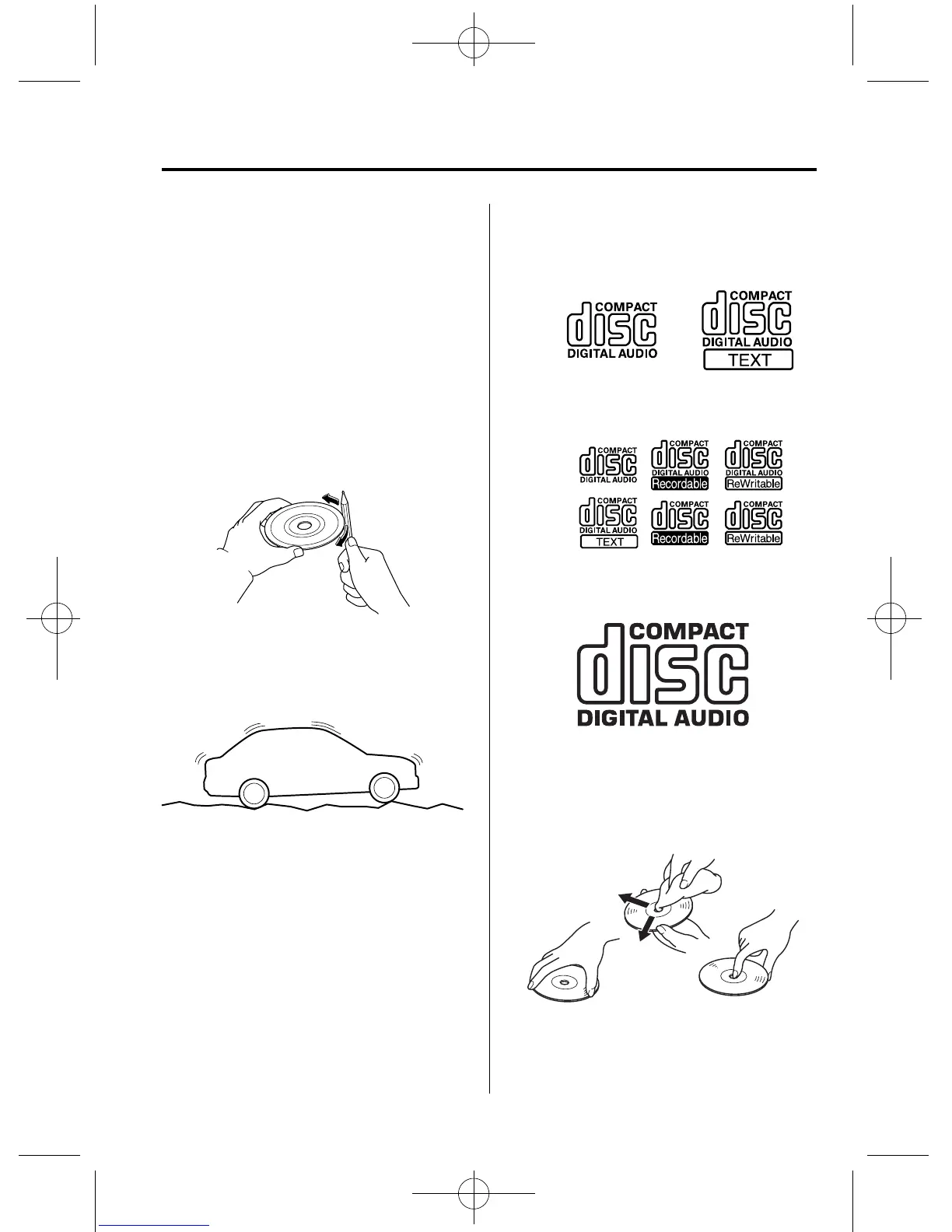
A new CD may have rough edges on
its inner and outer perimeters. If a disc
with rough edges is used, proper
setting will not be possible and the CD
player/In-dash CD changer will not
play the CD. In addition, the disc may
not eject resulting in a malfunction.
Remove the rough edges in advance by
using a ball-point pen or pencil as
shown below. To remove the rough
edges, rub the side of the pen or pencil
against the inner and outer perimeter of
the CD.
l
When driving over uneven surfaces,
the sound may jump.
l
The CD player/In-dash CD changer has
been designed to play CDs bearing the
identification logo as shown. No other
discs can be played.
l
Use discs that have been legitimately
produced. If illegally-copied discs such
as pirated discs are used, the system
may not operate properly.
CD Player
Music CD player
Music CD/MP3 CD player
In-dash CD Changer
l
Be sure never to touch the signal
surface when handling the CDs. Pick
up a CD by grasping the outer edge or
the edge of the hole and the outer edge.
Interior Comfort
Audio System
6-15
RX-8_8V89-EA-06F_Edition1 Page215
Friday, May 19 2006 9:51 AM
Form No.8V89-EA-06F









 To Next Page