44
Before
Use
Getting
started
Routing
Address
Book
Navigation Set Up
Navigation Set Up
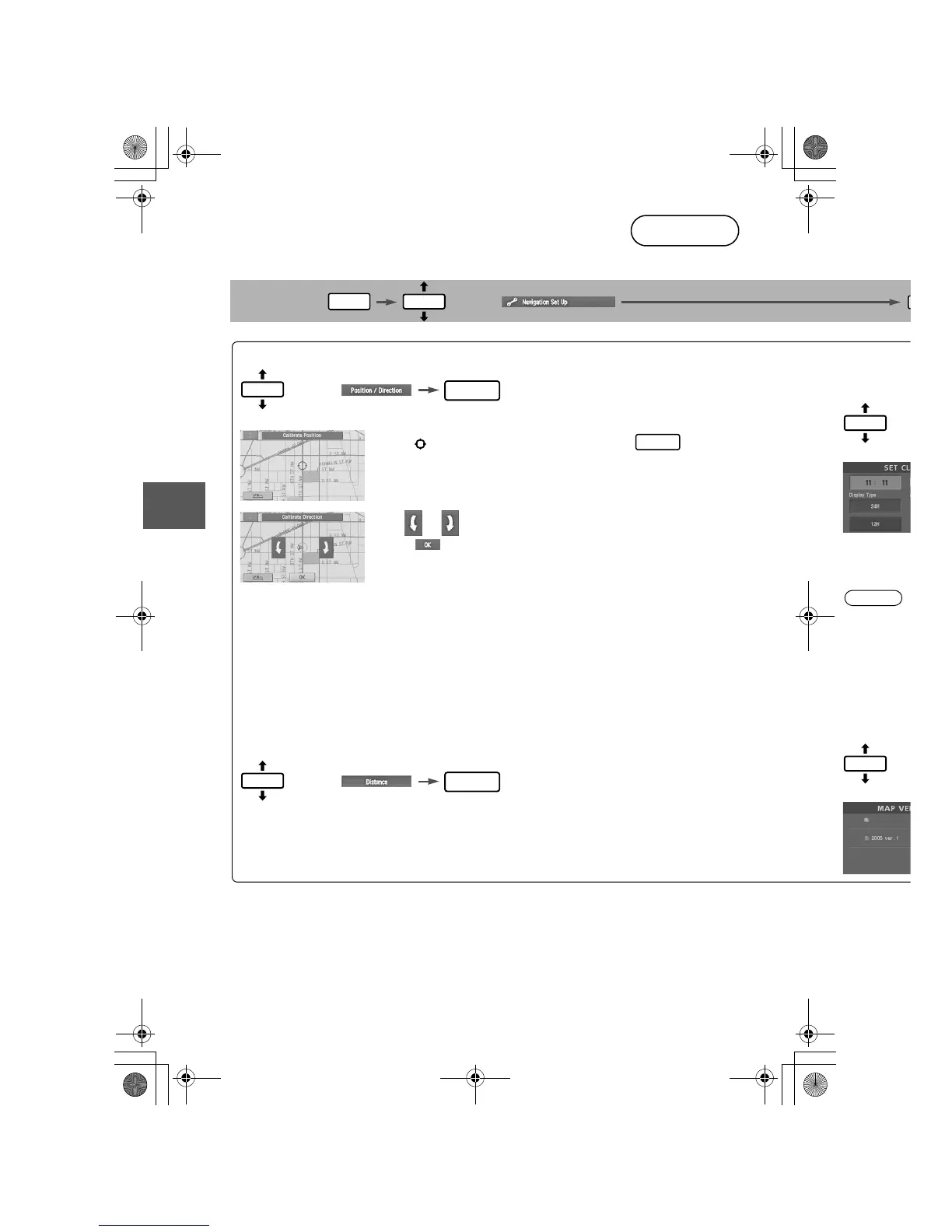
This function allows you to correct any error in the position or direction of your vehicle display.
Before Steps
select
Adjusting Current Position and Direction
select
Open the [Calibrate Position] screen
Move to the correct position and select .
Use
or
to adjust the direction in which you are heading, and
select .
Distance
This function automatically corrects any error in the display of the current position that
might occur after tire replacement.
select
You will have to drive about 6 miles (10 km) before distance correction is complete.
Set Cloc
The curren










 To Next Page