17
Getting started
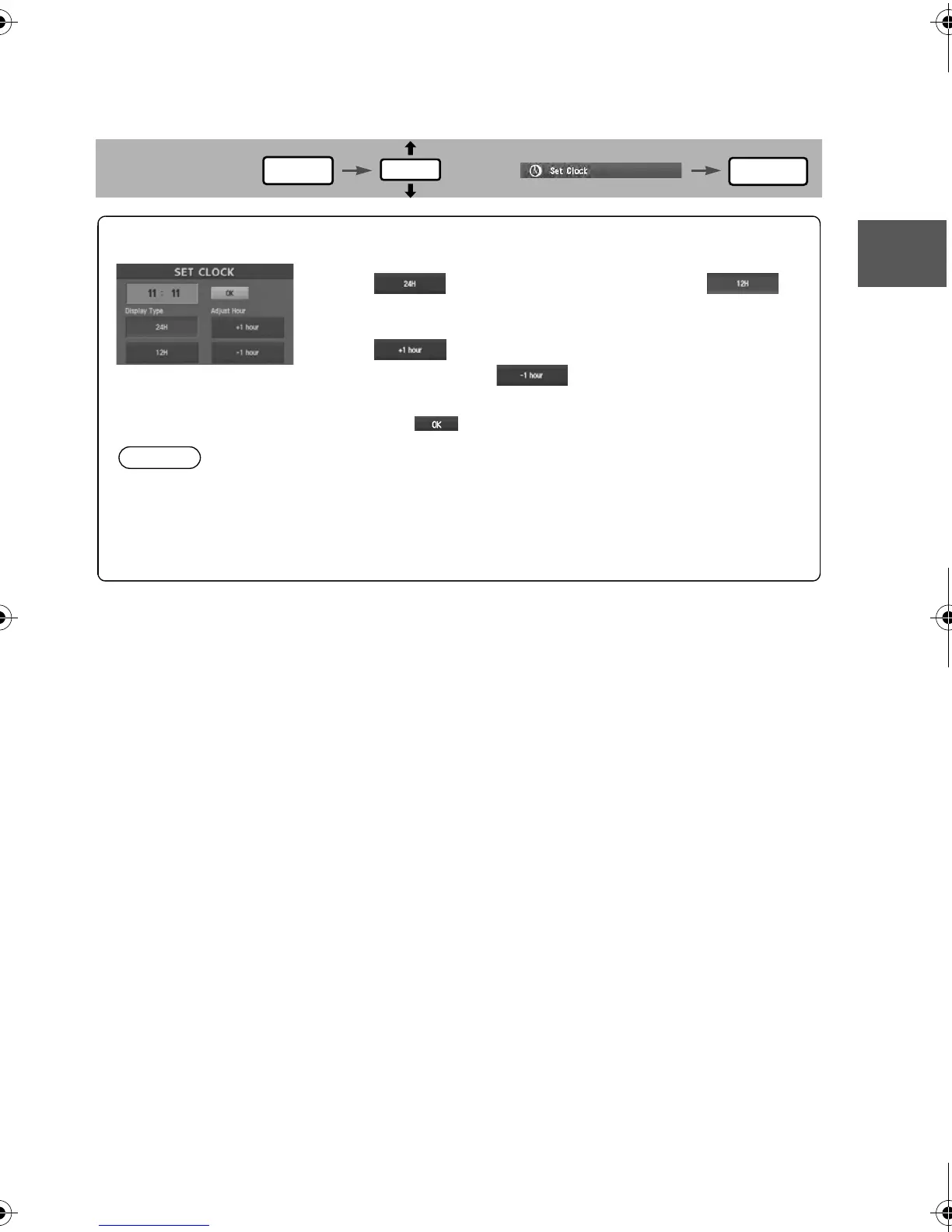
Set Clock
The current time is set using this function. Since time notification is provided by a GPS satellite.
Before Steps
select
MENU
ENTER
ENTER
Open the [SET CLOCK] screen
Select if you prefer 24-hour display; for
12-hour display.
Select to move the setting ahead by one hour,
and similarly, select to move it back by one
hour.
How to exit .
Note
Minutes and seconds are adjusted by the GPS, however, it is necessary to
adjust hours under the following conditions:
lDriving across different time zones
lDaylight saving time start and end
1%>(%C2%:-C)%FSSO4EKI8YIWHE]%TVMP41












 To Next Page