Black plate (343,1)
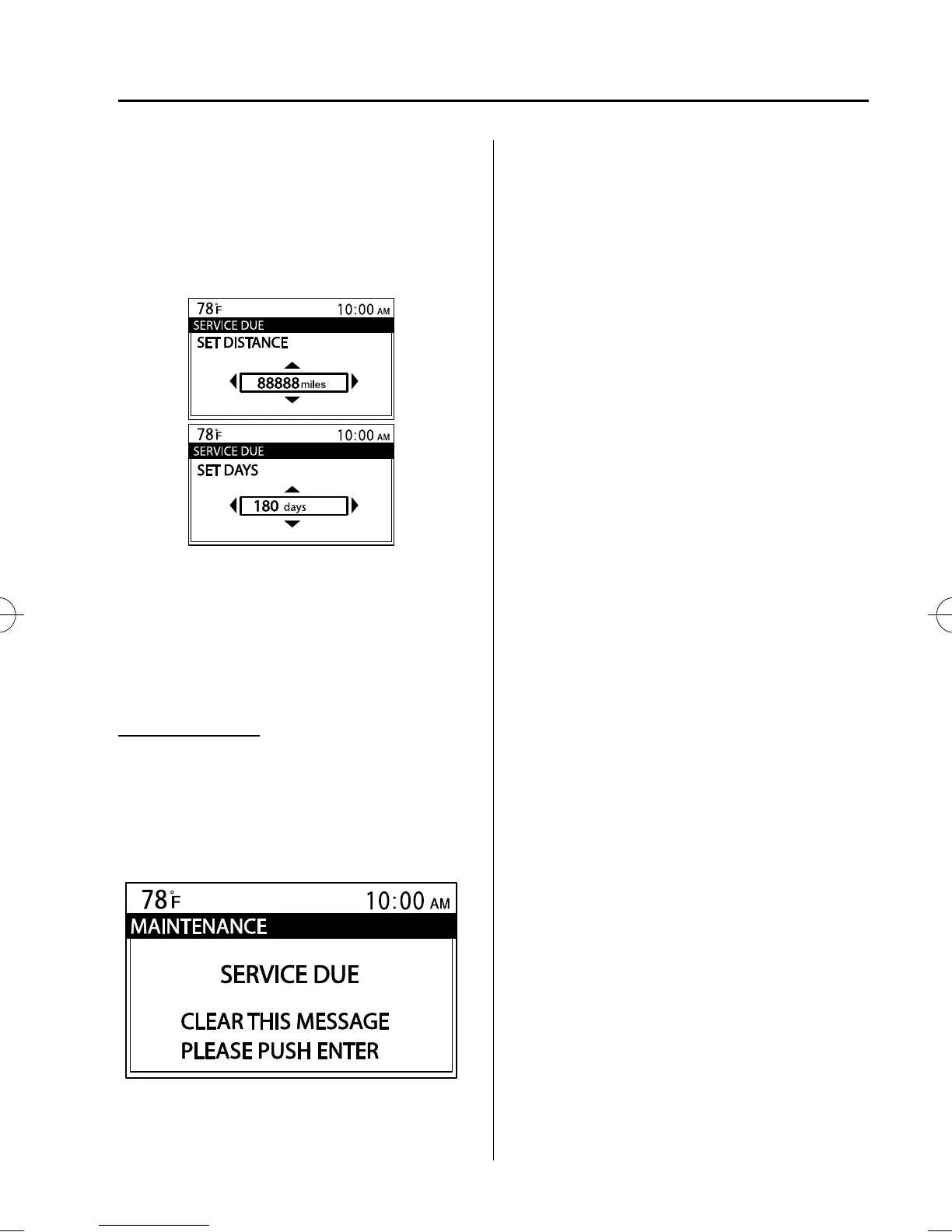
7. Select a digit using the Right switch/
Left switch, and press the Enter (up/
down) switch up or down to change the
value of the digit. If there is no need to
change a digit, leave it as it is and press
the Enter (up/down) switch.
NOTE
The initial setting values are displayed
corresponding to the maintenance schedule
(except Puerto Rico). For each regional
maintenance schedule, Refer to Scheduled
Maintenance on page 8-3.
Message display
When the remaining days or the distance
approaches 0, a message is displayed for 5
seconds each time the ignition is switched
to ACC or ON.
NOTE
l
If the Enter (up/down) switch is pressed
while a message is displayed, it will no
longer be displayed the next time the engine
is started.
l
After the vehicle is serviced and the
remaining days/distance is reset, the
message for the next maintenance period
will be displayed when the remaining
distance or days to the next maintenance
period approaches 0 (displays when engine
is started).
l
If there are multiple tire rotation periods or
service due, they are displayed according to
their order.
l
If there is more than one servicing due
deadline with one past due and the other
approaching, only the one which is past due
will be displayed.
Interior Comfort
Interior Equipment
6-105
Mazda3_8BY7-EC-11F_Edition1 Page343
Friday, June 17 2011 2:57 PM
Form No.8BY7-EC-11F



 To Next Page