Black plate (279,1)
qChanging the Source
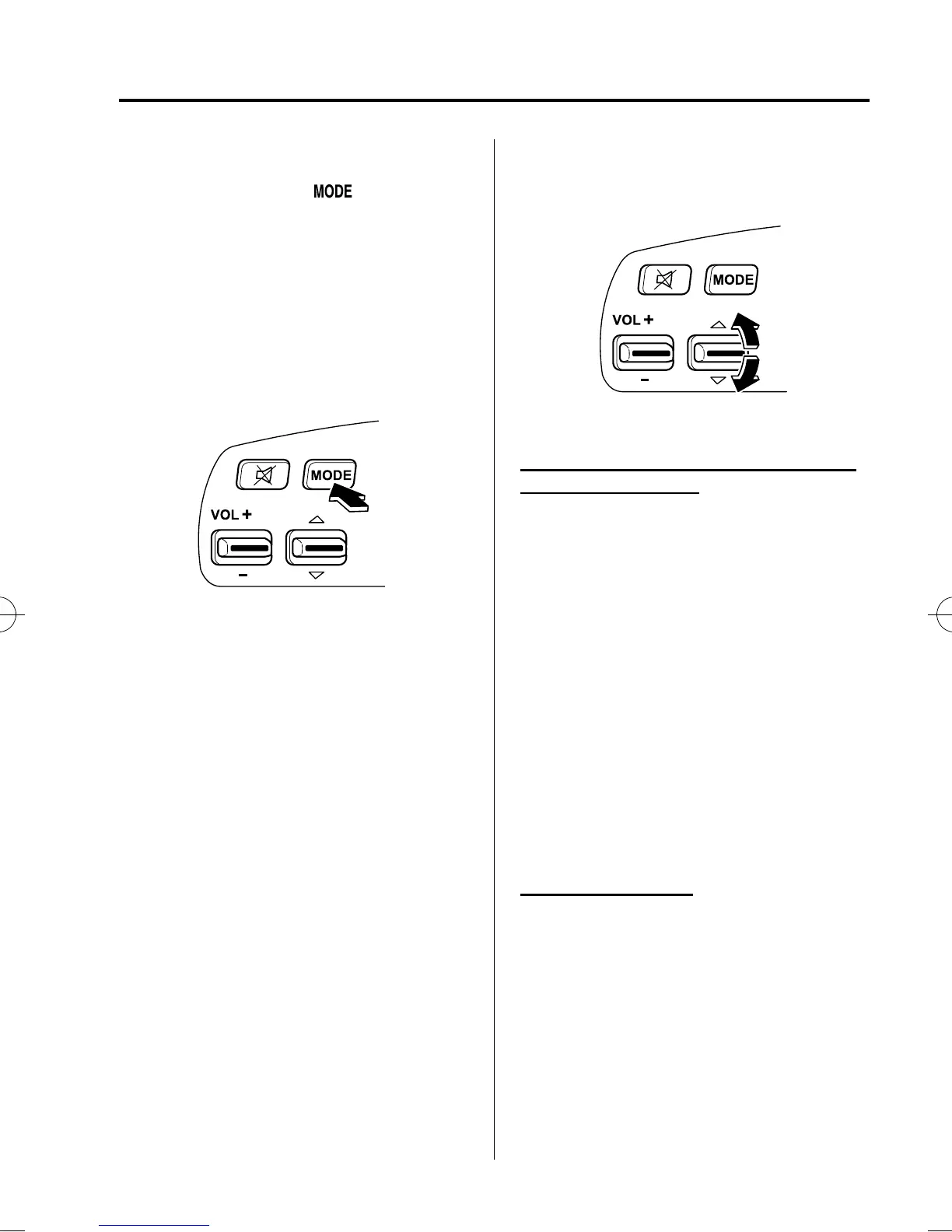
Press the mode switch ( ) to change
the audio source (FM1 radio → FM2
radio → AM radio → CD player or CD
changer → SIRIUS1 → SIRIU S2 →
SIRIUS3 → AUX → cyclical).
* With the SIRIUS digital satellite radio,
the mode which was selected last is
displayed.
NOTE
CD, CD changer, and SIRIUS digital satellite
radio modes cannot be selected in the
following cases:
l
SIRIUS digital satellite radio unit is not
equipped on the audio system.
l
CD has not been inserted.
Connect a portable audio unit or similar
product on the market to the auxiliary jack to
listen to music or audio over the vehicle's
speakers. Change the audio source to AUX
mode (page 6-58).
qSeek Switch
When listening to the radio or SIRI US
digital satellite radio
Press the seek switch up or down. The
radio switches to the next/previous stored
station in the order that it was stored
(1―6).
(Radio)
Press and hold the seek switch in the up or
down position to seek all usable stations
at a higher or lower frequency whether
programmed or not.
(SIRIUS digital satellite radio)
Press and hold the seek switch in the up or
down position to seek all usable stations
at a higher or lower channel whether
programmed or not.
When playing a CD
Press the seek switch up to skip to the
next track.
Press the seek switch down to repeat the
current track.
Press and hold the seek switch in the up or
down position to continuously switch the
tracks up or down.
Interior Comfort
Audio System
6-57
MX-5_8CC2-EC-11F_Edition1 Page279
Tuesday, May 31 2011 11:59 AM
Form No.8CC2-EC-11F



 To Next Page