R099/13
Page 13 of 19
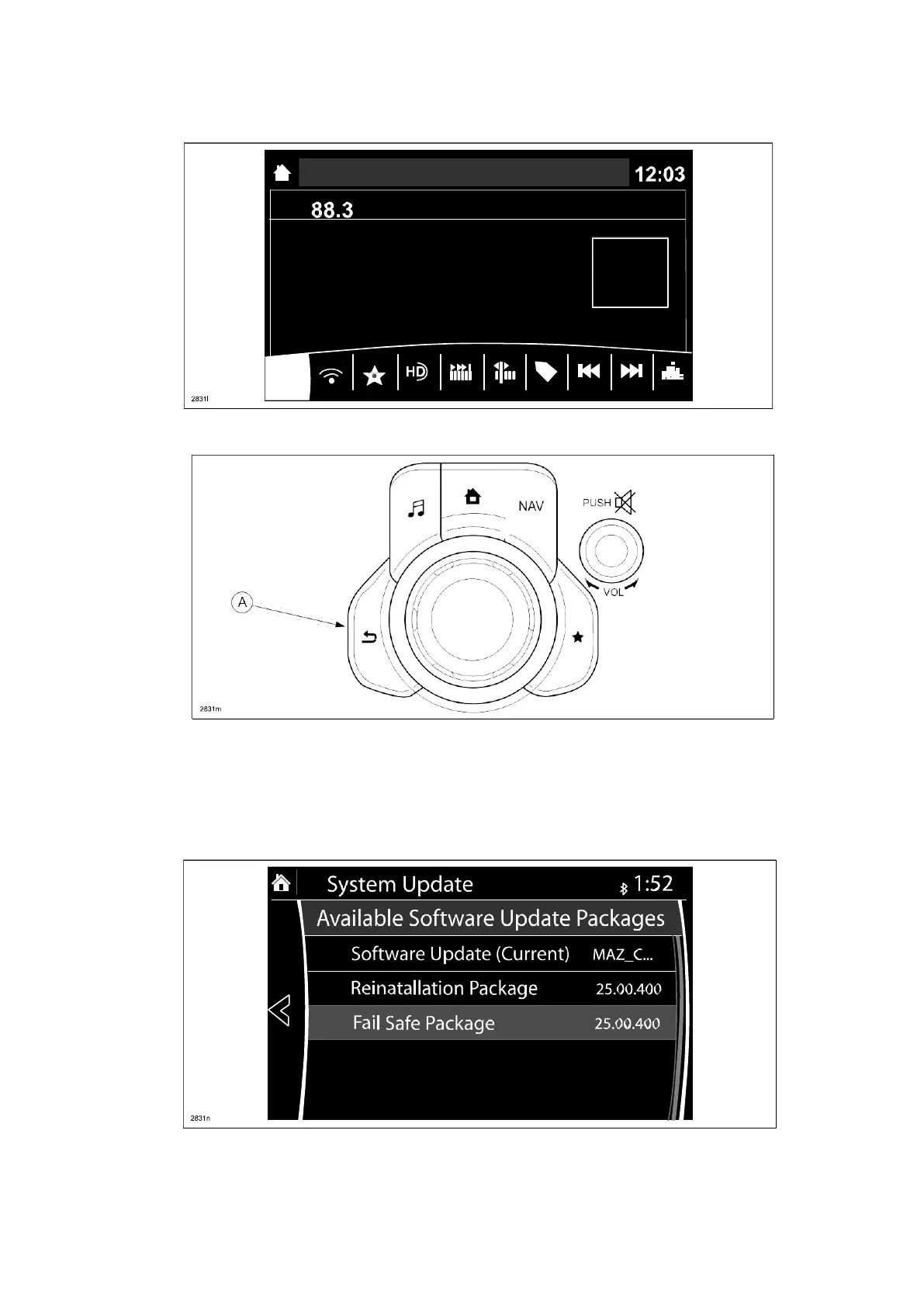
NOTE: If the following screen is displayed, perform the following.
15. Press the “Return” button (A) on the commander switch.
16. Verify that the screen changes back to the screen below.
Select “Fail Safe Package” first using the touch screen.
CAUTION: Always do the “Fail Safe Package” first, followed by “Reinstallation Package”.
•



 To Next Page