R099/13
Page 19 of 19
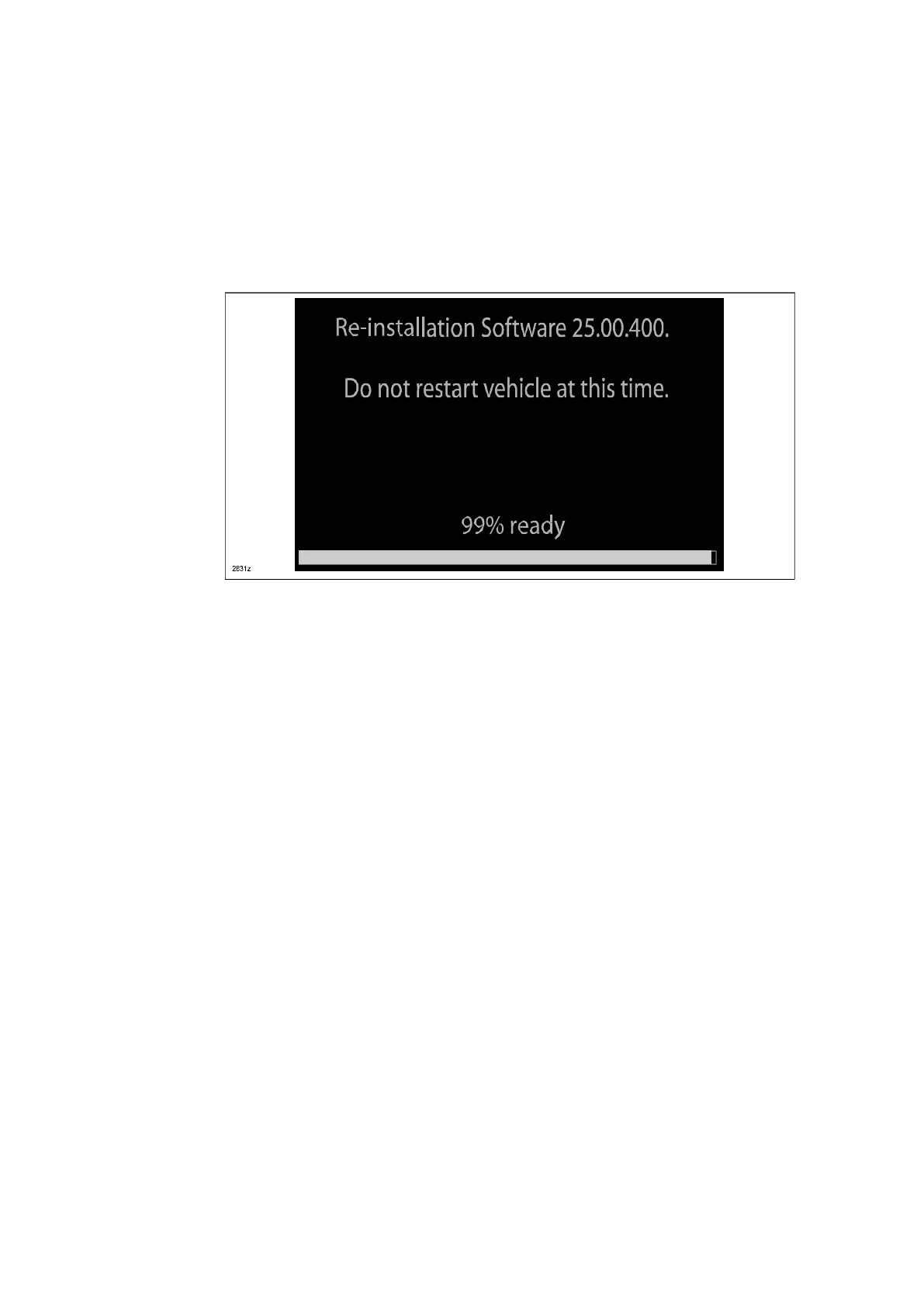
Type B: The ignition was turned “OFF” during the reflashing process. This screen will
continue to be displayed until reflashing is completed. After the reflashing has been
completed, go to next step.
29. Turn the ignition switch OFF, and then turn the ignition to ACC again.
30. Check the software version to make sure it is the same as on the USB memory stick.
See MZD CONNECT Software Version Verification Procedure.
31. Turn the ignition switch OFF, then remove the USB memory stick from the USB port.
NOTE: Before attempting to re-pair a phone to the system, delete MAZDA from the list of
Bluetooth devices on any phone that is paired with the system. If not deleted, the phone will
not be able to be paired with the system because the phone will not overwrite the existing
Bluetooth link.
32. Disconnect the battery charger from the vehicle.
33. Set the customer’s radio favorites (AM/FM)
34. Insert the Navi-SD card into slot (if necessary).
Ryu Shimizugawa
Manager,Technical
Information Gr.
Technical Service Dept.
Mazda Motor Corporation
(MC Internal Use)



 To Previous Page