5
–
48
Interior Features
Audio System
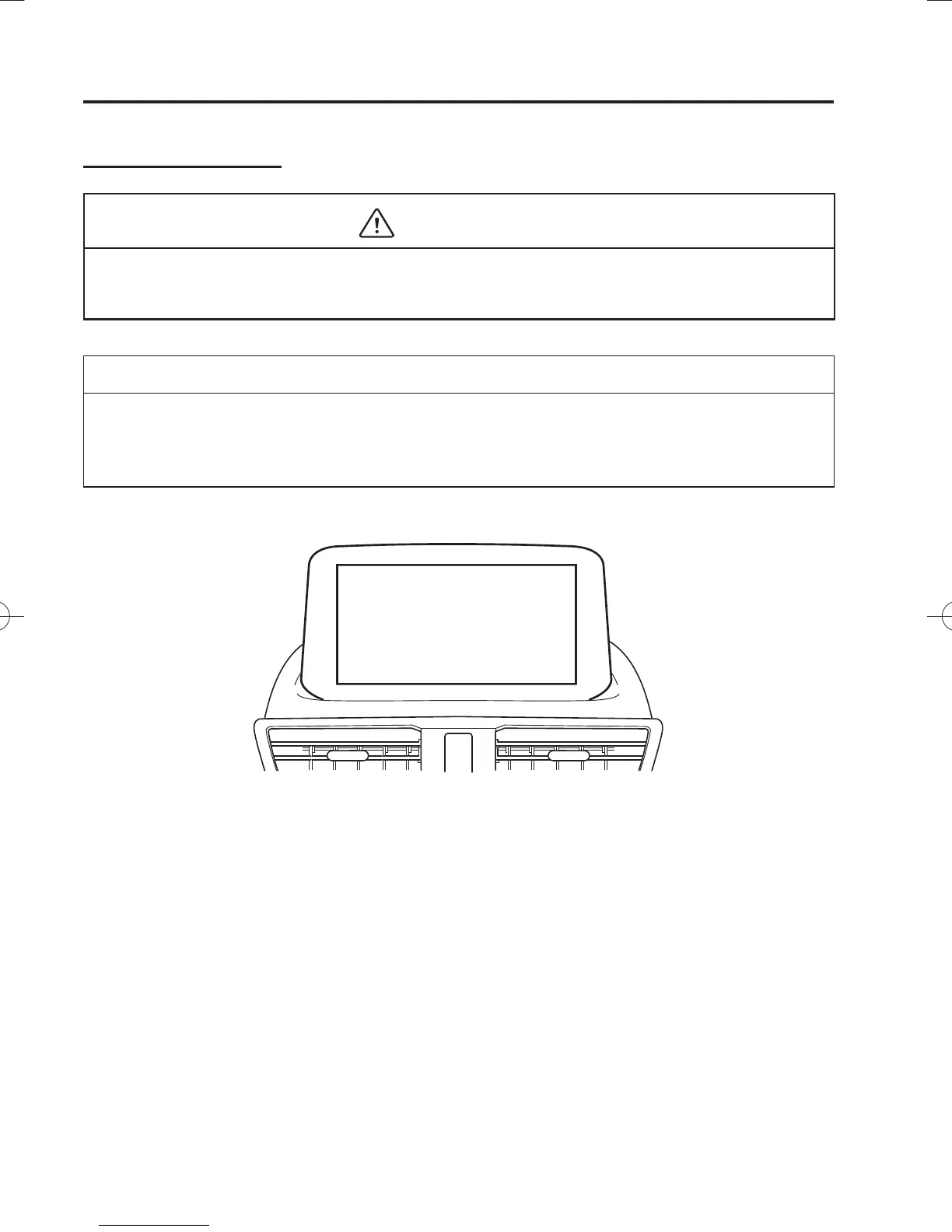
Touch panel operation
CAUTION
Do not press the screen strongly or press it with a sharp-pointed object. Otherwise, the
screen could be damaged.
NOTE
For safety reasons, operation of the centre display is disabled while the vehicle is being
driven. However, items not displayed in grey can be operated using the commander switch
while the vehicle is being driven.
/C\FCA(,'''A'FKVKQPKPFD/C\FCA(,'''A'FKVKQPKPFD



 To Next Page