JOBNAME: No Job Name PAGE: 20 SESS: 1 OUTPUT: Tue Apr 12 14:52:56 2005
/ford_pdm/ford/own2002/mbs/mpdiff
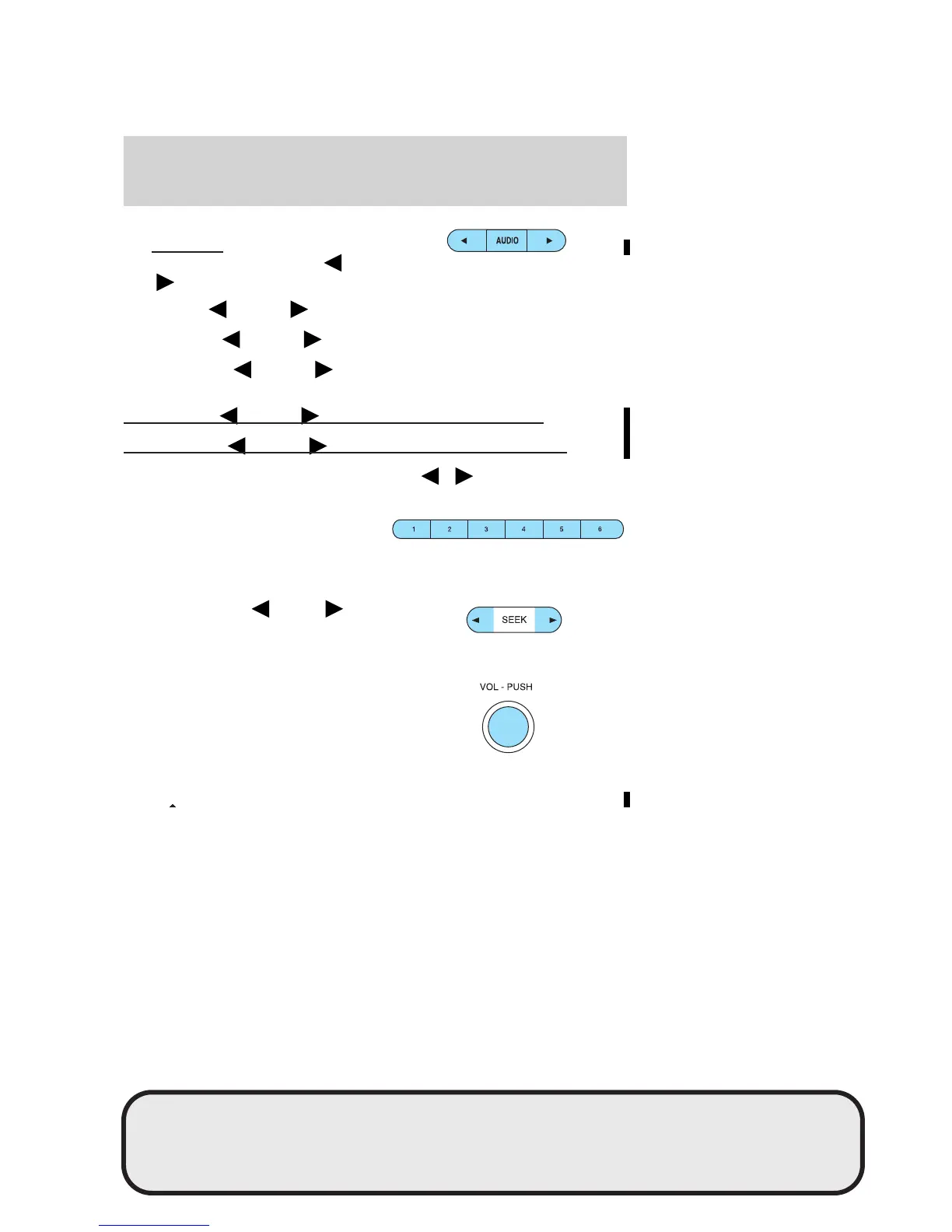
3. AUDIO: Press AUDIO
repeatedly to toggle through the
following modes and use
/ to make adjustments in those modes.
Bass: Press
AUDIO to decrease/increase the bass setting.
Treble: Press
AUDIO to decrease/increase the treble setting.
Balance: Press
AUDIO to adjust the audio between the left and
right speakers.
Hours: Press
AUDIO to decrease/increase the hours.
Minute: Press AUDIO to decrease/increase the minutes.
4. Tune: Press to manually go down/up ( / ) the radio
frequency and in audio mode to select various settings.
5. Memory presets: To set a
station: Select frequency band
AM/FM; tune to a station, press
and hold a preset button until sound returns. To tune a preset
station, press the desired memory preset.
6. SEEK: Press
SEEK to
access the previous or next
radio station. If pressed for less
than .5 seconds, the system will seek to the next or previous station.
7. ON/OFF/Volume: Press to
turn the system ON/OFF. Turn
to adjust the volume levels.
If the volume is set above a
certain level, and the ignition is
turned off, the volume will come
back to a “nominal” listening level when the ignition is turned back
on.
art=rancf830_a
art=221cf840_a
art=221cf837_a
art=221cf841_a
DIFF-MARKED Review Copy ——
(OLD=2005 B-Series fus Owners Guide (post-2002-fmt) 2nd Printing (#24721) (Nov-24-2004 11:18:53))
(NEW=2006 B-Series fus Owners Guide (post-2002-fmt) 2006 MBS CNE (#NoEntry) (Apr-12-2005 14:48:18))
2006 B-Series (mbs), Owners Guide (post-2002-fmt) (own2002), Market: USA (fus)
PAGE: 20 OP: root EDIT SESSION: 1 DATE: APR 12 2005 at 14:52
JOB: @ibm2/ford_pdm/CLS_ford/GRP_own2002/JOB_mbs/DIV_mpdiff
Entertainment Systems
20












 To Next Page