Black plate (214,1)
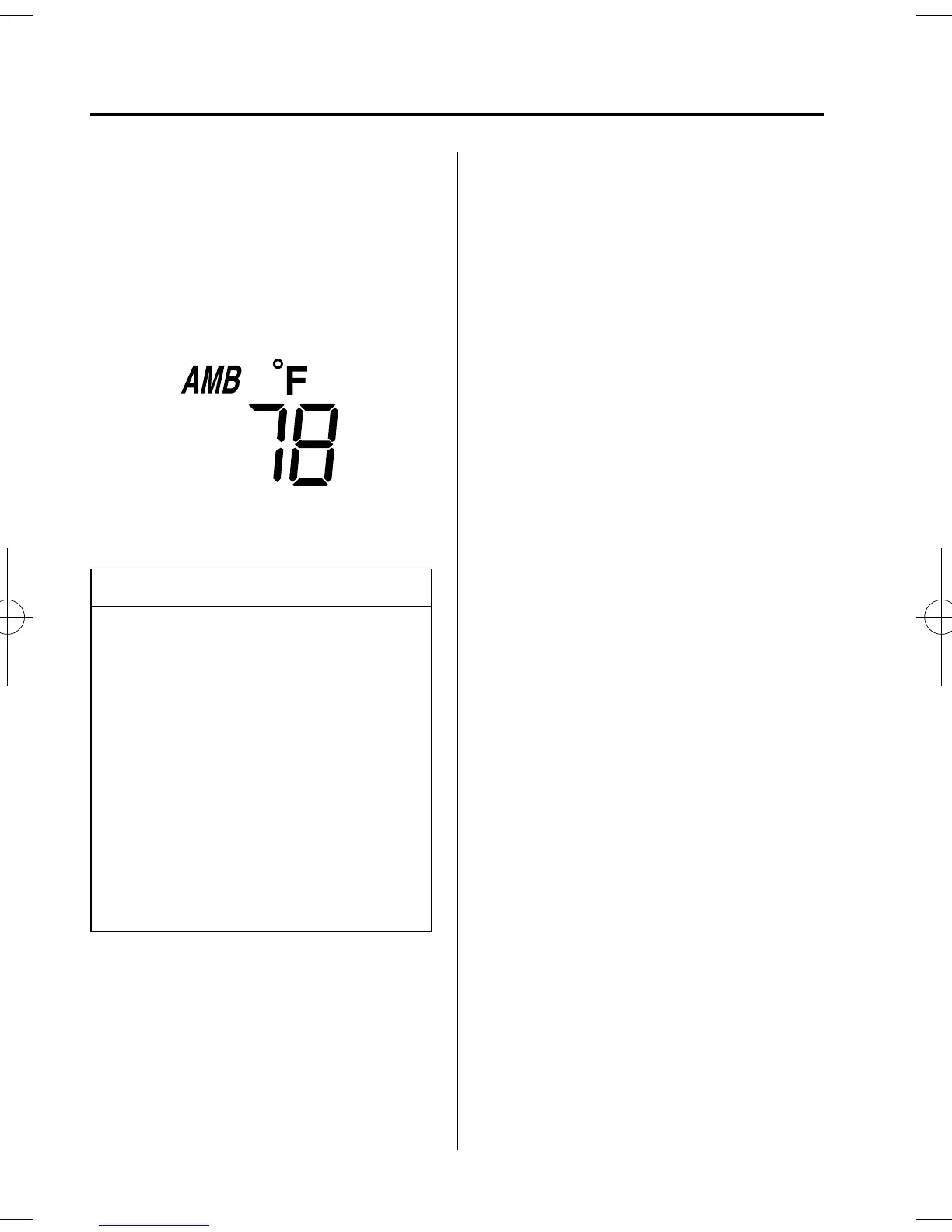
qAmbient Temperature Display
(Fully Automatic Type)
When the ignition switch is in the ON
position, press the AMB button (page
6-11) to display the ambient temperature.
NOTE
l
The displ ayed ambient temperature
may vary from the actual ambient
temperature depending on the
surrounding area and vehicle
conditions.
l
Press the AMB button 2 seconds o r
more to switch the display from
Fahrenheit to Centigrade or vice
versa.
l
Press the AMB button again to
switch the display from ambient
temperature to the temperature set
for the air conditioner.
qClimate Control Display (Fully
Automatic Type)
The climate control system status is
displayed. To operate the climate control
system, refer to “Climate Control System”
(page 6-2).
qAudio Display
The audio system status is displayed. To
operate the audio system, refer to
“Audio System” (page 6-17).
6-56
Interior Comfort
Interior Equipment
Mazda5_8U38-EA-05D_Edition1 Page214
Monday, March 28 2005 2:23 PM
Form No.8U38-EA-05D













 To Next Page