Black plate (83,1)
qOperating the Driver's Side
Power Window
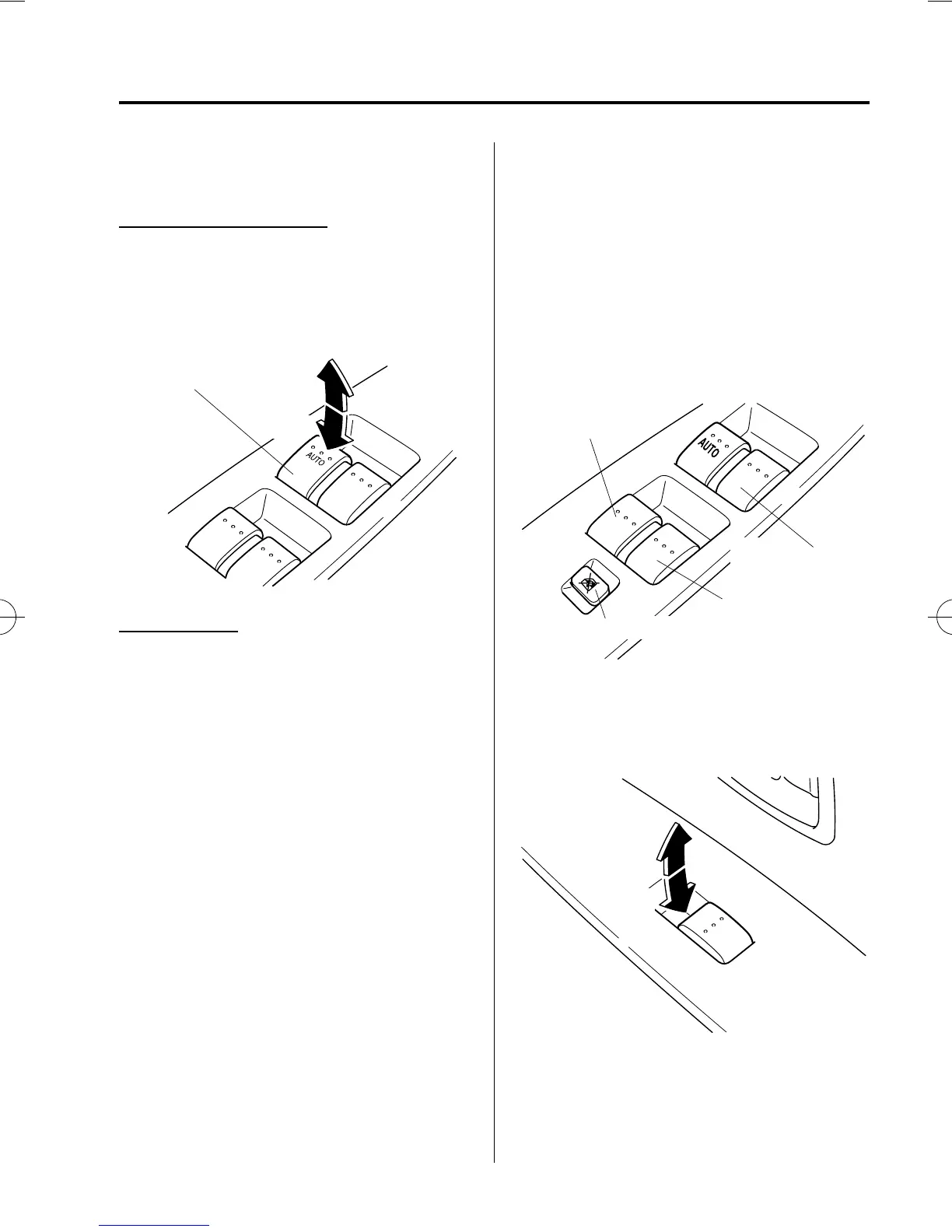
Manual opening/closing
To open the window to the desired
position, lightly hold down the switch.
To close the window to the desired
position, lightly pull up the switch.
Open
CloseDriver's window
Auto-opening
To fully open the window automatically,
press the switch completely down.
To stop the window partway, lightly pull
up the switch and then release it.
qOperating the Passenger Power
Windows
The power windows may be operated
when the power window lock switch on
the driver's door is in the unlocked
position.
The passenger windows may be opened or
closed by the power window master
control switches on the driver's door.
Left rear window
Power window lock switch
Front passenger's
window
Right rear window
To open the window to the desired
position, hold down the switch.
To close the window to the desired
position, pull up the switch.
Close
Open
Knowing Your Mazda
Doors and Locks
3-15
Mazda5_8W75-EA-06J_Edition1 Page83
Thursday, October 12 2006 5:10 PM
Form No.8W75-EA-06J











 To Next Page