JOBNAME: No Job Name PAGE: 22 SESS: 1 OUTPUT: Thu Sep 15 08:22:27 2005
/ford_pdm/ford/own2002/mbs/og
Autoset: Press MENU to
set the strongest local radio stations
for AM/FM1/FM2 without losing
your original manually set preset
stations.
When the six strongest stations are filled, the station stored in preset 1
will begin playing. If there are less than six strong stations, the system
will store the last one in the remaining presets.
Bass: Press
MENU to decrease/increase the bass setting.
Treble: Press
MENU to decrease/increase the treble setting.
Balance: Press
MENU to adjust the audio between the left and
right speakers.
Fade: Press
MENU to adjust the audio between the front and
rear speakers.
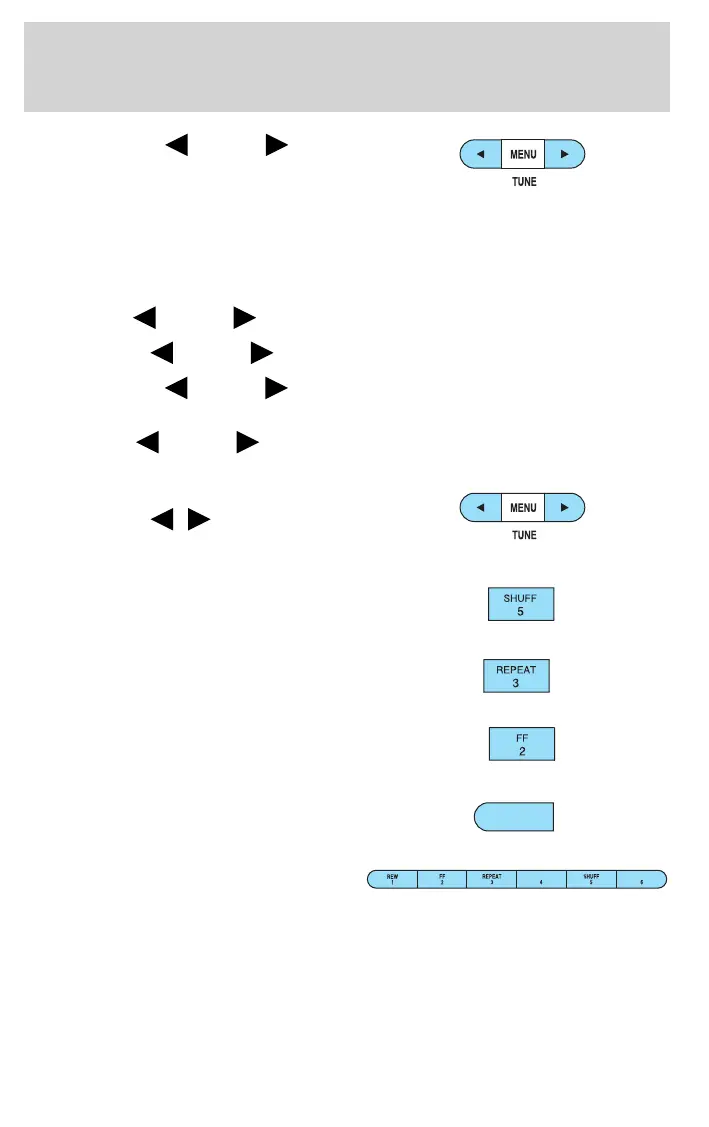
5. TUNE: Press to manually go
down/up (
/ ) the radio
frequency and also to select
various settings in menu mode.
6. SHUFF (Shuffle): Press to
play the tracks on the current
CD in random order.
7. REPEAT: Press to repeat the
current CD track.
8. FF (Fast forward): Press to
manually advance in a CD track.
9. REW (Rewind): Press to
manually reverse in a CD track.
10. Memory presets: To set a
station: Select frequency band
AM/FM; tune to a station, press
and hold a preset button until sound returns. To recall a previously
set station, press the desired memory preset button briefly.
11. SEEK/TRACK: Press to access the next/previous strong station. In
CD mode, press to advance to the next/previous track.
REW
1
art=rancf835_a
art=rancf835_a
art=rancf845_a
art=221cf806_a
art=221cf805_a
art=rancf828_b
art=rancf839_a
REVIEW COPY ——
2006 B-Series (mbs), Owners Guide (post-2002-fmt) (own2002), Market: USA (fus)
PAGE: 22 OP: root EDIT SESSION: 1 DATE: SEPT 15 2005 at 8:21
JOB: @ibm2/ford_pdm/CLS_ford/GRP_own2002/JOB_mbs/DIV_og
Entertainment Systems
22













 To Next Page