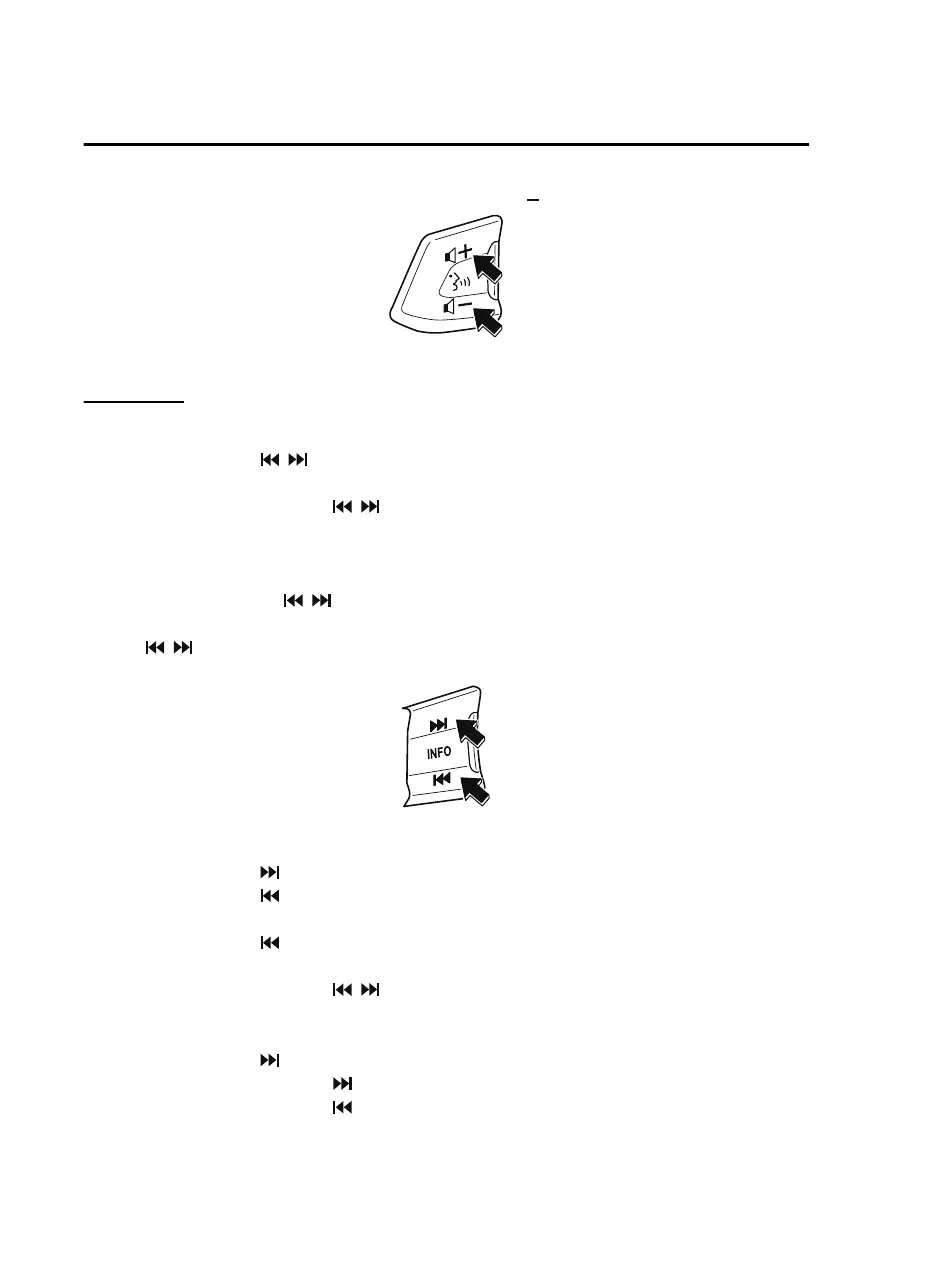
To decrease the volume, press down the volume switch ( ).
Seek Switch
AM/FM radio
Press the seek switch (
, ). The radio switches to the next/previous stored station in the
order that it was stored.
Press and hold the seek switch (
, ) to seek all usable stations at a higher or lower
frequency whether programmed or not.
Radio stations which have been previously stored in the favorite radio can be called up by
pressing the seek switch (
, ) while any radio station stored in the favorite radio is being
received. Radio stations can be called up in the order they were stored with each press of the
switch (
, ).
USB Audio/Bluetooth
®
Audio /CD
Press the seek switch (
) to skip forward to the beginning of the next track.
Press the seek switch (
) within a few seconds after playback begins to track down to the
beginning of the previous track.
Press the seek switch (
) after a few seconds have elapsed to start playback from the
beginning of the current track.
Press and hold the seek switch (
, ) to continuously switch the tracks up or down.
Pandora
®
/Aha™/Stitcher™ Radio
Press the seek switch (
) to skip forward to the beginning of the next track.
Press and hold the seek switch (
) to evaluate the playback of the current song as “Like”.
Press and hold the seek switch (
) to evaluate the playback of the current song as
“Dislike”.
Interior Features
Mazda Connect (Mazda Connect (Type A))
5-20
CX-5_8JM9-EA-20G_Edition1_old 2020-6-2 16:33:11



 To Next Page