EasyManua.ls Logo

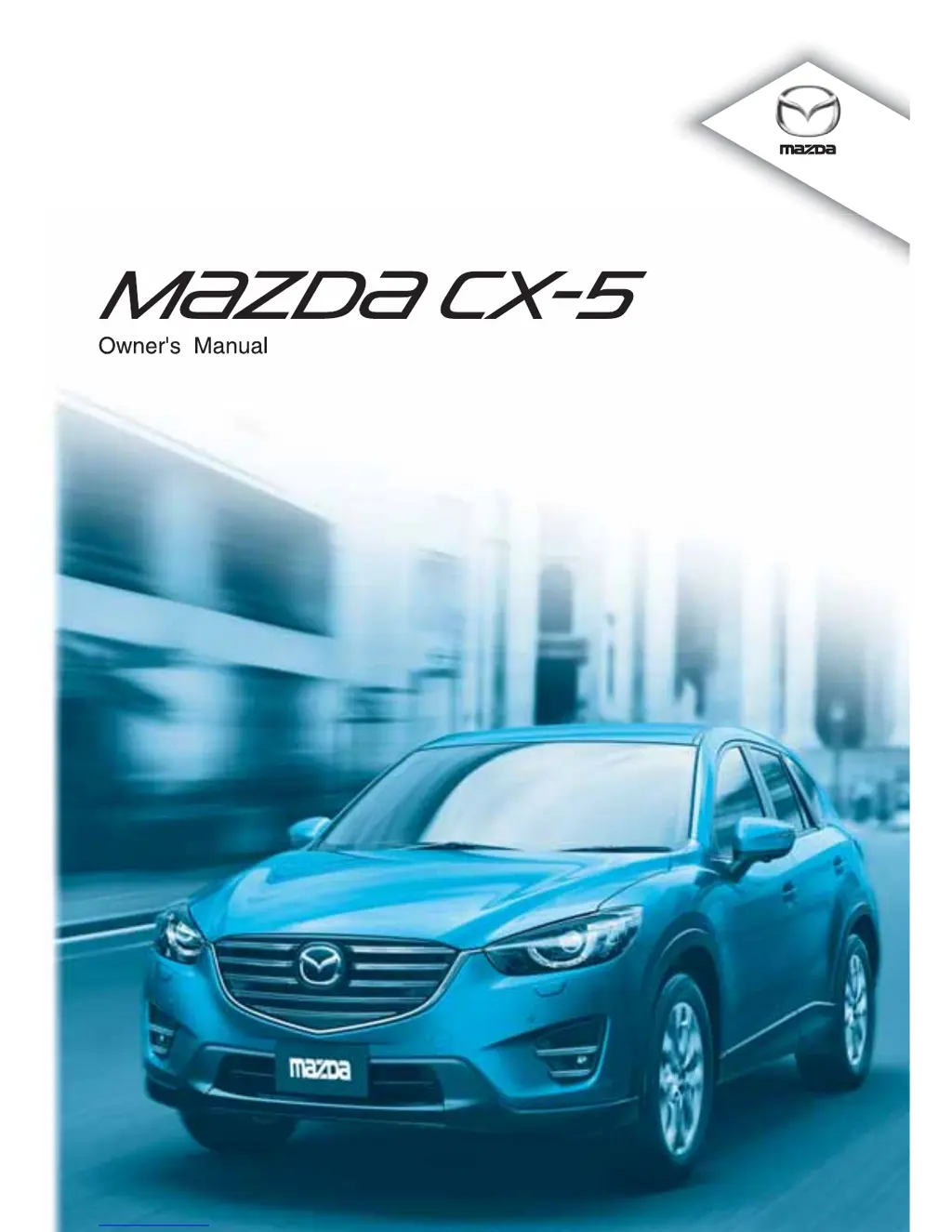
Mazda CX-5 - User Manual

Mazda CX-5
733 pages
Print Icon
To Next Page IconTo Next Page
Loading...

Table of Contents

Other manuals for Mazda CX-5

Questions and Answers

  • R
    Rachel FordJul 26, 2025
    Why does my Mazda Automobile disconnect intermittently?
    • G
      Gerald PerezJul 26, 2025
      If your Mazda Automobile disconnects intermittently, it might be due to radio wave interference. Try moving the device to a location where interference is less likely to occur, for example, avoid keeping it inside a bag in the rear seat or in a rear pocket.
  • M
    Meghan MitchellAug 1, 2025
    How to fix unable to perform pairing on Mazda CX-5?
    • W
      Wanda SharpAug 1, 2025
      If you're unable to perform pairing on your Mazda Automobile, first ensure that your device is compatible with the Bluetooth® unit. Then, check if the Bluetooth® function and the Find Mode/Visible setting on your device are turned on. If you still cannot pair, it is recommended to contact an expert repairer, an Authorised Mazda Repairer or Mazda Bluetooth® Hands-Free Customer Service.
  • C
    curtisrodriguezAug 7, 2025
    What to do if Mazda Automobile does not connect automatically?
    • S
      sharon11Aug 7, 2025
      If your Mazda Automobile does not connect automatically when starting the engine, it could be because the pairing information is updated when the device OS is updated. Try performing the pairing process again.
  • W
    williamrobertsAug 12, 2025
    Why is my Mazda Automobile unable to perform pairing?
    • F
      fonealAug 13, 2025
      If you're having trouble pairing your Mazda Automobile, the Bluetooth® function and the Find Mode/Visible setting on your device may turn off automatically after a period of time. Verify that the Bluetooth® function and the Find Mode/Visible setting on the device are turned on, and then try pairing or reconnecting.
  • J
    James ColeAug 19, 2025
    How to fix pairing when it cannot be performed again on Mazda Automobile?
    • C
      Christine SmithSep 12, 2025
      If pairing cannot be performed again on your Mazda Automobile, it might be that the pairing information stored on the Bluetooth® unit or device is not being recognized correctly. To resolve this: * Clear “Mazda” stored in the device. * Perform pairing again.

Mazda CX-5 Specifications

General IconGeneral
BrandMazda
ModelCX-5
CategoryAutomobile
LanguageEnglish

Videos

How to Change Oil and Filter Mazda CX-5 & Oil Life Reset

How to Put a Mazda CX-5 in Neutral with a Dead Battery

How to Reset Your Mazda CX-5 Tire Pressure Sensor

How to Reset i-Stop on Mazda CX-5

How to Change Language in Mazda CX-5

How to Enable or Disable Cruise Control in Mazda CX-5

Related product manuals