▼
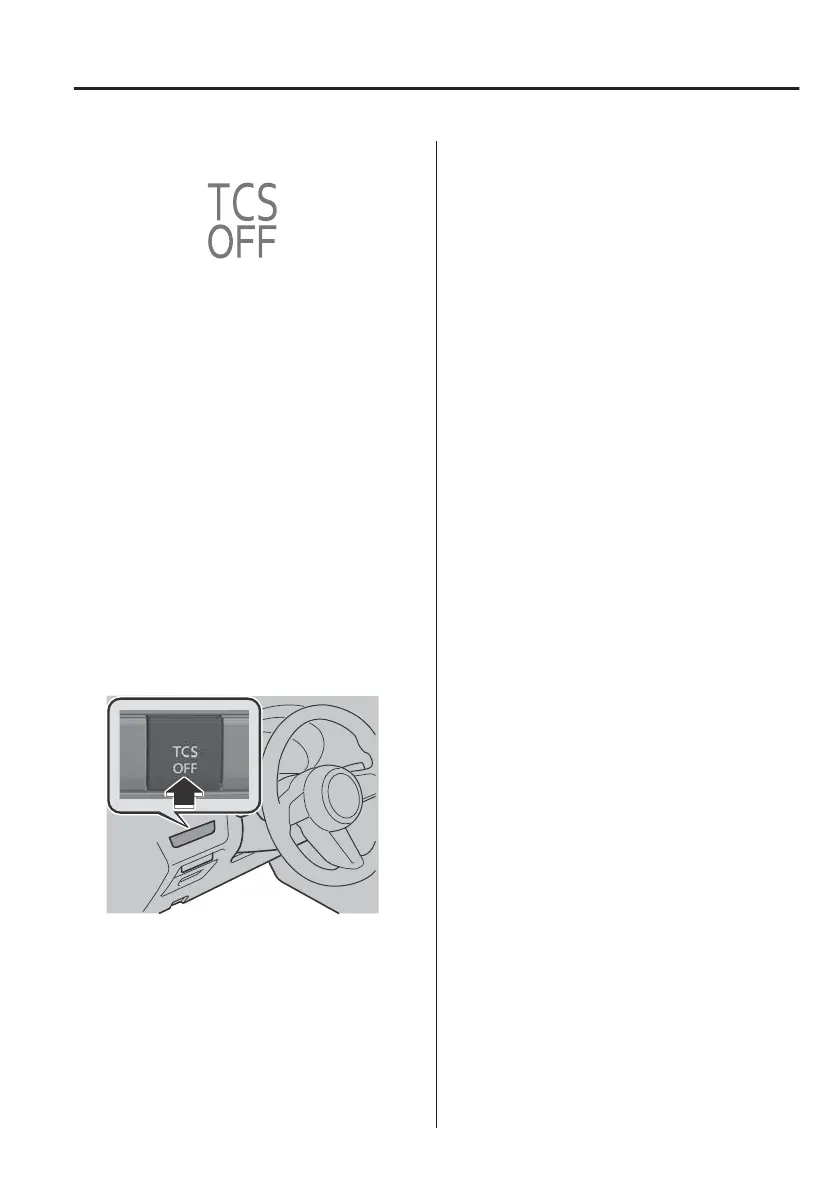
TCS OFF Indicator Light
This indicator light stays on for a few
seconds when the power switch is
switched ON.
It also illuminates when the TCS OFF
switch is pressed and TCS is switched
o.
Refer to TCS OFF Switch on page
4-67.
If the light remains illuminated and the
TCS is not switched o, take your
vehicle to an expert repairer (we
recommend an Authorised Mazda
Repairer). The DSC may have a
malfunction.
▼
TCS OFF Switch
Press the TCS OFF switch to turn o the
TCS. The TCS OFF indicator light in the
instrument cluster will illuminate.
Press the switch again to turn the TCS
back on. The TCS OFF indicator light
*
will turn
o.
NOTE
x
When the TCS is on and you attempt
to free the vehicle from being stuck,
or drive it out of freshly fallen snow,
the TCS will activate. Depressing the
accelerator pedal will not increase
motor power and freeing the vehicle
might be dicult. When this
happens, turn o the TCS.
x
If the EV system is turned o with the
TCS turned
o,
the TCS becomes
operational when the EV system is
started the next time.
x
Leaving the TCS on will provide the
best traction.
x
If the TCS OFF switch is pressed and
held for 10 seconds or more, the
TCS OFF switch malfunction
detection function operates and the
TCS system activates automatically.
The TCS OFF indicator light turns o
while the TCS system is operative.
When Driving
ABS/TCS/DSC
*Some models.
4-67



 To Next Page