x
Lane Departure Warning System
(LDWS)
x
Blind Spot Monitoring (BSM)
x
Distance & Speed Alert (DSA)
x
Front Cross Trac Alert (FCTA)
x
Rear Cross Trac Alert (RCTA)
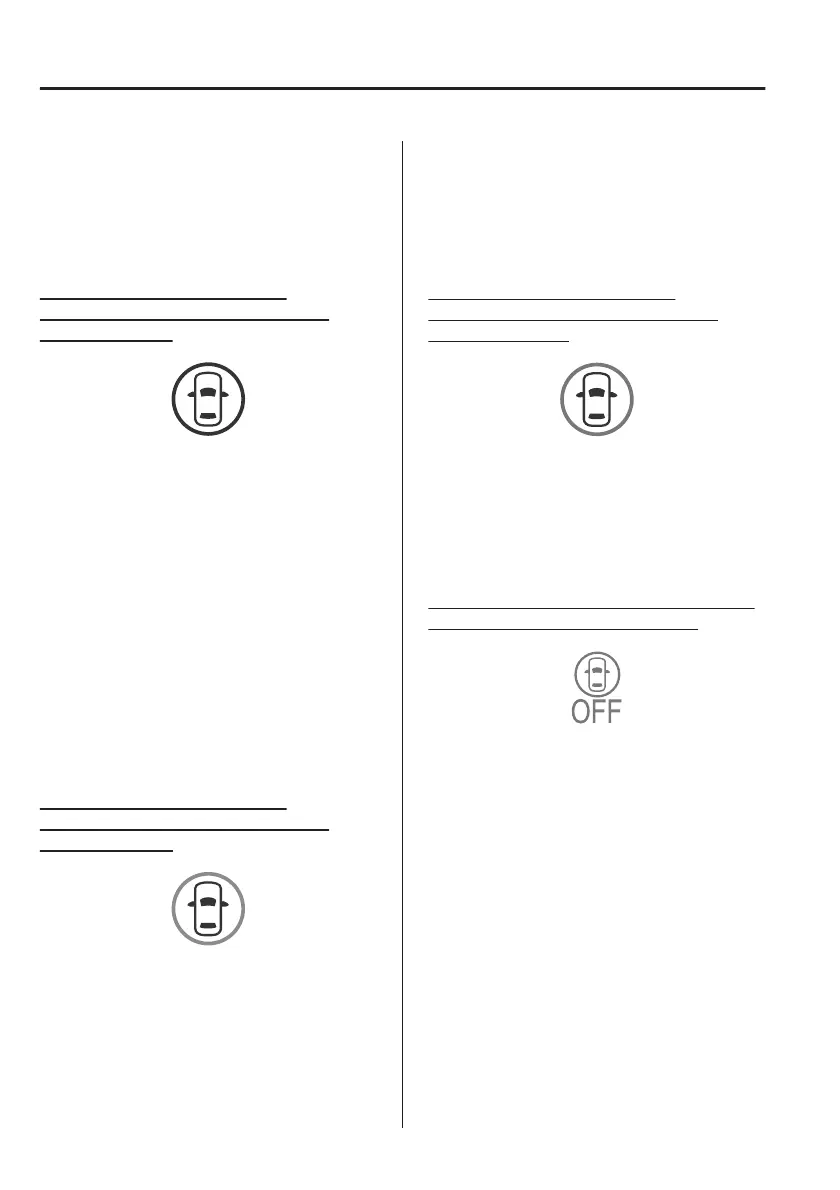
i-ACTIVSENSE status symbol
(warning/risk avoidance support
system) (white)
System stand-by status
If none of the systems are activated or
if there is a problem with the system,
the i-ACTIVSENSE status symbol
(warning/risk avoidance support
system) (white) is displayed.
NOTE
For example, even when the Blind Spot
Monitoring (BSM) is operating
normally, if the Lane Departure
Warning System (LDWS) has a
problem, the i-ACTIVSENSE status
symbol (warning/risk avoidance
support system) (white) is displayed.
i-ACTIVSENSE status symbol
(warning/risk avoidance support
system) (green)
System activated status
If any one of the systems is activated,
the i-ACTIVSENSE status symbol
(warning/risk avoidance support
system) (green) is displayed.
NOTE
Even if the i-ACTIVSENSE status symbol
(warning/risk avoidance support
system) (green) is displayed, systems
which do not meet the operation
conditions will not operate.
i-ACTIVSENSE status symbol
(warning/risk avoidance support
system) (amber)
System warning status
If any system warning is activated, the
i-ACTIVSENSE status symbol (warning/
risk avoidance support system)
(amber) is displayed.
i-ACTIVSENSE OFF symbol (warning/
risk avoidance support system)
System OFF status
If all the systems are cancelled using
[Settings] in Mazda Connect or the
i-ACTIVSENSE OFF switch, the
i-ACTIVSENSE OFF symbol (Warning/
risk avoidance support system) is
displayed.
▼
i-ACTIVSENSE OFF Switch
When the i-ACTIVSENSE OFF switch is
pressed, the following systems are
cancelled and the i-ACTIVSENSE OFF
symbol (Warning/risk avoidance
support system) in the instrument
cluster is displayed.
When Driving
i-ACTIVSENSE
4-72



 To Next Page